Chime Prime
Checking
account with
no monthly fees.
An online checking account built for you. Open your account for free and easily manage your money with 24/7 mobile banking – no minimum opening deposit required. Access cash with access to over 47,000 fee-free ATMs. (see disclosure 1)
Chime Online Checking Account
Learn how we collect and use your information by visiting our Privacy Notice

Open a checking account designed for you.
At Chime, we want to profit with our members, not off of them. Banking shouldn’t cost you – forget about monthly maintenance fees and get access to helpful features for managing your money with a Chime checking account.
1 / 7
A checking account that has your back
No monthly service fees
No minimum balance fees
2 / 7

Get up to $500 (see disclosure 2) of your pay before payday
MyPay lets you get paid when you say when you receive qualifying direct deposits. No interest (see disclosure 3) and no mandatory fees.
3 / 7

Fee-free overdraft up to $200 (see disclosure 4) with SpotMe
Overdraft up to $200 on debit and credit purchases with no fees when you qualify for SpotMe. (see disclosure 5)
4 / 7

Get Paid Early.
Get your paycheck up to two days early. (see disclosure 6) Just set up direct deposit with your online checking account.
5 / 7

Chime® Visa® Debit Card
After you sign up, we mail you a new Debit Card. Use your Chime Debit Card anywhere Visa debit cards are accepted.
6 / 7
Customizable debit card security
Block transactions if you lose your card
Set up daily balance updates
Get real-time transaction alerts
Protect from unauthorized charges with Visa Zero Liability (see disclosure 7)
7 / 7
Manage your cash
Withdraw cash at places you love like Walgreens®, 7-Eleven®, CVS Pharmacy®, and Circle K
Deposit cash (see disclosure 4) at any Walgreens® location
Find a fee-free location near you online or in the Chime app
Over 1 Million 5 Star Reviews
4.8
App Store
(1M Reviews)
4.7
Google Play Store
(780K Reviews)
Open an online checking account for free today.
No monthly service fees. No minimum balance requirements.
How to sign up for a Chime Checking Account for free.
1
Apply in 2 minutes.
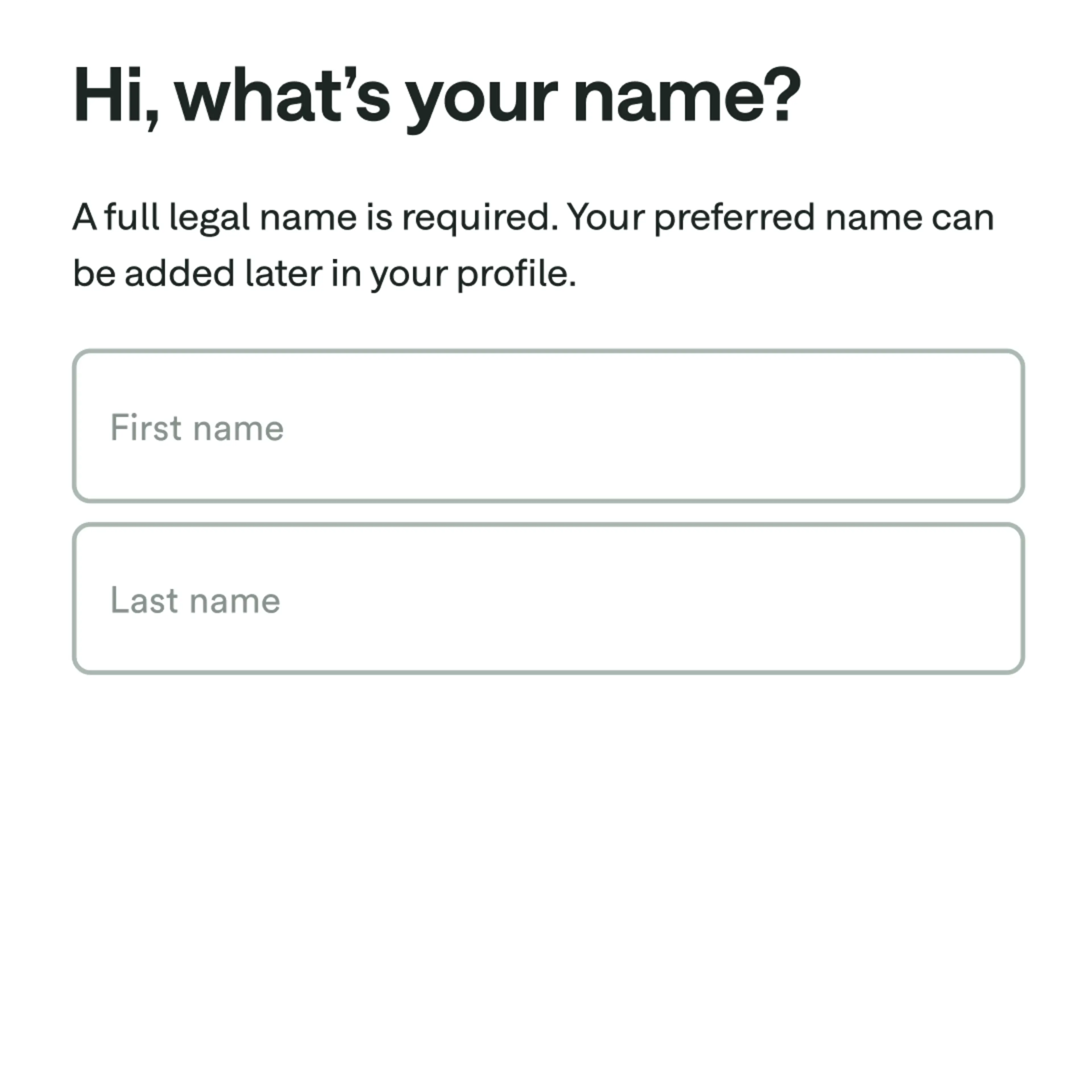
Sign up for Chime. You’ll just need your name, date of birth, and address.
2
Download the app.
Login on the mobile app or at chime.com to get started! You can connect your existing bank account to transfer funds or set up direct deposit.


3
Use your card right away.
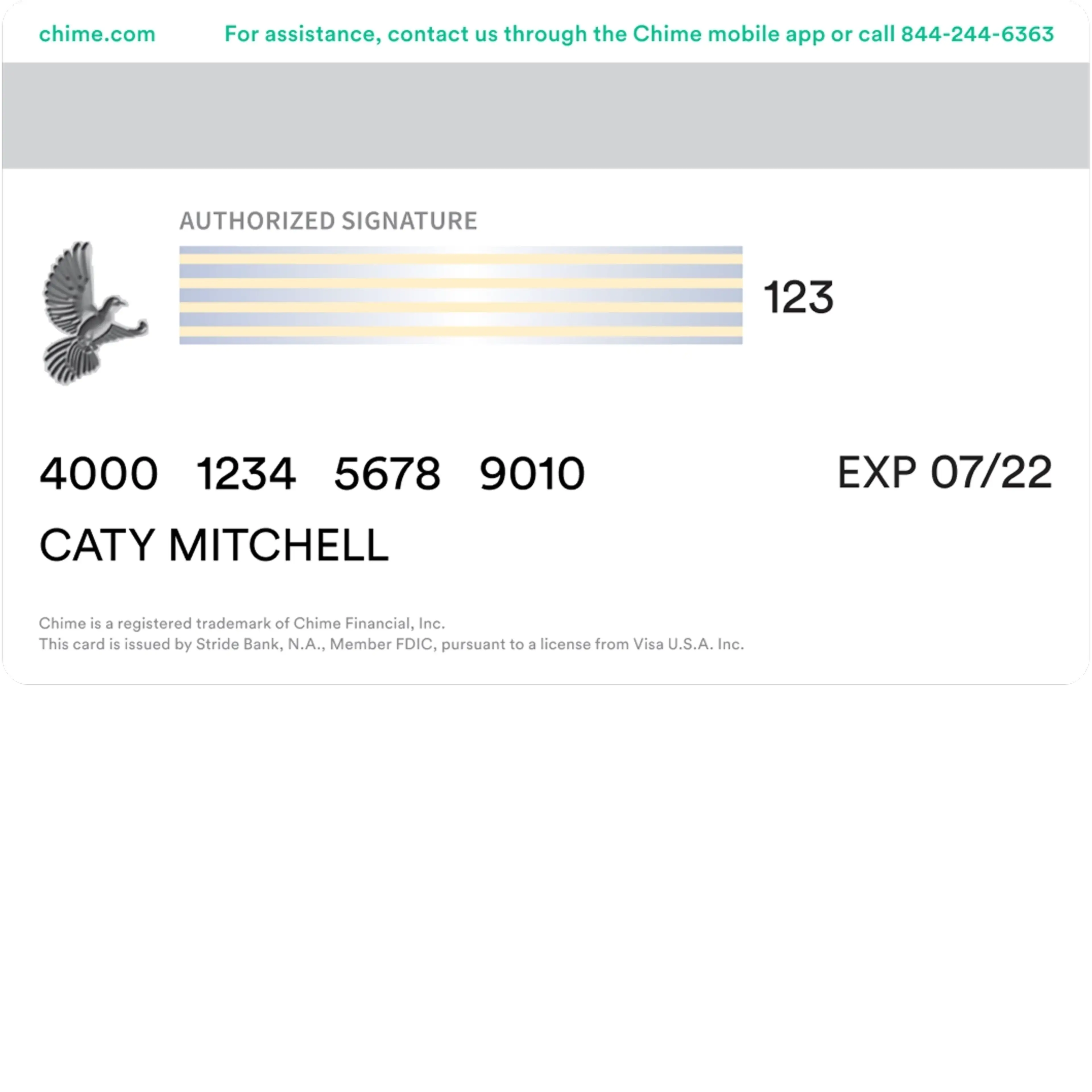
Make digital purchases with your virtual debit card. Go to Settings in the Chime app, scroll down to Debit Card, and select View Your Card.
4
Check the mail.
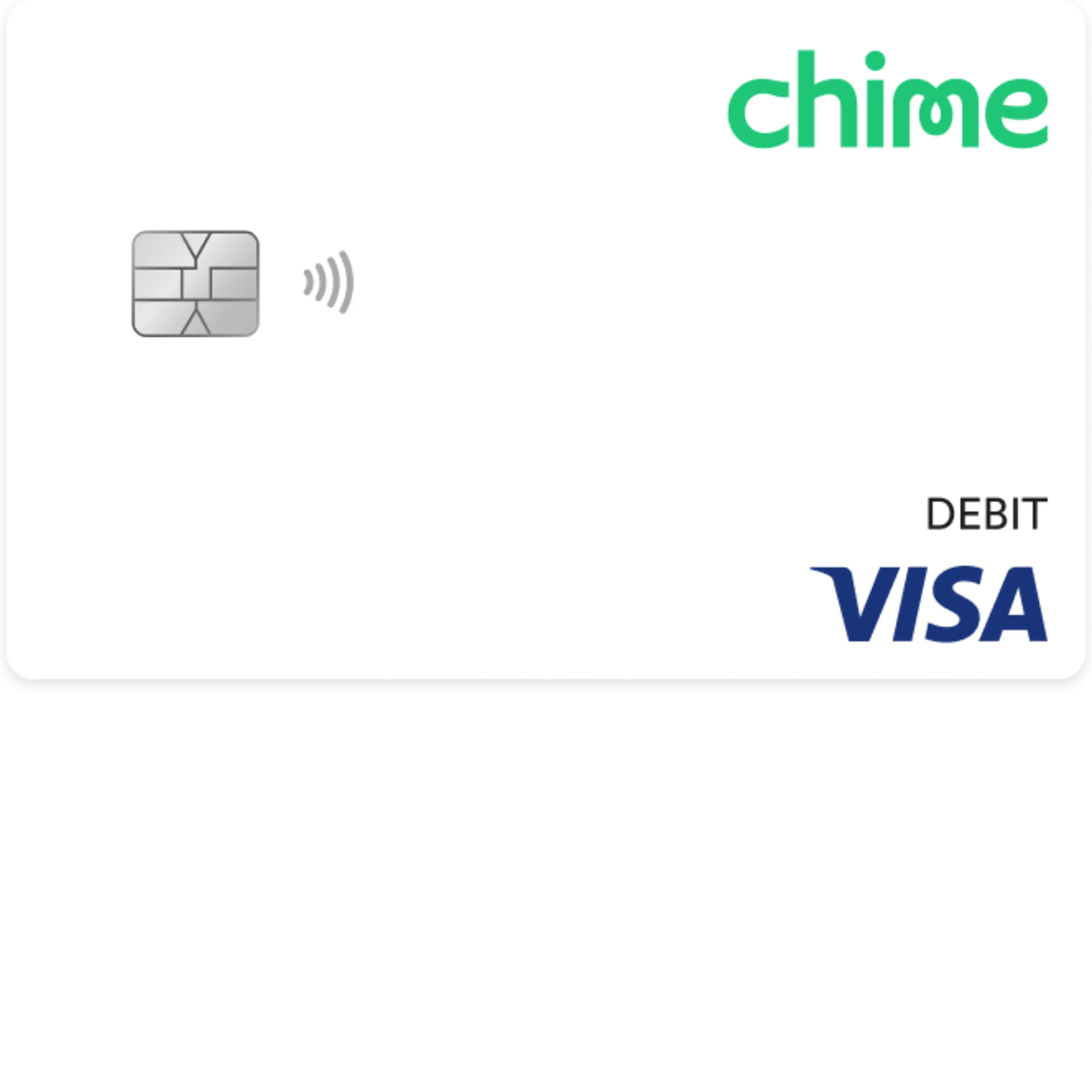
We’ll send a Chime Debit Card in the mail to the address you provided. Cards typically arrive in 7-10 business days.

Get Chime Prime for free with direct deposit.
Unlock premium travel perks with Chime Card and exclusive benefits with a qualifying direct deposit of $3,000+ per month. (see disclosure 8)
Resources




Your free Chime checking account is just a few clicks away.
Apply for free in less than 2 minutes with no impact on your credit scores
FAQs
Is this really a checking account with no fees?
It is free to apply for a Chime checking account. However, certain minimal fees, like out-of-network ATM fees, exist. Chime has no minimum balance, monthly fees, or overdraft fees. We don’t believe in profiting from our members’ misfortune. We want to keep everything out in the open, so you know exactly what fees we may charge, which are listed below.
All fee amounts will be withdrawn from your Chime Checking Account. They will be assessed as long as there is a remaining balance in your Chime Checking Account, except where prohibited by law.
Any time your remaining balance is less than the fee amount being assessed, the balance of your Chime Checking Account will be applied to the fee amount.
You can also find this fee schedule in the Bancorp Account Agreement and Stride Account Agreement.
Fee Description | Fee Amount and Frequency |
Cash Withdrawal Fee | $2.50 (per transaction) out-of-network ATM withdrawal fee. No fee for transactions at any Allpoint® or Visa® Plus Alliance ATMs, or at FCTI® ATMs located in 7 Eleven, Inc. locations. FCTI® ATMs not in a 7 Eleven, Inc. location will be subject to fee(s). |
*If you use an ATM that is not a FCTI ATM in a 7-Eleven, Inc. location, an Allpoint ATM, or a Visa Plus Alliance ATM for any transaction, including a balance inquiry, you may be charged a fee by the ATM operator even if you do not complete a withdrawal. This ATM fee is a third-party fee amount assessed by the individual ATM operator only and is not assessed by us. This ATM fee amount will be charged to your Checking Account.
Will I ever be charged an overdraft fee through Chime?
No. If you don’t have sufficient funds in your Chime Checking Account or have reached your SpotMe limit (if enrolled), your Chime Visa® Debit Card will be declined. There is no fee for declining transactions or for utilizing SpotMe.
How do I add money to my Chime Checking Account?
There are multiple ways to deposit money into your checking account:
You can set up direct deposit by providing your Chime routing and account number to your employer or payroll provider. Your routing number can be found in the Move Money and Settings sections in the Chime app or at chime.com. You can also have a direct deposit enrollment form emailed to you from the Move Money section of the Chime app.
We will only post deposits that are sent under your name. All others will be returned to the sender.
Get access to your paycheck up to two days early (see disclosure 6) with direct deposit. Faster access to funds is based on a comparison of traditional banking policies and deposit of paper checks from employers and government agencies versus deposits made electronically.
You can also add money to your Chime Online Checking Account through a bank transfer or a mobile check deposit. Read our help article for full instructions.
You can also deposit cash into your Chime account (see disclosure 4) at participating locations. Open the question below for more information on cash deposits!
Where can I deposit cash into my Chime Checking Account?
You can deposit cash in your Chime Checking Account (see disclosure 4) at over 92,000 retail locations with our cash deposit partners. Ask the cashier to make a deposit directly to your Chime Checking Account. You can make up to 3 deposits every 24 hours. You can add up to $1,000 every 24 hours for a maximum of $10,000 every month.
You can deposit cash (see disclosure 4) to your Chime Checking Account at Walgreens locations, including Duane Reade locations, without fees. Other third-party money transfer services that are used to add funds to your Chime Checking Account may impose their own fees or limits such as:
Fees per transaction
Daily, weekly, or monthly limits on the frequency or the amount of cash you may add to the Chime Checking Account
To find cash deposit locations near you, access the Cash Map in your app or visit the Chime ATM locator.
Here are some of the many other retailers that accept cash deposits, which may have their own applicable fees:
Dollar General
7-Eleven
Dollar Tree
Family Dollar
CVS
Circle K
Walmart
Kroger (including Fred Meyer, Ralphs, King Soopers, and more)
Albertsons (including Vons, Tom Thumb, Acme, Lucky, Safeway, and more)
Stripes
GPM Investments (including Li’L Cricket, Jiffi Stop, EZ Mart, Fasmart, Scotchman, and more)
Kwik Trip
Sheetz
Pilot (Pilot Flying J)
When you deposit cash to your Chime Checking Account, it’s transferred by a third party to your account. Your funds will be FDIC insured through The Bancorp Bank, N.A. or Stride Bank, N.A., Members FDIC once the bank holding your account receives the funds from the third party.
How long will it take my money to show up in my Chime Checking Account?
This depends on how we receive the money! Here’s how it works:
Direct deposit:
With the early direct deposit feature, your direct deposit will be posted to your Chime Checking Account as soon as it is received from your employer or payer. If you have questions about the timing of your direct deposit please contact your employer.
Bank transfer initiated through the Chime mobile app or website:
This can take up to 5 to 7 business days from the date the transfer was initiated (Monday-Friday) excluding federal holidays. It could occur as early as the same day.
Bank transfers from an external account:
External transfer deposits are typically received within 3 (three) business days from the date the transfer was initiated by the originating bank. Once the funds are applied to your Checking Account, they’ll have same-day availability. Refer to the originating bank for more information on their transfer time frames.
Debit Card:
Within minutes of a successful transaction.
Cash deposit at a retail location:
Within two hours of a successful transaction.
When you deposit cash to your Chime Checking Account, it is transferred by a third party to your account. Your funds will be FDIC insured through The Bancorp Bank, N.A. or Stride Bank, N.A., Members FDIC, once the bank holding your account receives the funds from the third party.
How do I request a refund for a purchase?
We understand that purchases don’t always meet expectations. When this happens, often, the fastest way to fix the problem is to request a refund to your online checking account from the merchant directly. If you contacted a merchant about a problem with your purchase and they agreed to issue credit back to you, your money may take 3 to 5 business days to post to your Chime Account.
If you already tried working with the merchant and weren’t able to fix the problem, you can file a dispute using the Chime mobile app.
What happens if I overdraft my checking account?
You will not be charged overdraft fees when you have a Chime Checking Account. Our optional SpotMe service allows you to overdraft your account up to your personal limit, which can be up to $200. (see disclosure 9) If you overdraft your online checking account without SpotMe or you exceed your SpotMe limit, we’ll simply decline the transaction. But don’t worry, you still won’t pay any fees.
Are Chime Checking Accounts FDIC insured?
Chime accounts are insured up to the standard maximum deposit insurance amount of $250,000 through our partner banks, Stride Bank, N.A. or The Bancorp Bank, N.A., Members FDIC. Chime itself is not FDIC-insured; The Bancorp Bank, N.A. and Stride Bank, N.A. are the FDIC-insured members. Deposit insurance covers the failure of an insured bank. Certain conditions must be satisfied for pass-through deposit insurance coverage to apply.
How does a checking account work?
A checking account is a type of bank account that allows you to withdraw and deposit money easily. Think of it as your go-to account for daily transactions and depositing paychecks.
Checking accounts provide easy access to your money to pay your bills and for routine purchases like gas and groceries.
Some people choose to open a checking account at a brick-and-mortar bank. Opening an online checking account through Chime will give you access to many helpful features directly in our mobile app and website.
What do I need to open a checking account?
There are a few basic requirements to open an online checking account. Here are three things you’ll need to open an account:
Email address
Valid home address
18+ U.S. Citizen or resident of one of the 50 United States
Depending on where you decide to open a checking account, you may also need:
Valid driver’s license or passport
Phone number
Utility bill with home address visible
Valid email address
Are there banks that offer free checking accounts?
More and more financial institutions are offering checking accounts that are free to open. Online banks and fintechs may have reduced fees and helpful features. Some accounts may have no fees, but often there will be small fees like out-of-network fees. Financial institutions that offer checking accounts that are free to open may waive fees like monthly account fees and overdraft fees.