Checking
account with
no monthly fees.
An online checking account built for you. Open your account for free and easily manage your money with 24/7 mobile banking – no minimum opening deposit required. Access cash with access to over 47,000 fee-free ATMs. 1
Chime Online Checking Account
Learn how we collect and use your information by visiting our Privacy Notice
Open a checking account designed for you.
At Chime, we want to profit with our members, not off of them. Banking shouldn’t cost you – forget about monthly maintenance fees and get access to helpful features for managing your money with a Chime checking account.
Over 1 Million 5 Star Reviews
4.8
App Store
(1M Reviews)
4.7
Google Play Store
(780K Reviews)
Chime Checking Account vs. traditional banks.
Chime | Chase7 | Wells Fargo8 | |
|---|---|---|---|
Overdraft fee | $0 | Up to $34 | Up to $35 |
Monthly account service fee | $0 | Up to $25 | Up to $35 |
Minimum Opening Deposit | $0 | Up to $25 | Up to $25 |
Open an online checking account for free today.
No monthly service fees. No minimum balance requirements.
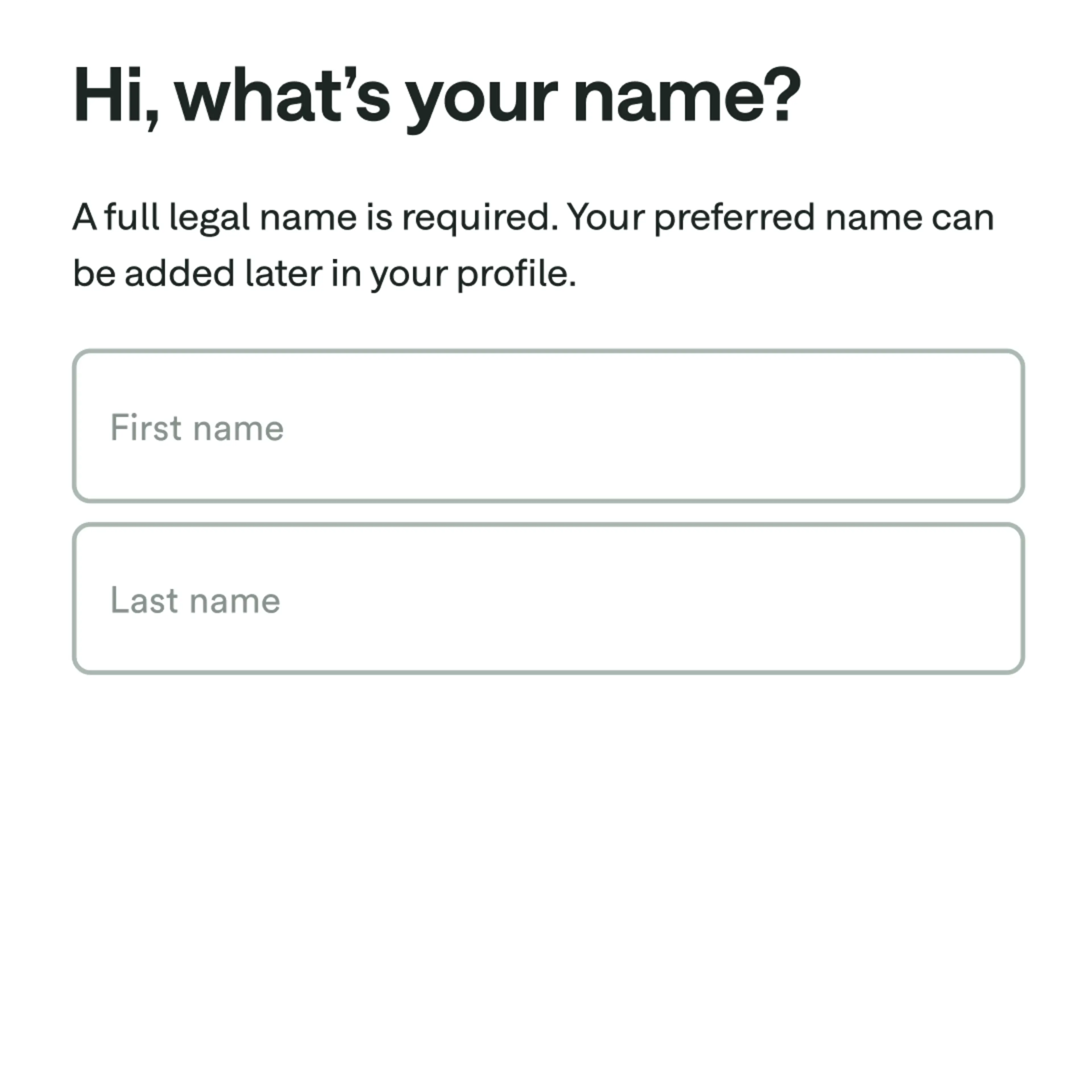
How to sign up for a Chime Checking Account for free.

Direct deposit
and get Chime+
for free.
Unlock even more Chime benefits when you
set up a qualifying direct deposit9.
Resources
Your online checking account is just a few clicks.
Apply for free in less than 2 minutes with no impact on your credit scores
FAQs
Is this really a checking account with no fees?
It is free to apply for a Chime checking account. However, certain minimal fees, like out-of-network ATM fees, exist. Chime has no minimum balance, monthly fees, or overdraft fees. We don’t believe in profiting from our members’ misfortune. We want to keep everything out in the open, so you know exactly what fees we may charge, which are listed below.
All fee amounts will be withdrawn from your Chime Checking Account. They will be assessed as long as there is a remaining balance in your Chime Checking Account, except where prohibited by law.
Any time your remaining balance is less than the fee amount being assessed, the balance of your Chime Checking Account will be applied to the fee amount.
You can also find this fee schedule in the Bancorp Account Agreement and Stride Account Agreement.
Fee Description | Fee Amount and Frequency |
Cash Withdrawal Fee | $2.50 (per transaction) out-of-network ATM withdrawal fee. No fee for transactions at any Allpoint® or Visa® Plus Alliance ATMs, or at MoneyPass® ATMs located in 7 Eleven, Inc. locations. MoneyPass® ATMs not in a 7 Eleven, Inc. location will be subject to fee(s). |
*If you use an ATM that is not a MoneyPass ATM in a 7-Eleven, Inc. location, an Allpoint ATM, or a Visa Plus Alliance ATM for any transaction, including a balance inquiry, you may be charged a fee by the ATM operator even if you do not complete a withdrawal. This ATM fee is a third-party fee amount assessed by the individual ATM operator only and is not assessed by us. This ATM fee amount will be charged to your Checking Account.
Will I ever be charged an overdraft fee through Chime?
No. If you don’t have sufficient funds in your Chime Checking Account or have reached your SpotMe limit (if enrolled), your Chime Visa® Debit Card will be declined. There is no fee for declining transactions or for utilizing SpotMe.
How do I add money to my Chime Checking Account?
There are multiple ways to deposit money into your checking account:
You can set up direct deposit by providing your Chime routing and account number to your employer or payroll provider. Your routing number can be found in the Move Money and Settings sections in the Chime app or at chime.com. You can also have a direct deposit enrollment form emailed to you from the Move Money section of the Chime app.
We will only post deposits that are sent under your name. All others will be returned to the sender.
Get access to your paycheck up to two days early5 with direct deposit Faster access to funds is based on a comparison of traditional banking policies and deposit of paper checks from employers and government agencies versus deposits made electronically.
You can also add money to your Chime Online Checking Account through a bank transfer or a mobile check deposit. Read our help article for full instructions.
You can also deposit cash into your Chime account4 at participating locations. Open the question below for more information on cash deposits!
Where can I deposit cash into my Chime Checking Account?
You can deposit cash in your Chime Checking Account4 at over 85,000+ retail locations with our cash deposit partners. Ask the cashier to make a deposit directly to your Chime Checking Account. You can make up to 3 deposits every 24 hours. You can add up to $1,000 every 24 hours for a maximum of $10,000 every month.
You can deposit cash4 to your Chime Checking Account at Walgreens locations, including Duane Reade locations, without fees. Other third-party money transfer services that are used to add funds to your Chime Checking Account may impose their own fees or limits such as:
Fees per transaction
Daily, weekly, or monthly limits on the frequency or the amount of cash you may add to the Chime Checking Account
Here are some of the many other retailers that accept cash deposits, which may have their own applicable fees:
Walmart
7-Eleven
Speedway
Dollar General
Family Dollar
CVS
Rite Aid
Pilot Travel Centers (Pilot Flying J)
Holiday Station Stores
Circle K Stores
GPM Investments
Sheetz Incorp
TA Operating LLC (Travel Centers of America)
Royal Farms
Cumberland Farms Corp
Kwik Trip Inc
Krause Gentle (Kum & Go)
When you deposit cash to your Chime Checking Account, it’s transferred by a third party to your account. Your funds will be FDIC insured through The Bancorp Bank or Stride Bank, N.A., Members FDIC once the bank holding your account receives the funds from the third party.
How long will it take my money to show up in my Chime Checking Account?
This depends on how we receive the money! Here’s how it works:
Direct deposit:
With the early direct deposit feature, your direct deposit will be posted to your Chime Checking Account as soon as it is received from your employer or payer. If you have questions about the timing of your direct deposit please contact your employer.
Bank transfer initiated through the Chime mobile app or website:
This can take up to 5 to 7 business days from the date the transfer was initiated (Monday-Friday) excluding federal holidays. It could occur as early as the same day.
Bank transfers from an external account:
External transfer deposits are typically received within 3 (three) business days from the date the transfer was initiated by the originating bank. Once the funds are applied to your Checking Account, they’ll have same-day availability. Refer to the originating bank for more information on their transfer time frames.
Debit Card:
Within minutes of a successful transaction.
Cash deposit at a retail location:
Within two hours of a successful transaction.
When you deposit cash to your Chime Checking Account, it is transferred by a third party to your account. Your funds will be FDIC insured through The Bancorp Bank or Stride Bank, N.A., Members FDIC, once the bank holding your account receives the funds from the third party.
How do I request a refund for a purchase?
We understand that purchases don’t always meet expectations. When this happens, often, the fastest way to fix the problem is to request a refund to your online checking account from the merchant directly. If you contacted a merchant about a problem with your purchase and they agreed to issue credit back to you, your money may take 3 to 5 business days to post to your Chime Account.
If you already tried working with the merchant and weren’t able to fix the problem, you can file a dispute using the Chime mobile app.
What happens if I overdraft my checking account?
You will not be charged overdraft fees when you have a Chime Checking Account. Our optional SpotMe service allows you to overdraft your account up to your personal limit, which can be up to $200.10 If you overdraft your online checking account without SpotMe or you exceed your SpotMe limit, we’ll simply decline the transaction. But don’t worry, you still won’t pay any fees.
Are Chime Checking Accounts FDIC insured?
Chime accounts are insured up to the standard maximum deposit insurance amount of $250,000 through our partner banks, Stride Bank, N.A. or The Bancorp Bank, N.A., Members FDIC. Chime itself is not FDIC-insured; The Bancorp Bank, N.A. and Stride Bank, N.A. are the FDIC-insured members. Deposit insurance covers the failure of an insured bank. Certain conditions must be satisfied for pass-through deposit insurance coverage to apply.