
Key takeaways
Chime Credit Builder Visa® Secured Credit Card is now Chime Card™: the cash back credit card you can bank on.
New Chime members can sign up for a Chime account and Chime Card within minutes.
Once activated, you can use your Chime Card to start building credit history and earning cash back rewards (see disclosure 1) when you direct deposit.
If you're looking for a simple and safe way to build credit with Chime, Credit Builder has evolved into Chime Card: the best of banking meets credit building and cash back rewards. 0% interest, (see disclosure 2) 1.5% cash back, (see disclosure 3) 100% made for you.
Let's break down how Credit Builder is now Chime Card, and how you can sign up in just a few minutes.
How do I get a Chime credit builder card?
The Chime Credit Builder Secured Visa® Credit Card is no longer available as a new card – you'll want to sign up for Chime Card to get all the same, safe credit-building features plus fee-free banking (see disclosure 4) , access to over 47,000 fee-free ATMs, (see disclosure 5) and 1.5% unlimited cash back rewards on rotating categories. (see disclosure 3)
To start building credit history and unlock the best of banking with Chime today, sign up for a Chime account and choose to apply for a Chime Card (see disclosure 6) during signup.
How do I sign up for Chime Card?
Getting your Chime Card is stress-free – there's no credit check required, and you can sign up in minutes. Just provide your personal information to open a Chime account and apply for Chime Card.
Check out our full guide on how to get a Chime Card.
How does Chime Card work?
Chime Card is your new tool to unlock financial progress™ with your credit. Here's how it works.
Sign up and add funds
When you sign up for Chime Card, you must also open a Chime Checking Account and a Chime Secured Deposit Account (SDA). The money you add to your account acts as your spending limit, or credit limit, on the Chime Card (see disclosure 7) .
Add to your virtual wallet for debit purchases (optional)
You'll also have access to the same checking features as members who have a Chime Visa® Debit Card. While the Chime Card cannot be used like a debit card in stores, you can add your virtual debit card to Google Wallet® or Apple Wallet® to pay with debit on your phone.
Withdraw cash and keep track of your balance
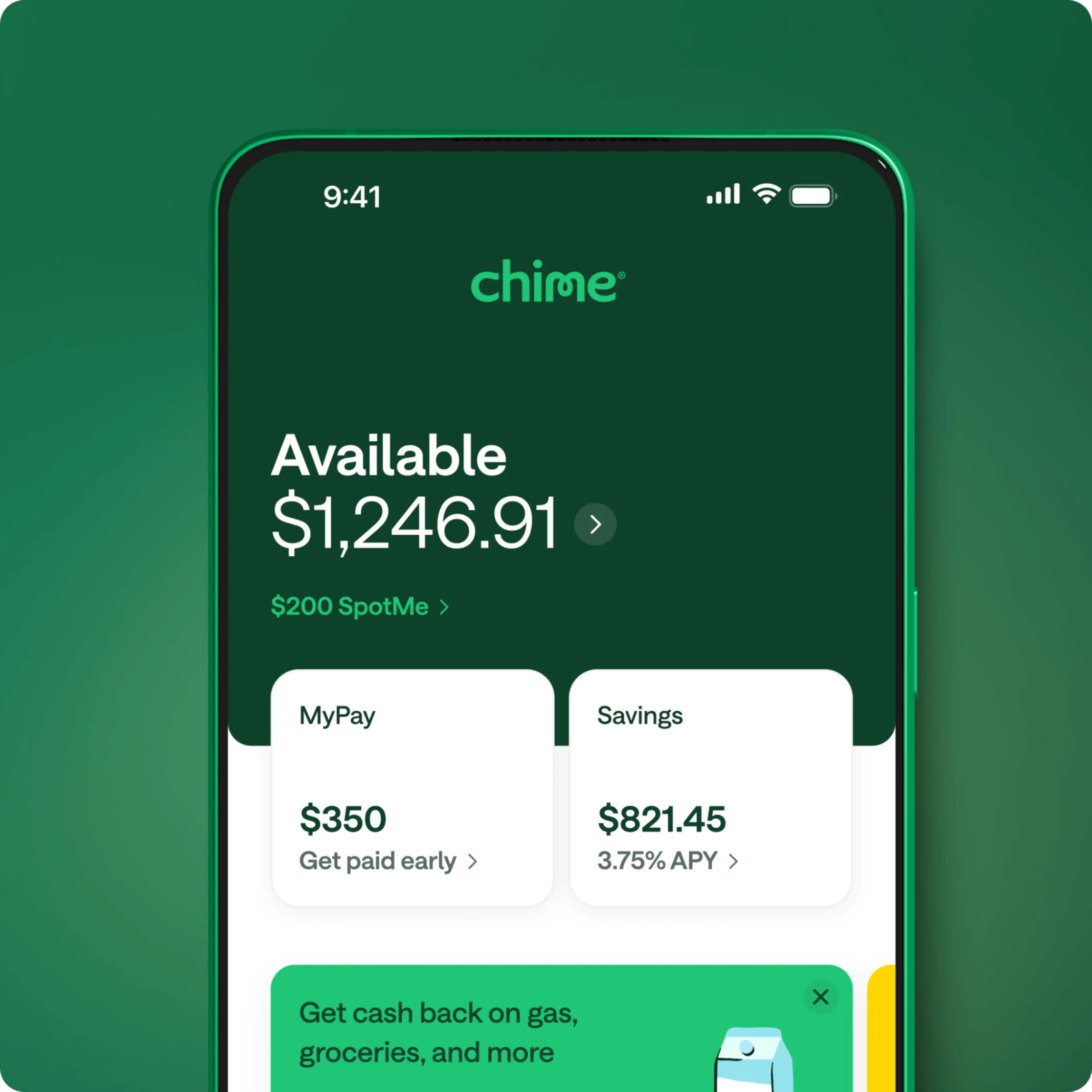
You can also withdraw cash from ATMs just like you would with a debit card. There's one available balance shown in your app (see disclosure 8) , which updates automatically no matter which card you use (Chime Visa® Debit or Chime Visa® Credit).
Chime's ATM network includes Allpoint, Visa Plus Alliance, and FCTI ATMs. You can log in to the Chime mobile app to find a fee-free ATM near you. A $2.50 fee applies to make withdrawals at out-of-network ATMs.
Build credit safely
Because you're only spending money you already have in your Chime Secured Deposit Account (SDA), Chime Card helps you manage debt and build credit safely. With the Chime Card, your payments are reported to the three major credit bureaus to help you build positive credit history over time. (see disclosure 9)
Find out how to use Chime Card to safely build credit (see disclosure 9) , and read more about how credit reporting works with Chime.
What are the benefits of the Chime Card?
Here's a quick rundown of what you can get with the Chime Card:
Unlimited 1.5% cash back on rotating categories when you set up qualifying direct deposit (see disclosure 3)
Build your credit safely using your own money with no interest, (see disclosure 2) no annual fees, and no credit check
Access to more than 47,000 fee-free ATMs nationwide for easy cash access (see disclosure 5)
One balance view in the app
When you set up a qualifying direct deposit, you become a Chime+ member, unlocking:
No monthly fees, overdraft fees, or foreign transaction fees (see disclosure 4)
MyPay® – access up to $500 of your paycheck early with no interest or mandatory fees (see disclosure 10)
SpotMe® – overdraft up to $200 with no fees (see disclosure 11)
Up to 4.00% APY on your high-yield savings account (see disclosure 12)
24/7 live support from real people
Can I get a Chime Card if I have Credit Builder now?
Chime Card is available for all Chime members! You should see info on enrolling in Chime Card directly in-app.
Follow the instructions in our guide on how to switch to Chime Card to enjoy cash back and all the new benefits while continuing to build credit.
Start building credit with Chime Card
Maintaining a good credit score is one of the most important steps you can take toward long-term financial progress. Whether you're working toward buying a home, lowering your interest rates, or just gaining more financial freedom, it all starts with how you manage your credit.
If you're ready to build credit safely, earn rewards, and make your money work smarter, sign up for Chime and apply for a Chime Card. It only takes a few minutes and there's no credit check.