Imagine you're going about your day when suddenly you get a text that looks like it's from "Chime" warning you about a transaction you don't recognize. Panic sets in – did you lose your card? Or did someone steal your account information?
But before you click the link in the text, think twice. Could this be a scam?
Scammers regularly pose as legitimate companies and use text messages with malicious links to steal personal information and login credentials. This is called SMS phishing. Read on to learn how you can avoid falling victim to this scam.
What is SMS phishing?
SMS phishing, also known as "smishing," is when scammers use text messages to try to steal or compromise your personal information. (see disclosure 1)
Your next logical question may be: what is phishing? Phishing is the general name for a type of cyber-attack in which scammers try to trick you into revealing sensitive personal information or downloading malware. (see disclosure 2) Phishing can be done through any means: email, text, phone calls, and more.
Common SMS phishing scams
1. Bank alert scams
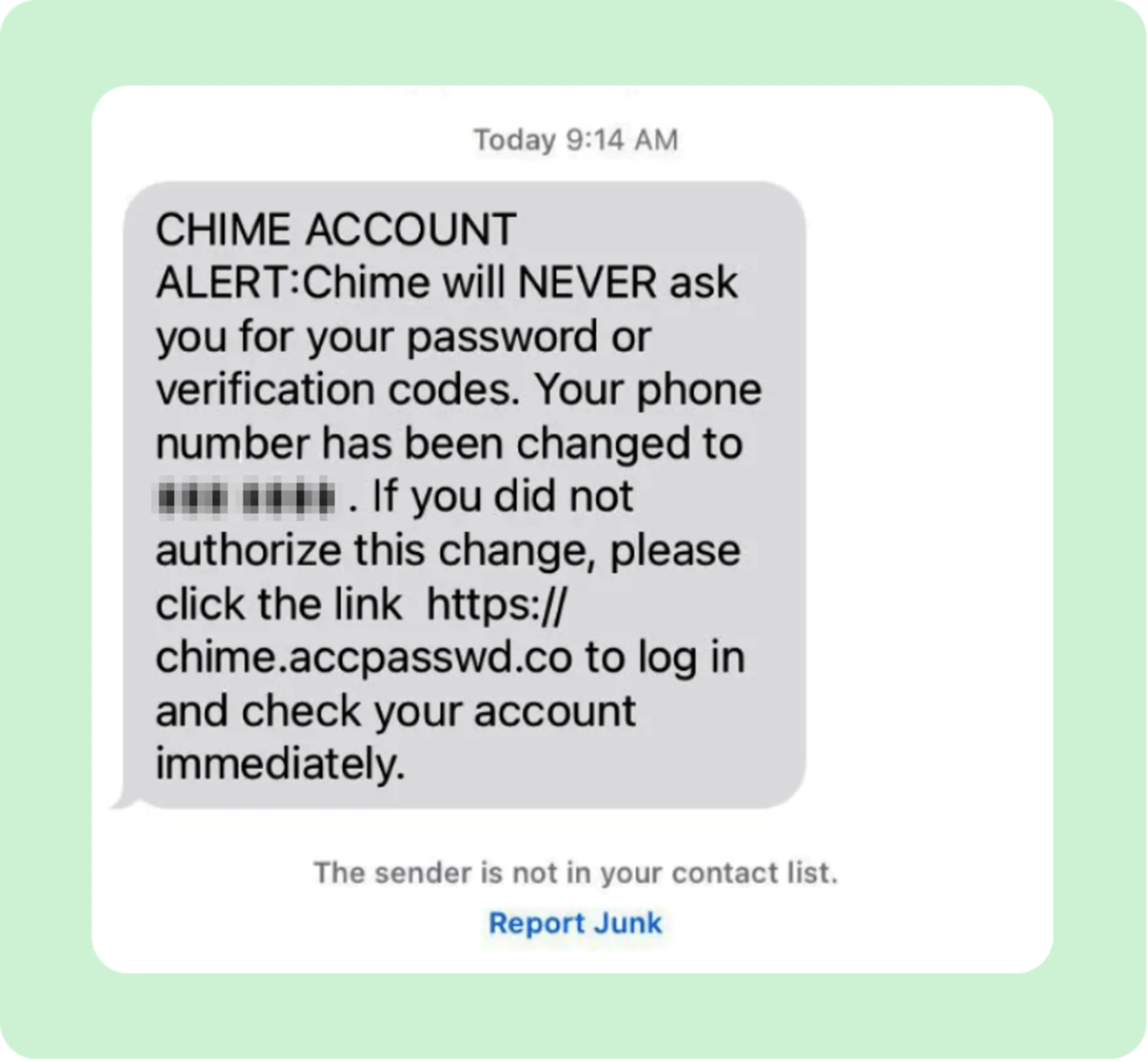
One type of smishing involves messages about suspicious activity on your account, like a transaction or changes to your account information, that require immediate action. These messages typically include a link to a fake website that is designed to steal your login credentials. (see disclosure 3) What's more, if you look closely at the sender's address, it won't be from an official bank email address or phone number.
Scammers often try to impersonate Chime support to convince you to give away your account information. Here is a real example of a scam text pretending to be from Chime:
2. Package delivery scams
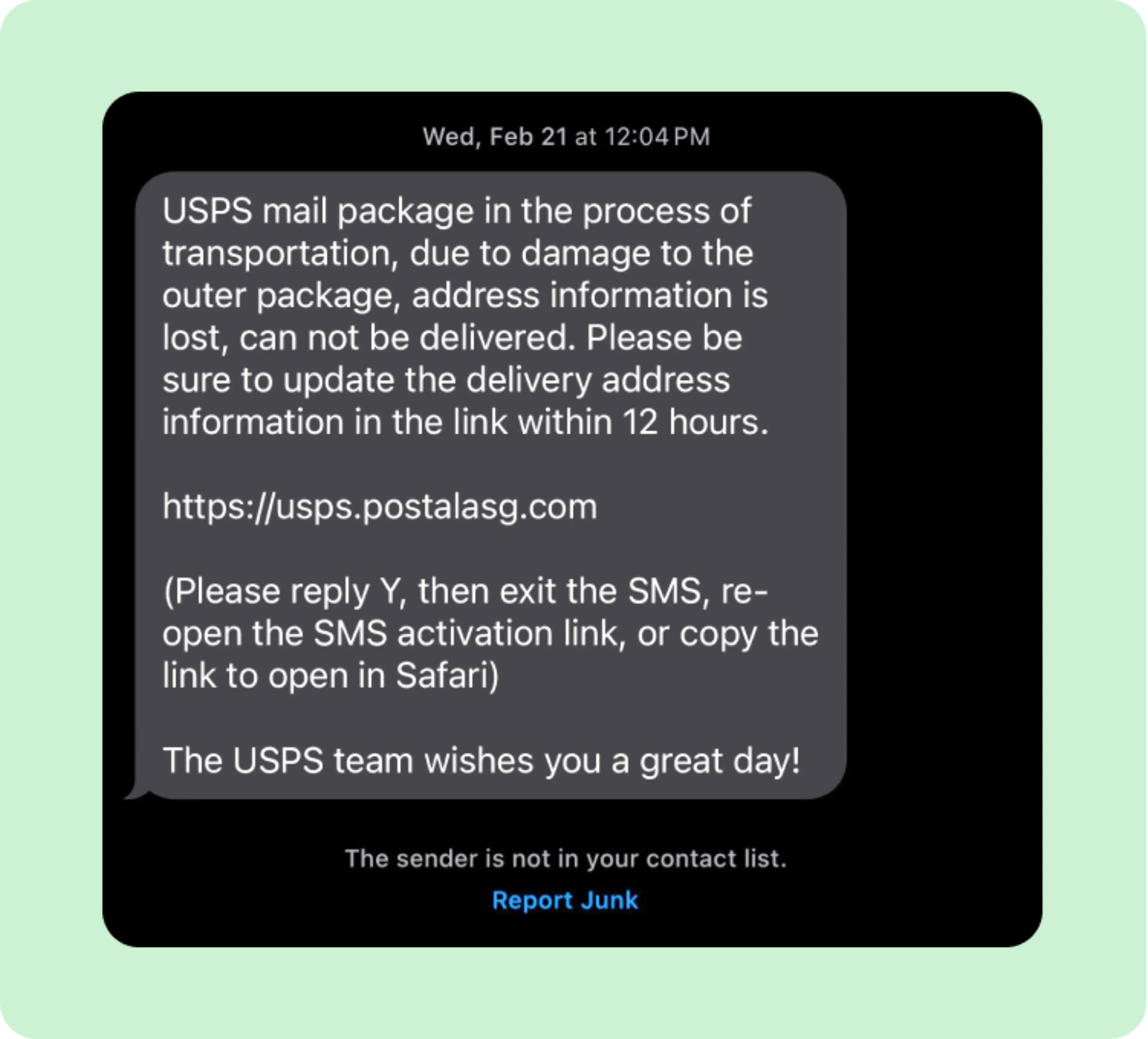
Phishing messages might claim there's an issue with a package delivery and urge you to click a bogus link or call a number to resolve the problem. Be careful!
Scammers often impersonate well-known shipping companies or the federal postal service. If you look closely, the details of the recipient or where they're asking you to go won't look authentic. A message from "USPS," for instance, might ask you to click to "Usps.post.xqw.als" or a similar bogus address.
3. Sweepstakes scams
Scammers sometimes target your hopes and dreams. They may, for instance, send you a text message or email that says "you've won" cash or a gift: just click their link to claim your prize. Or, "click this link to enter our sweepstakes."
Don't do it! If something sounds too good to be true, it probably is. (see disclosure 4)
How to avoid text message phishing scams
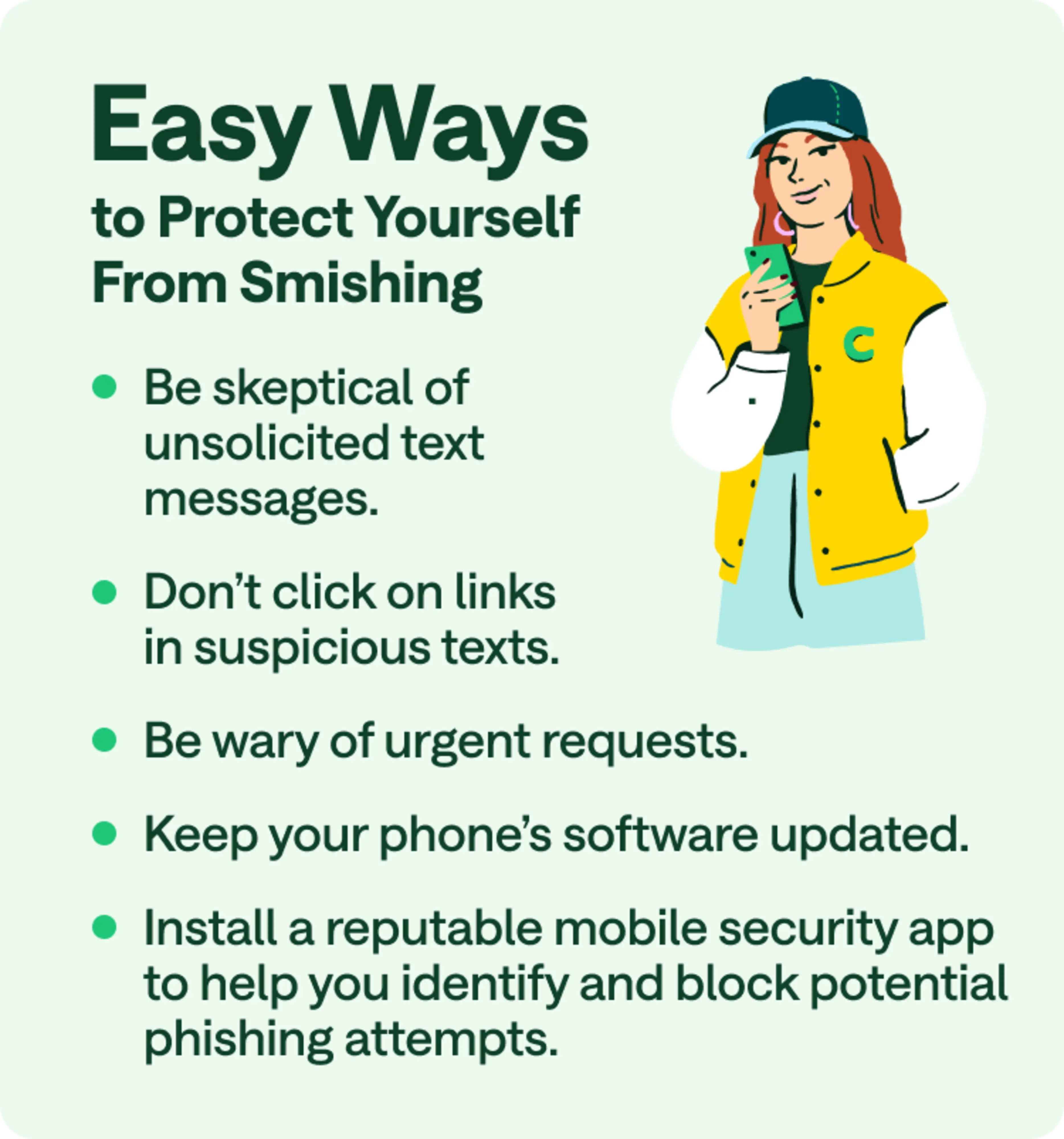
Here are some tips to help you avoid phishing scams:
Be skeptical of unsolicited messages: If you weren't expecting a text from someone, be very cautious about responding.
Don't click on links in suspicious texts: Instead, verify the sender by typing the official URL of the company that supposedly sent the message directly into your browser.
Verify the sender: Scammers may follow up a smishing attempt with a phone call impersonating a legitimate company, like Chime, and give you a bogus number to call back. Only call the official phone numbers listed on the back of your card or on the card issuer's website. Do not call any unverified phone number that was included in a suspicious text message or given to you via a phone call or voicemail.
Check for spelling and grammar errors: Legitimate companies usually have proofreading processes in place, so errors can be a red flag for phishing scams.
Be suspicious of urgent requests: Scammers often create a false sense of urgency in order to trick you.
Use two-factor authentication: This extra layer of security makes it more difficult for scammers to gain access to your accounts. (see disclosure 5)
Keep your phone's software updated: Regular updates often include security patches that protect against new threats.
Install a reputable mobile security app: Using a layer of security software can help you identify and block potential phishing attempts. (see disclosure 6)
How to report phishing texts
If you receive a suspicious text, do not click on any links or call any numbers included in the message. If you think it's a phishing scam, there are several steps you can take:
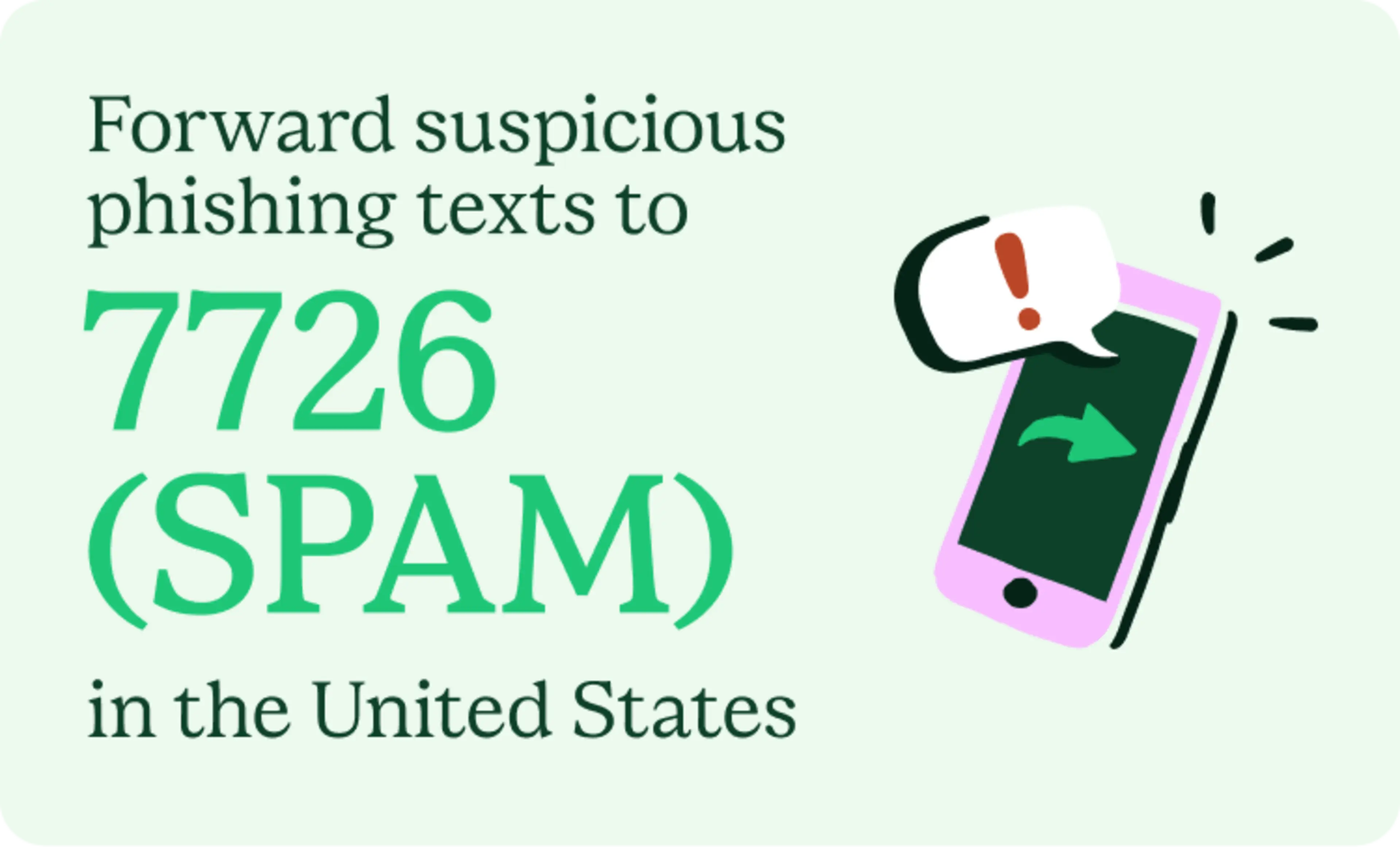
Forward the message to 7726 (SPAM) in the United States. This reports the message to your mobile phone carrier. (see disclosure 7)
Report it to the Federal Trade Commission.
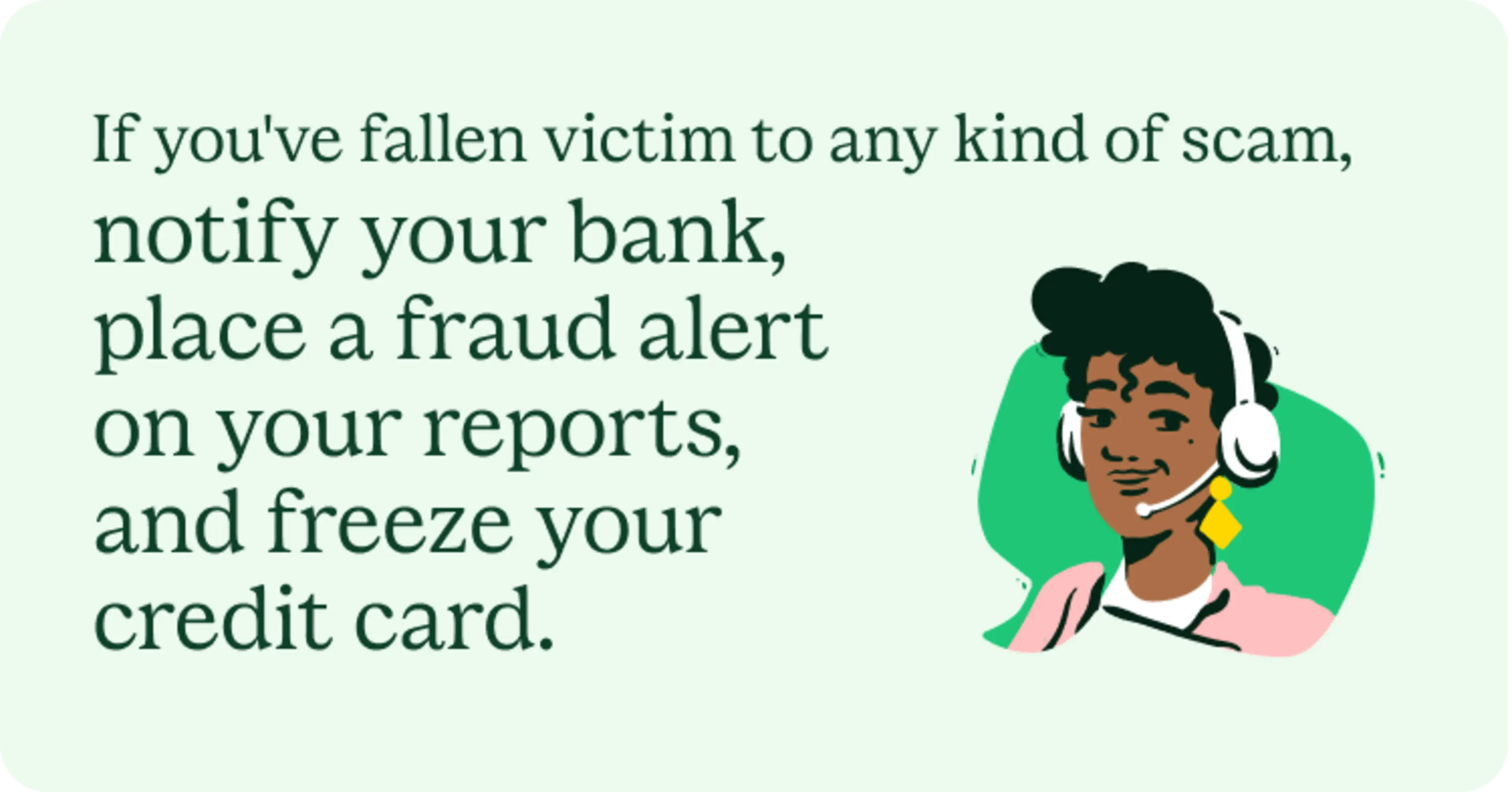
Contact your financial institution. If you've fallen victim to any kind of scam, notify your bank immediately and consider placing a fraud alert and freezing your credit reports.
Protect yourself from smishing
Staying vigilant is the key to protecting yourself from smishing attempts. You can reduce your risk of falling victim to smishing scams by approaching all suspicious text messages with caution.
When in doubt, don't click or respond. While you may feel urgency to respond to new pings and texts, clicking on fake links can be a disaster. When it comes to suspicious links, treat the safety and security of your personally identifiable information and accounts like gold.
For more information on staying safe online, find out how to avoid scams that target Chime members.