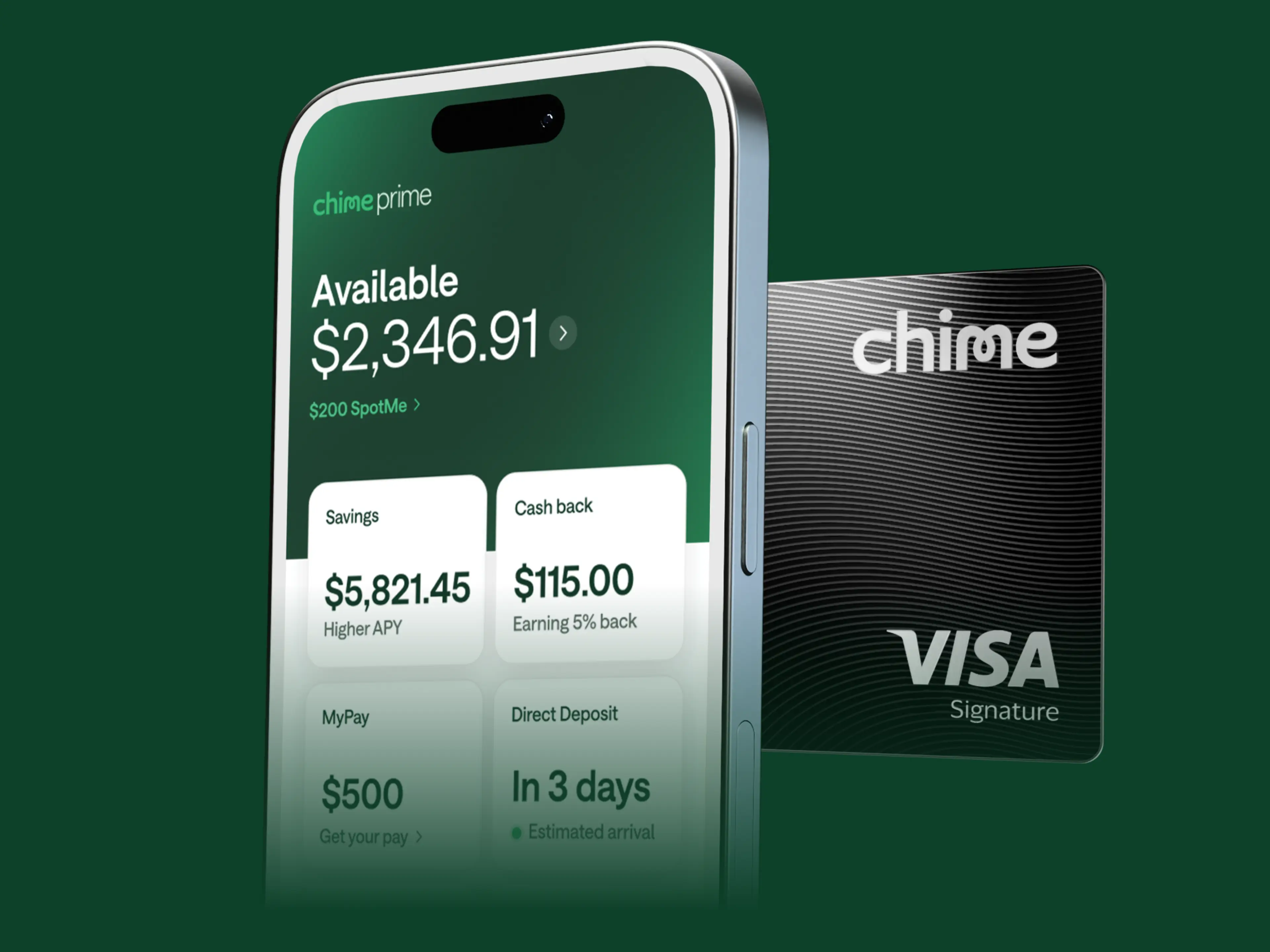
Get 5% cash back with Chime Card.
Make the most out of your everyday spending with 5% (see disclosure 1) cash back. Learn how to earn below.
Chime is a financial technology company, not a bank. Banking services provided by The Bancorp Bank, N.A. or Stride Bank, N.A.; Members FDIC.
Learn how we collect and use your information by visiting our Privacy Policy ›
Cash in on cash back with everyday spending.
5% cash back
Chime Prime gives you 5% cash back (see disclosure 1) on the category you choose each month, when you make qualifying direct deposits. (see disclosure 2)
2% cash back
Chime Plus gives you 2% cash back (see disclosure 1) on the category you choose each month, when you make qualifying direct deposits. (see disclosure 2)
Choose your category.

Utilities and bills.
Streaming services, utilities bills and more.

Groceries.
Supermarkets and grocery stores.

Gas.
At-the-pump purchases.

Travel and more.
Flights, hotels, car rentals, ride shares, restaurants.
How it works
Start banking and building credit with Chime Card™.
Sign up in minutes.
Choose Chime Card when you sign up for Chime. No credit check required.
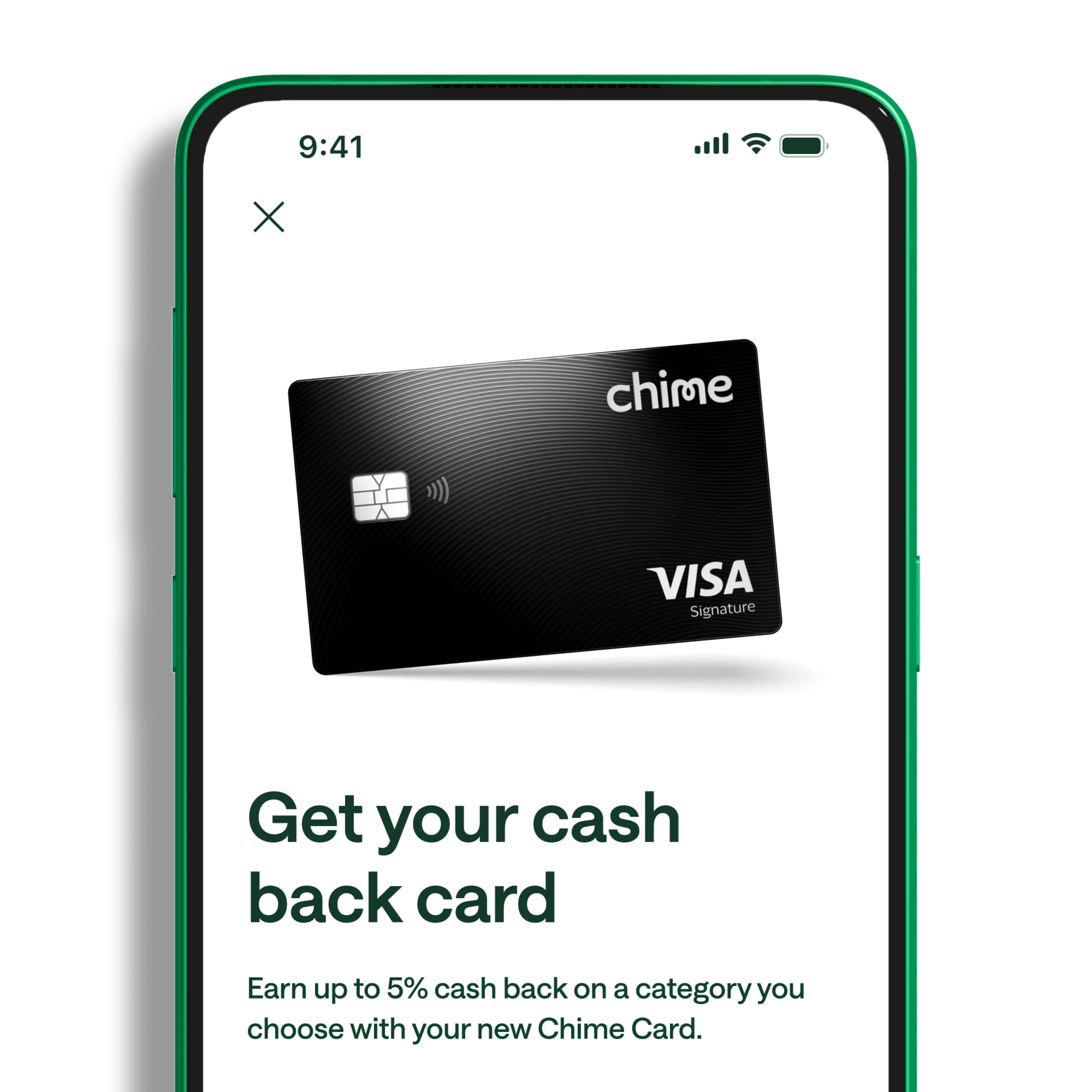
Use your card.
Use the money in your Chime account on everyday spending and build your credit score up to 70 points with on-time payments. (see disclosure 3)

Unlock 5% cash back with Chime Prime.
Get cash back on a category of your choice, higher APY on savings, premium perks, and much more when you direct deposit $3,000 per month. (see disclosure 2)
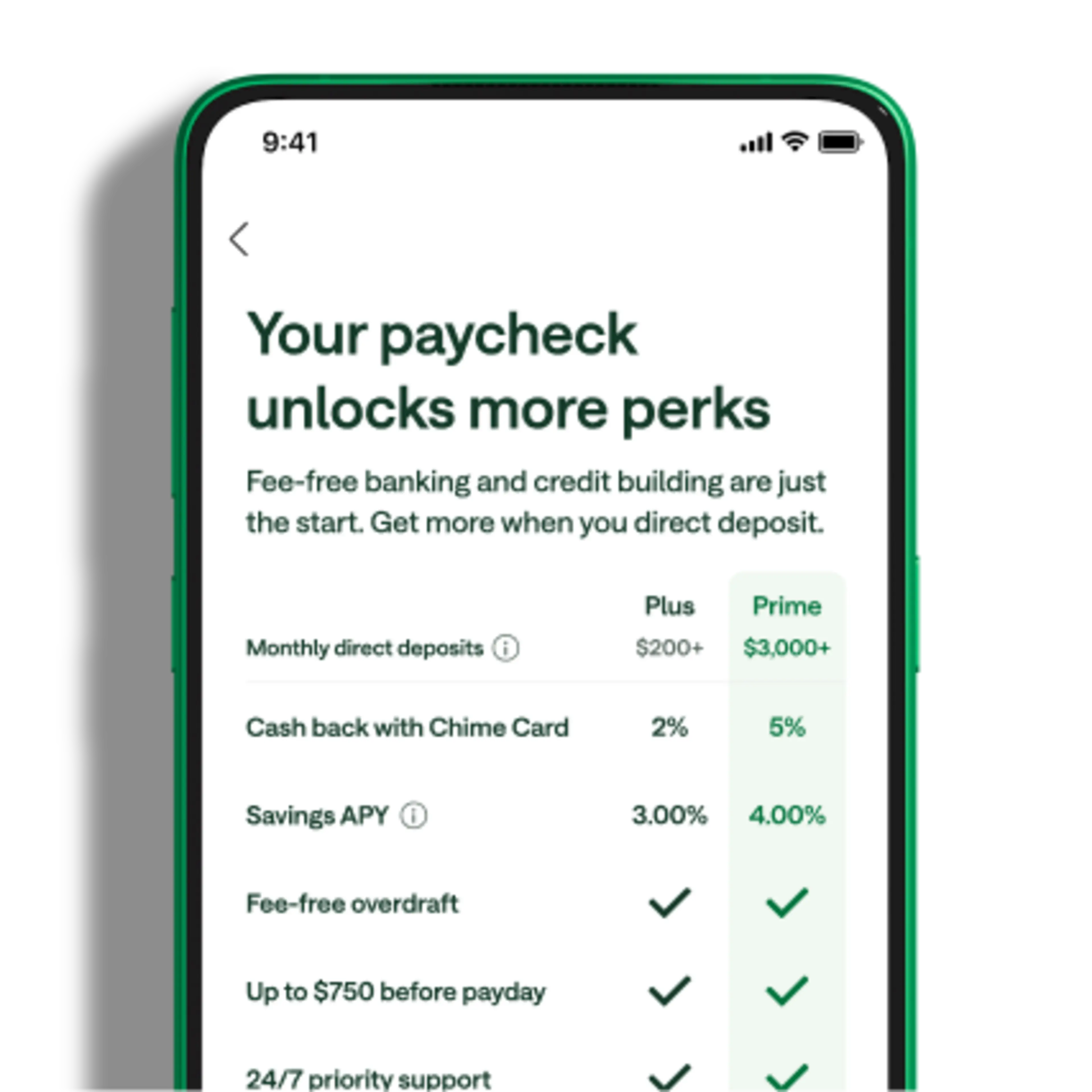
Members love Chime Card. Here's why:
The card has given me a chance to grow my score as well as allowed me the opportunity to receive cash back for my daily purchases.
Elizabeth
Using Chime Card has been a game-changer for my credit building journey. The ability to build credit without the usual fees or hard credit checks made the process approachable and stress-free.
Jose
Finally, ONE balance for everything! No more juggling between debit and credit—just spend however I want.
Taylor
Real members. Paid testimonials.
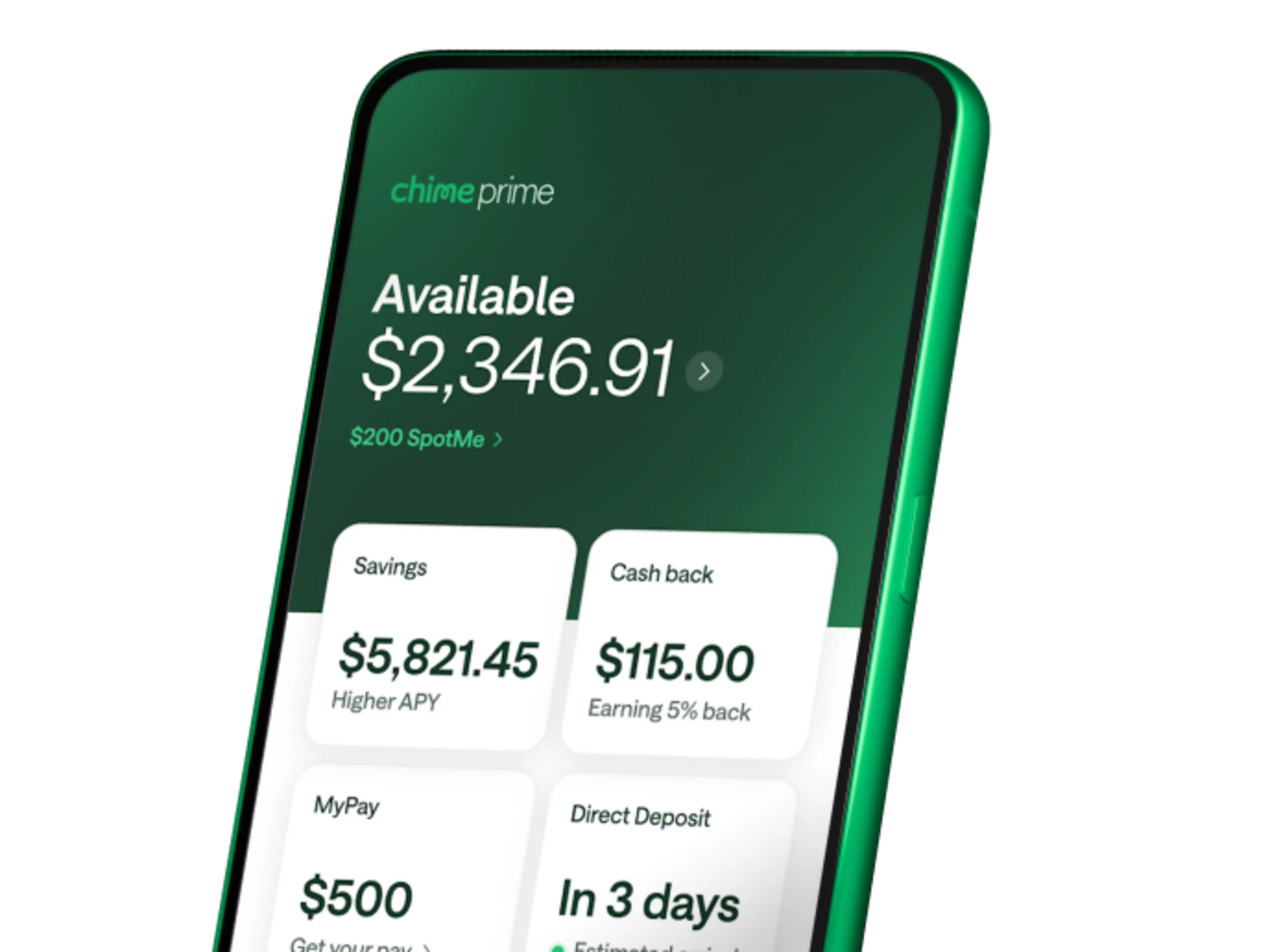
Direct deposit unlocks 5% cash back and more.
With the Chime Card, you get 5% cash back (see disclosure 1) on a category of your choice, higher APY on savings, (see disclosure 4) fee-free overdraft, (see disclosure 5) and more with qualifying direct deposits of $3,000 per month. (see disclosure 2)
We take security seriously.
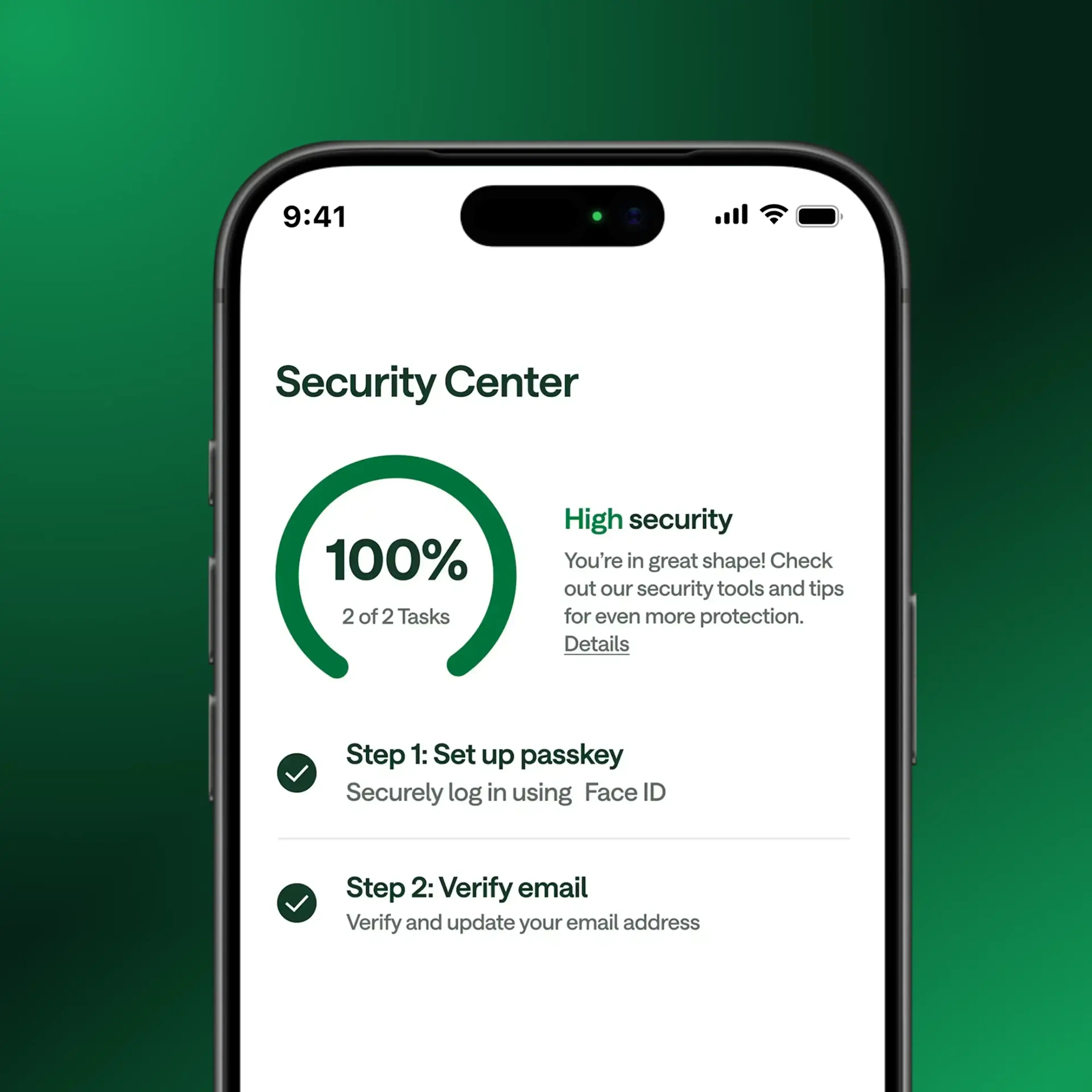
Block your card
If your card is missing or you suspect unauthorized use, you can block all transactions on your Chime Card. Open the Chime app and disable transactions to immediately prevent new debit or credit card purchases or ATM withdrawals.
Real-time Alerts
Chime allows you to receive instant transaction alerts anytime you use your Chime Card. Turn on daily notifications so you always know what’s happening with your money.
Privacy and Security
We support two-factor authentication and support fingerprint authentication.
Visa® Zero Liability
Chime cards are backed by Visa’s Zero Liability Policy. (see disclosure 6) You're covered if your card is lost, stolen, or fraudulently used.
FAQs
How does the Chime Card work with my money?
When you sign up for a Chime Card, you will also get a Chime Checking Account and a Chime Secured Deposit Account (SDA). As you fund your checking account, this money is automatically transferred to your SDA, which sets your spending limit on the Chime Card. (see disclosure 7) How much you can spend is shown to you as “Available” balance in the Chime app. (see disclosure 8)
When you sign up for Chime Card, you will also get a virtual Chime Visa® Debit Card that you can access in your app. When it’s time to make a purchase, you can choose which card to use: Chime Card to build credit and earn cash back, or your debit card. In your app, you will always see one single “Available” balance that reflects how much money you have to spend. There’s nothing complicated here: as you spend, no matter which card you use, your available balance updates to reflect your spending. The Chime Card makes spending on either debit or credit seamless and convenient.
How does the Chime Card help me avoid taking on more debt?
The Chime Card helps reduce your risk of debt, since you are using your own money and you can always see exactly how much you have available to spend.
How does the Chime Card differ from traditional credit cards?
The Chime Card is a secured credit card. That means the money you add to your Chime secured deposit account is the amount you can spend on the card. (see disclosure 7) Unlike other secured credit cards, that money can be used to pay off your monthly balances. Because your limit matches the amount in your secured deposit account, spending within your available balance won’t create high credit utilization like a traditional credit card.
The Chime Card helps reduce the risk of overspending and can help you build credit history with no annual fees and no interest. (see disclosure 9) There’s also no credit check to apply!
Is the Chime Card a credit card?
Yes, the Chime Card is a secured credit card. The money you add to your account sets the credit limit for how much you can spend with the card. (see disclosure 7) With Safer Credit Building (see disclosure 10) , you can pay off your balance automatically, and you never spend more than you have in your SDA. Like other secured credit cards, the Chime Card also reports to the major credit bureaus, to help you build credit history over time. Learn more about secured credit and how it works here.
How do I get the Chime Card?
You could get a Chime Card in minutes! (see disclosure 11) Share some information with us here to get started.
Will it require a hard credit check to apply?
No way! We think everyone deserves a chance to build credit history. There is no impact on your credit scores when you apply for a Chime Card. (see disclosure 11)
Does Chime charge any recurring fees?
Nope! We do not charge recurring fees; no annual fees, maintenance fees, international fees, and no interest. (see disclosure 12) Learn more here.
How can the Chime Card help my credit scores?
Consistent use of the Chime Card can help you build credit with on-time payment history, increase the length of your credit history over time, and more. (see disclosure 10) With the Chime Card, Chime will report your monthly payments to the three major bureaus – TransUnion®, Experian®, and Equifax®. We report your highest balance, your payment amount, and payment date. Utilization is not reported for your Chime Card. (see disclosure 13) Please note that activity on other credit accounts may also impact results and credit score improvement is not guaranteed.
What is the credit limit?
When you sign up for a Chime Card, a Checking Account, and a Secured Deposit Account will also be opened. First, you will be asked to fund your Checking Account. This money is automatically transferred to your Chime Card Secured Deposit Account (SDA) which sets your spending limit on the Chime Card. (see disclosure 7) How much you can spend is shown to you as “Available” in the Chime app. (see disclosure 8)
If I use all the money I add to my account, will Chime Card report high utilization and hurt my credit scores?
Nope. We don’t report percent utilization to the major credit bureaus because Chime Card doesn’t have a pre-set limit. That means spending up to the amount you added to your account will not show a high-utilization card on your credit history. So rest assured: you can use your Chime Card for everyday spending and on-time payments count towards building credit each month! (see disclosure 10)
When should I use my Chime Card and when should I use my virtual debit card?
The Chime Card is a great way to spend because you can build credit and earn rewards with everyday purchases. You can swipe in person, use online, and even withdraw cash from ATMs. Want to send someone money using Pay Anyone? No problem, you can send that payment from your Chime account.
Your virtual debit card can be used for other peer to peer payment apps (Cash App, Venmo), and any other time you think a debit card is more appropriate (e.g., higher discounts at a gas station, or to avoid being charged extra for credit card purchases at certain stores or restaurants). You can request a physical debit card in the Chime app.
Your available balance will be seamlessly updated as you spend with either card.
Does SpotMe® work on Chime Card?
Yes! SpotMe covers purchases and cash withdrawals made with your Chime Card up to your SpotMe limit, if you're eligible and have the feature enabled in your app. (see disclosure 5)
If you use SpotMe with Chime Card, Chime will deduct the negative balance from your next direct deposit or transfer funds into your Chime Card Secured Deposit Account, whichever comes first.
Your SpotMe limit is shared between both your Chime Card and your debit card. This applies to both purchases and ATM withdrawals. Note that using SpotMe with Chime Card doesn’t affect your credit scores or credit reporting.
How long does it take for my Chime Card to arrive?
After you enroll, it’ll take on average 7-10 business days for your card to arrive.
How do I activate my new Chime Card?
It’s easy! Just go to the Chime App > Profile > Cards > Activate Card. You can also scan the QR code on the box your card arrives in.
What can I use my Chime Card for?
You can use the Chime Card anywhere Visa credit cards are accepted. For Chime Plus members (see disclosure 2) , you’ll earn 2% cash back (see disclosure 1) on rotating categories like gas, groceries, restaurants, bills, and more. For Chime Prime members, you’ll earn 5% cash back (see disclosure 1) on a category of your choice.
How and when do I pay off the card?
You can pay off your Chime Card in 3 ways:
When you turn on Safer Credit Building, your repayments happen safely and automatically from the funds in your Secured Deposit Account. If you make a purchase, the amount of that purchase will reduce your available spending balance. Then, the money in your Secured Deposit Account is used to automatically pay your monthly balance. This will help you avoid late payments and outstanding balances.
If Safer Credit Building is not turned on, manual payments can still be made at any time by going to Account details → Chime Card Payment → Make a Payment.
ACH Payments can be made from any bank by using Chime Card’s account and routing numbers. To find them, go to Profile → Account Details → Chime Card Payment → Make a Payment → Pay from Another Bank.
What happens if I miss a payment on my Chime Card?
Consistent on-time payments help build your credit history, and missing a payment or paying late can hurt it. Safer Credit Building is Chime’s autopay feature that will automatically pay your outstanding balance on-time, on its payment date, with funds that have already been set aside to cover your balance. (see disclosure 10) It’s the no-sweat way to keep building credit history safely. Safer Credit Building is not a requirement to open and use the Chime Card. You also have the option to pay your Chime Card balance with external funds.
There are no late fees or interest (see disclosure 12) for missing Chime Card payments. But if you don’t pay your Chime Card statement balance within 24 days of the due date, your card will be paused — you won’t be able to use it for new purchases until your unpaid statement balance is paid in full. At that point, we may report information about your account to the major credit bureaus. Late payments, missed payments, or other defaults may be reflected on your credit report.
The good news: you can still make a payment. As soon as you pay your full balance, we’ll re-enable your card and update your credit report to show your account is back in good standing.
Can I use my Chime Card to withdraw money?
Yes! You can use your Chime Card to get cash fee-free at any of our 47,000+ in-network ATMs nationwide. (see disclosure 14) Find in-network ATMs in stores you love like Walgreens, 7-Eleven, and more. Go into your Chime App and use the ATM Map to find one closest to you. You can also withdraw cash from any out-of-network ATM, but there’s a $2.50 fee.
What if I want to go back to Credit Builder?
At this time, once you convert to Chime Card, you cannot revert back to Credit Builder. We’re always open to member feedback to ensure we’re building the best products for our members. Please note that closing your Chime Card Account could impact your credit score and if you close your Card Account, you will not be allowed to re-open a new one.
What if I want to stop automatic transfers from my Chime Checking Account to my Secured Deposit Account?
At this time, if you’d like to stop or revoke authorization of automatic transfers from your Chime Checking Account to your Secured Deposit Account, you must close your Chime Card Account and Secured Deposit Account. However, you can still maintain your Checking Account. Please note that closing your Chime Card Account could impact your credit score and if you close your Card Account, you will not be allowed to re-open a new one. Please see your Bancorp Secured Chime Visa® Credit Card Agreement and Stride Secured Chime Visa® Credit Card Agreement for details.