Chime Prime
Get your direct deposit up to 2 days early (see disclosure 1) through Chime.
Set up direct deposit through Chime to get started
Get notified as soon as your paycheck is available
Up to two extra days to grow your savings and pay your bills!
Chime® Get Paid Early
Learn how we collect and use your information by visiting our Privacy Notice ›

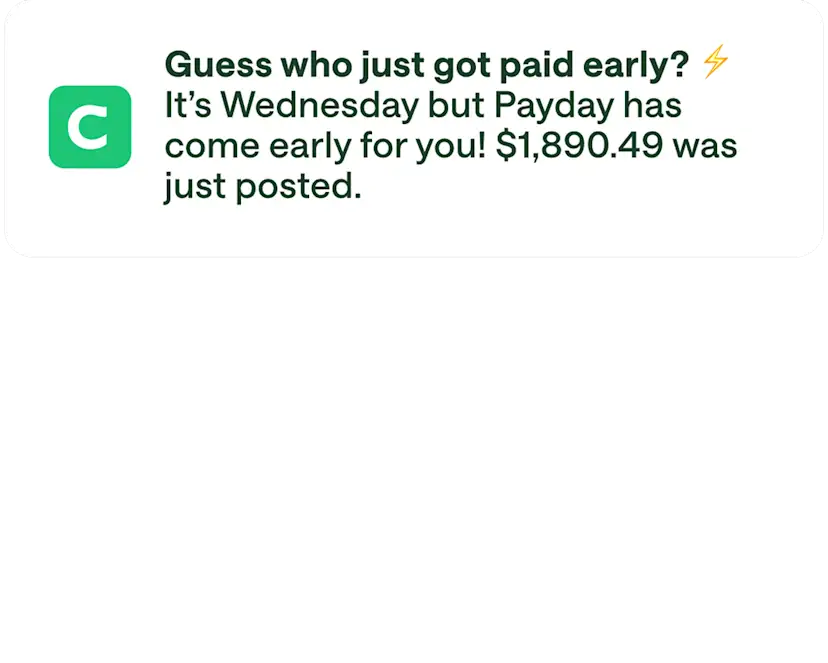
Get your money. Faster.
Good things come to those who wait, but why should you be the one who waits? As soon as Chime receives your paycheck, it’s all yours. Discover why so many people choose Chime for our early direct deposit and other helpful features that get you paid early.
1 / 3

Early paycheck access.
Get your paycheck up to two days faster than you’d get it at some traditional banks! Slide it into savings and watch it grow, or use it to pay for bills, groceries, or a night out.
2 / 3

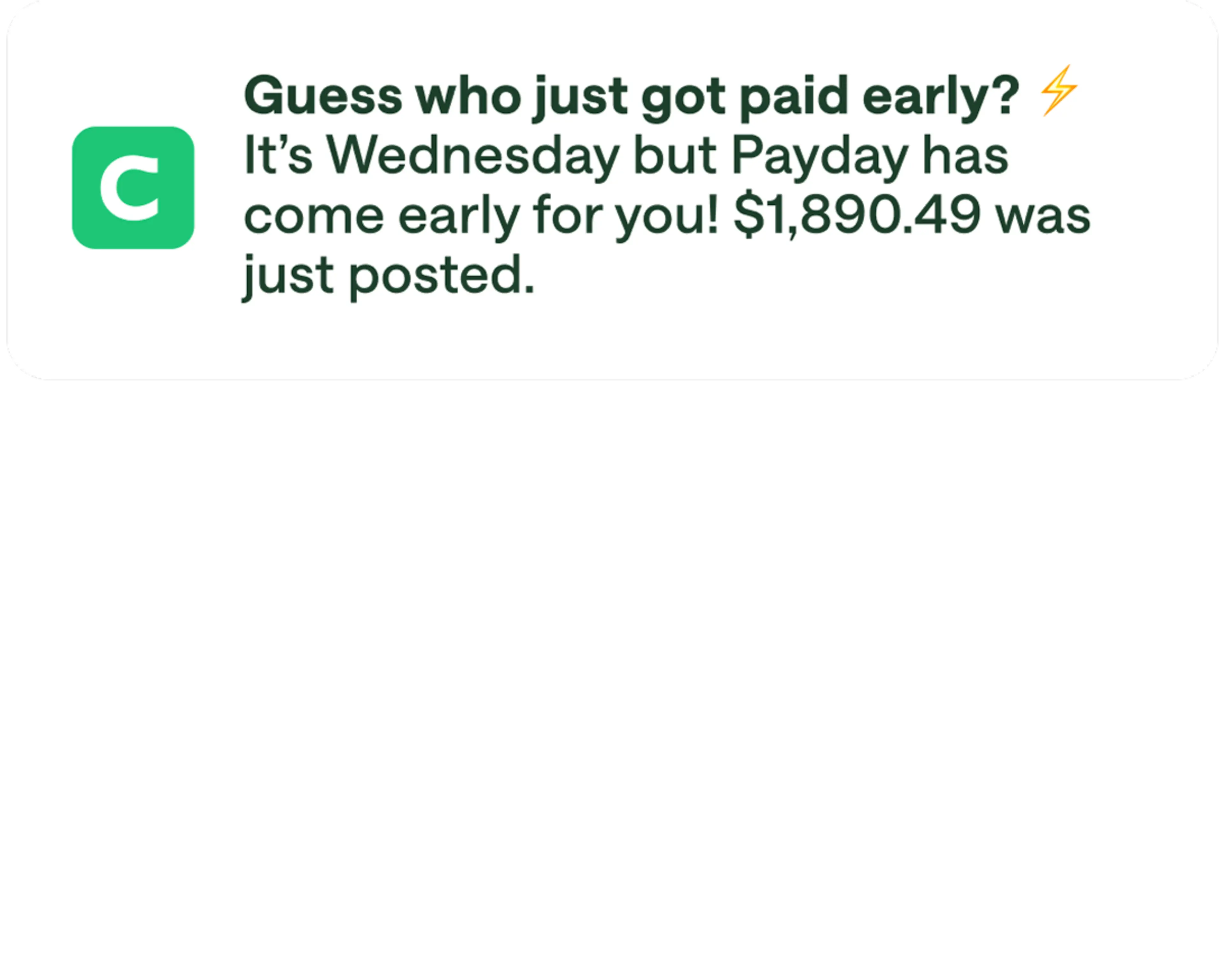
Instant notifications.
Signing up for direct deposit is easy – but tracking it is even easier. We’ll send you a push notification and an email once your paycheck is ready.
3 / 3
Do more with Chime.
Open and fund a high-yield Chime Savings Account
Qualify for fee-free overdraft with SpotMe® (see disclosure 2)
Start building credit safely (see disclosure 3) using the secured Chime Visa® Credit Card (see disclosure 4)
Get 5% cash back (see disclosure 5) on a category of choice with Chime Prime (see disclosure 6) when you direct deposit.
How to sign up for a Chime Checking Account for free
1
Open a Chime Checking Account.
Just download the app and enroll in a new account. You should be done in under 2 minutes!


2
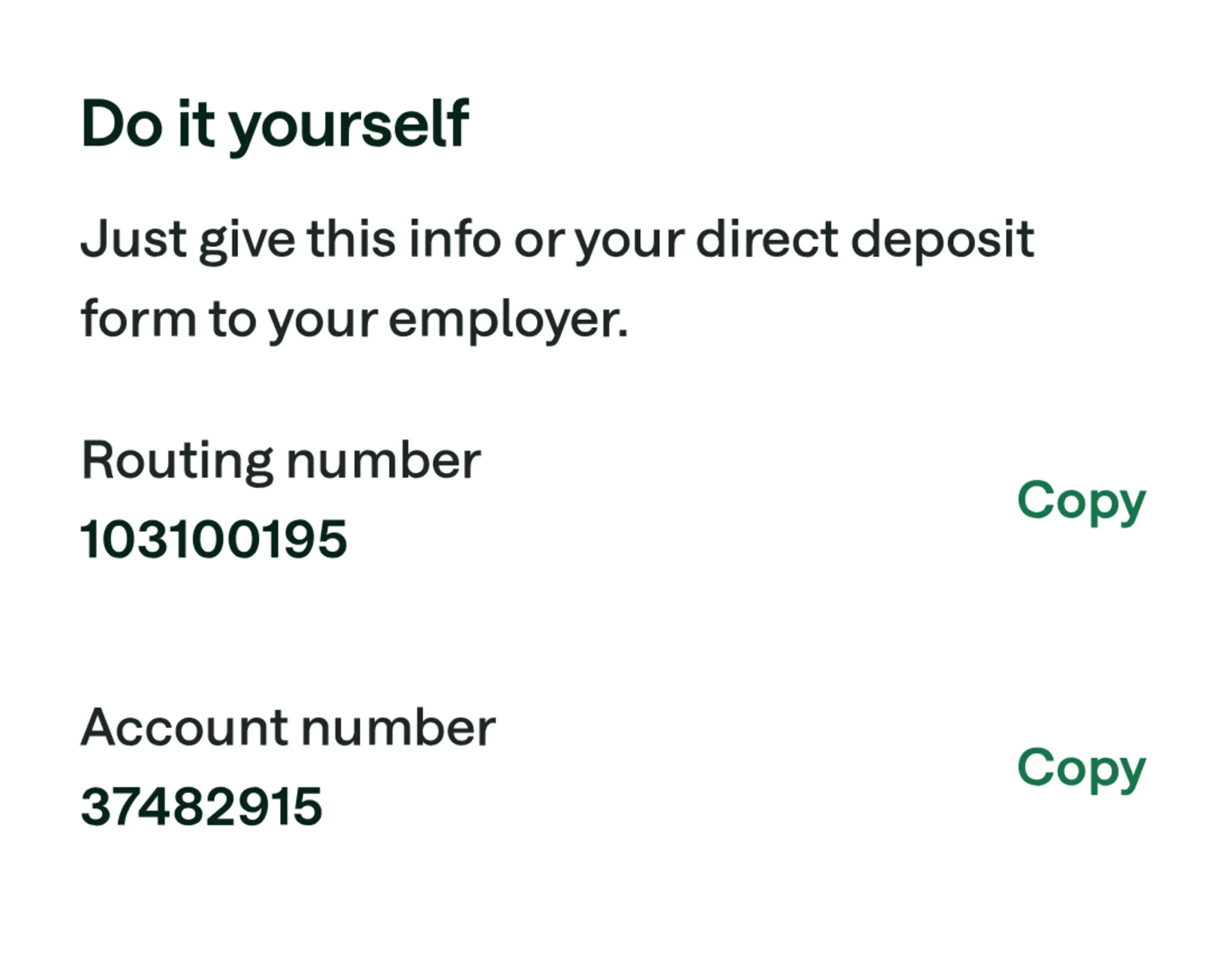
Set up direct deposit online or in the app.
Chime makes it easy to set up direct deposit. Grab your account and routing numbers, print off a PDF, or find your employer directly in the app.
3
Wait for your paychecks to roll in.
Chime early direct deposit is automatic. We’ll give you access to your paycheck as soon as we get it – up to two days earlier than some traditional banks. (see disclosure 1)
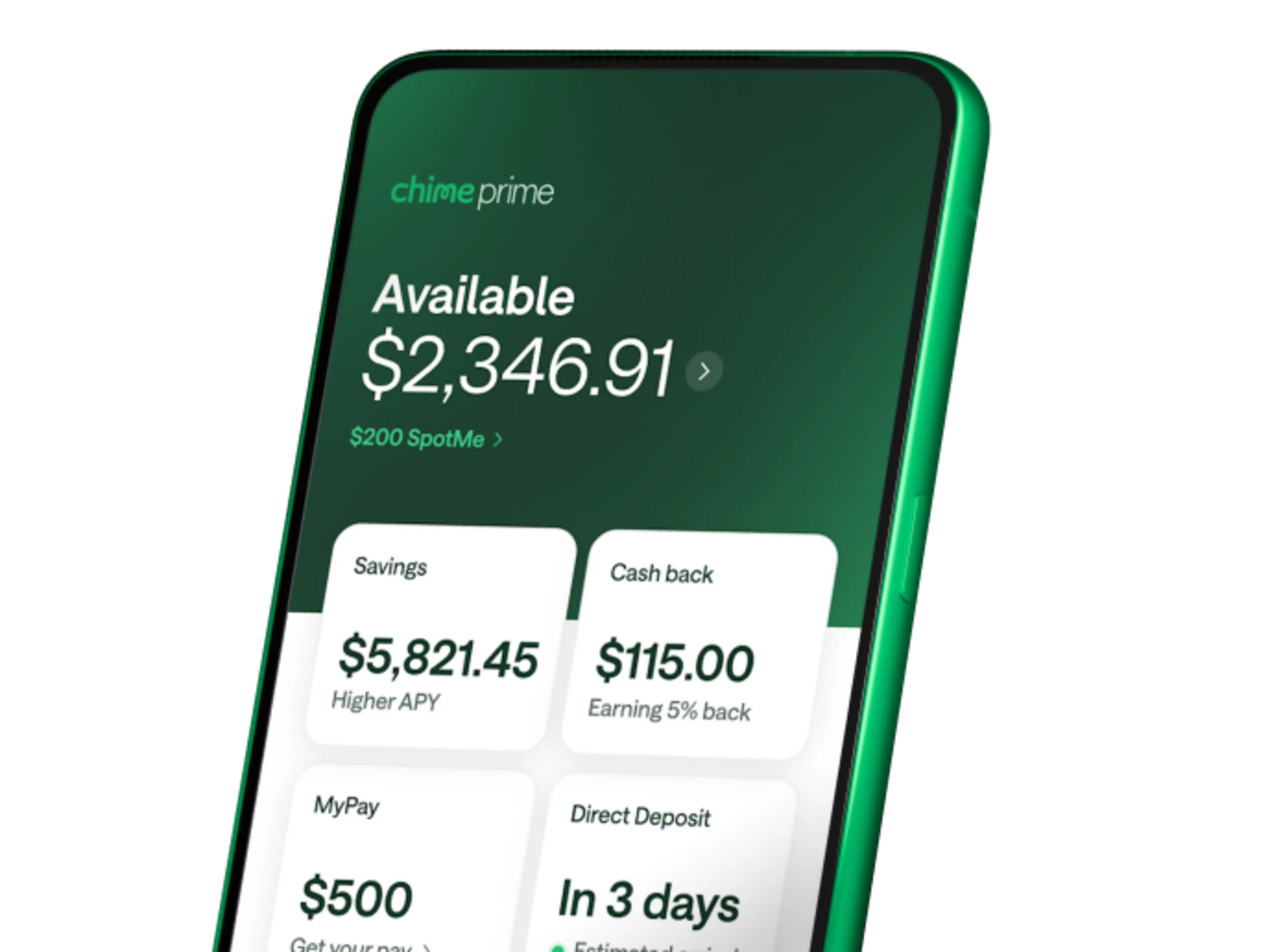
Get Chime Prime for free with direct deposit.
Unlock even more Chime benefits with qualifying direct deposits. (see disclosure 6)

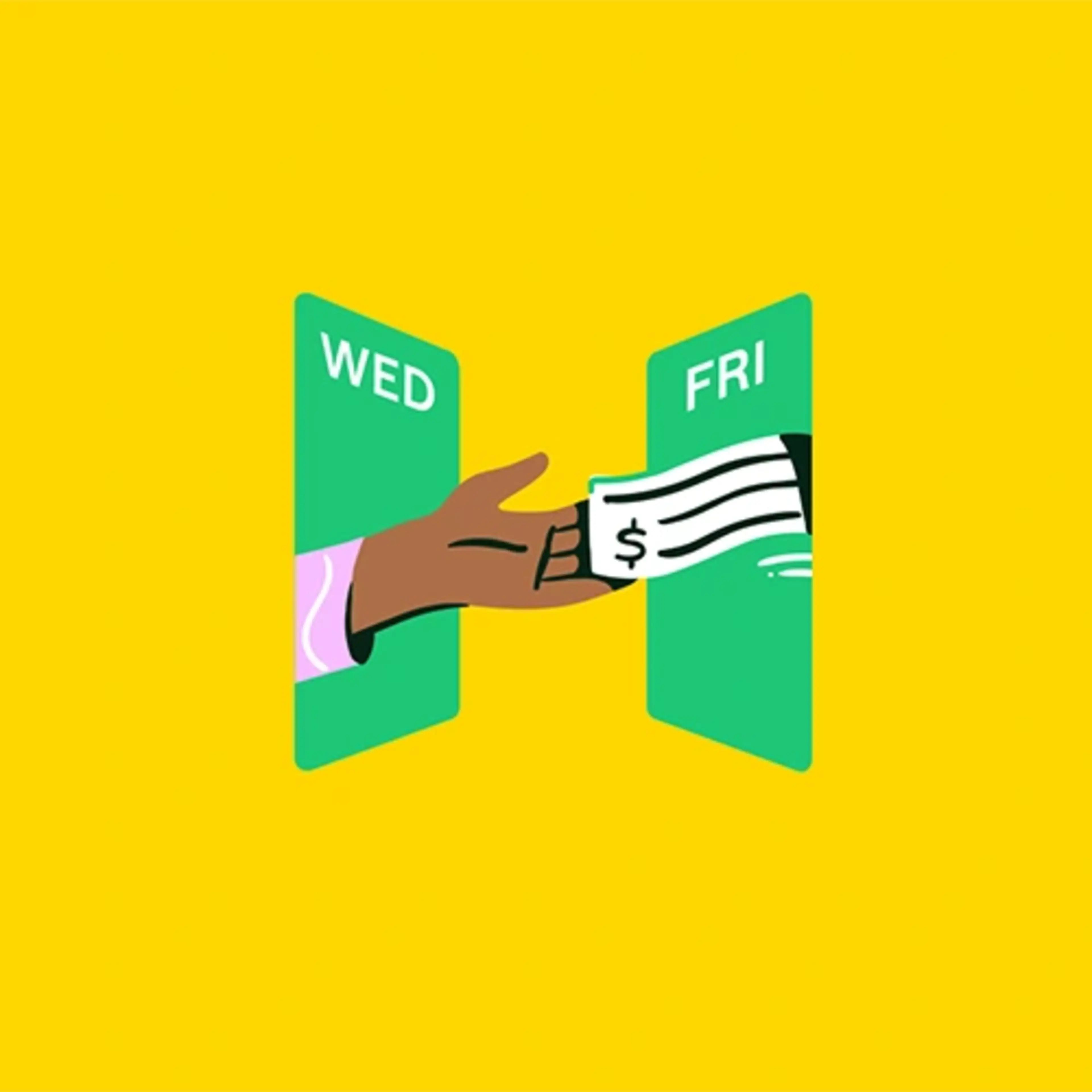
Ready to get paid early?
Get your paycheck up to 2 days early with direct deposit – that’s your money in your pocket, faster.
FAQs
How can you get paid early?
Some banks, credit unions, and fintech companies have started offering early direct deposit features for their checking accounts. For example, when you set up direct deposit for your Chime Checking Account, you can get your whole paycheck up to two days early. (see disclosure 1)
Is there an app to get paid early?
Multiple banking apps offer early direct deposit, which can help you stay on top of bills and get your money faster. To see what institutions offer early access to your paycheck, visit their websites.
With a Chime Checking Account, you can set up early direct deposit in the Chime app to access your entire paycheck up to two days early (see disclosure 1) – with no fees in sight.
Which banks offer early direct deposit?
Some banks, credit unions, and fintech companies offer early direct deposit, which lets members get paid up to two days early. Chime provides access to a range of banking services, including early direct deposit.
When you sign up for a Chime Checking Account and set up direct deposit, you’ll automatically unlock the power of Chime’s Get Paid Early.
How does early direct deposit work?
Early direct deposit begins with your employer sending the payment to your bank. Your bank then lets you access your funds as soon as the payment has been processed, rather than waiting until payday.
To set up early direct deposit, you need to give your employer or payroll provider your bank account and routing numbers. Once you’ve successfully enrolled in direct deposit, your payroll provider can make payments directly into your checking account electronically, without mailing a paper check.
You can set up direct deposit with an employer, companies you work with as a contractor, or even the U.S. government for tax refunds or Social Security benefits.How do you set up Chime early direct deposit?Setting up early direct deposit with Chime is easy. Just launch the Chime app, tap Move Money, and then Move your direct deposit. Here, you can copy your account and routing numbers to share with your payroll provider.
Chime can also email you a completed direct deposit form to give to your employer when you tap Get Completed Form. Even better: Some eligible employers are already connected to the Chime app. Just tap Find Employer and follow the prompts on your screen.
Not big on mobile? You can log in to your Chime account online to access your account and
routing numbers and print or download a direct deposit form – whichever is easier.
Early direct deposit with Chime is simple – no need to complete an additional setup process. As long as you’ve set up direct deposit with your employer, you have access to your funds up to two days earlier.
How do you set up Chime direct deposit?
Setting up direct deposit with Chime is easy. You can set up direct deposit with an employer, companies you work with as a contractor, or even the U.S. government for tax refunds or Social Security benefits.
To get started, just launch the Chime app, tap Move Money and then select Set up direct deposit. Here, you can copy your account and routing numbers to share with your employer or payroll provider.
Chime can also email you a completed direct deposit form for you to hand in to your employer when you tap Get completed form. Even better: Some eligible employers are already connected in the Chime app. Just tap Find Employer and follow the prompts on your screen.
Once you’ve successfully enrolled in direct deposit, your payroll provider can make payments directly into your checking account electronically, without mailing a paper check.
Not big on mobile? You can log in to your Chime account online to access your account and routing numbers and to print or download a direct deposit form – whichever is easier for you.
Once you’ve set up direct deposit, your paycheck automatically posts to your Chime Account as soon as we receive it.
How long does direct deposit take on Chime?
Chime’s Get Paid Early feature allows you to access your paycheck as soon as Chime receives it from your employer. For many, this means up to two days earlier than traditional banks.
How early do you get paid with Chime?
When you set up early direct deposit in the Chime app or online, your paycheck will be available as soon as Chime receives it. That’s often up to two days earlier (see disclosure 1) than you’d get it at some traditional financial institutions.
Chime didn’t pay me two days early. What can I do?
Chime processes and posts direct deposits as soon as they come in. Once we process it, you’ll receive a push notification and an email so you can start spending and saving right away.
If you’re expecting a direct deposit but haven’t seen it in your account, reach out to your payroll provider to see when they processed it. Direct deposits go through a few steps between the payment provider and the destination checking account.
If your employer has processed the paycheck but it’s not in your Chime account, it’s still going through these steps. Don’t stress: Chime will deposit the funds as soon as they’re available.
Remember, early direct deposits are only processed during the week (Monday through Friday), so if it’s Saturday or Sunday, wait until Monday to see if your paycheck arrives. Holidays can also delay payment. Chime observes all federal and bank holidays.