

Banking Basics
Save more with a Chime High-Yield Savings Account
Earn a great 0.75% on savings balances, and automatically bump your APY to 3.75%1 with Chime Prime, which is free with qualifying direct deposits.2 Our high-yield savings account makes saving simple.
Boost your earnings with Automatic Savings features3
No monthly fees4
High-Yield Savings Account
Learn how we collect and use your information by visiting our Privacy Notice ›
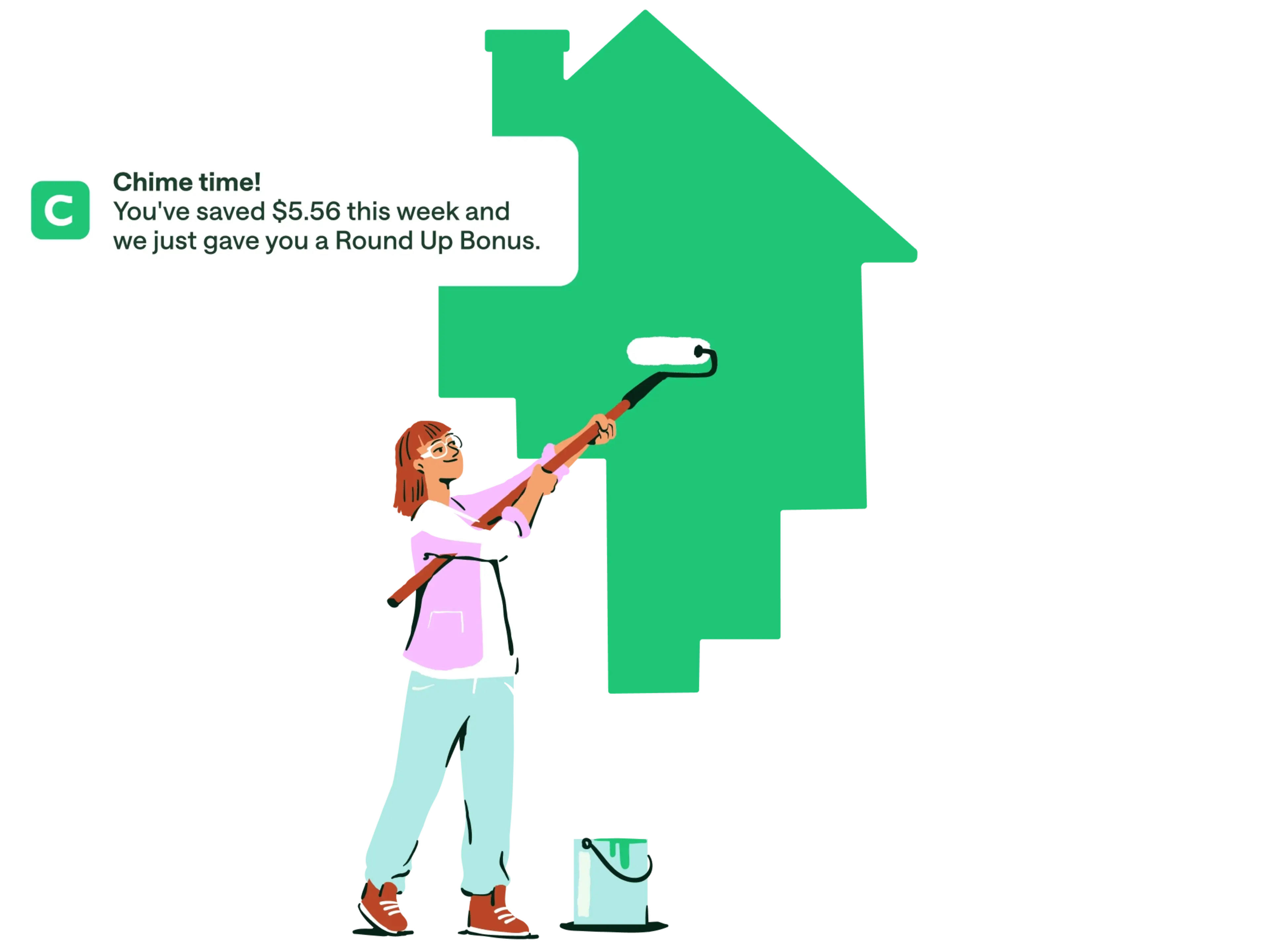
A high-yield savings account that works for you.
Your Chime High-Yield Savings Account comes equipped with features like automatic Round Ups5 and unlimited savings goals to help you save even more money with every deposit. Plus, all your funds are held in FDIC-insured6 accounts through Chime’s partner banks, The Bancorp Bank, N.A. and Stride Bank, N.A., Members FDIC, so you can rely on your savings.
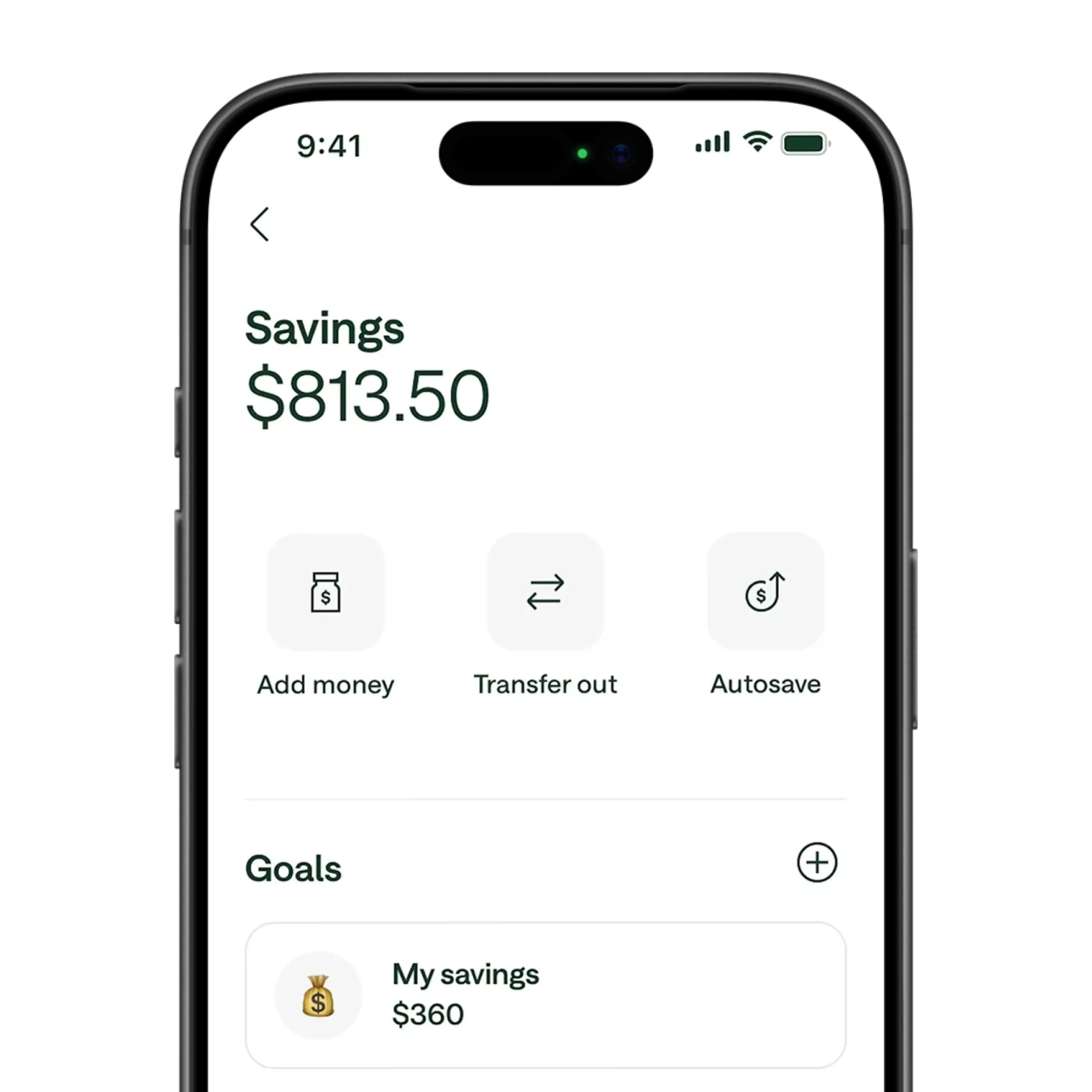
Earn money by saving money.
Chime offers 0.75% Annual Percentage Yield (APY)1 on your high-yield savings account right when you sign up. That’s 1.9x the national average!7
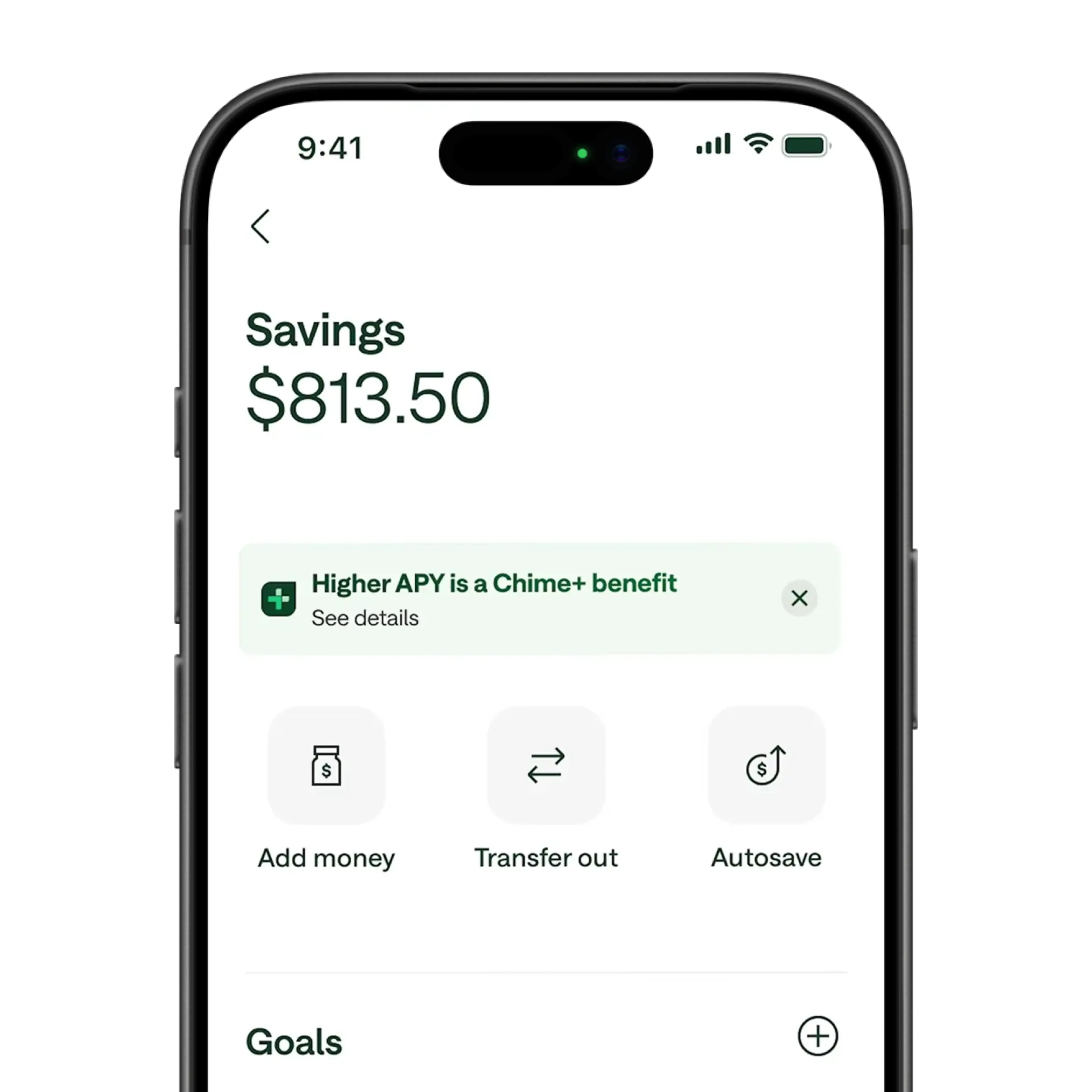
Unlock higher savings with direct deposit.
Ready to make your savings go further? Earn a 3.75% APY as a Chime Prime member or a 2.75% APY1 as a Chime Plus member when you receive a qualifying direct deposit.2 With Chime Prime, that’s 9x the national average!7
Kiss monthly bank fees goodbye.
The Chime High-Yield Savings Account has no monthly fees,4 no maximums on interest earned, and no minimum balance requirement.
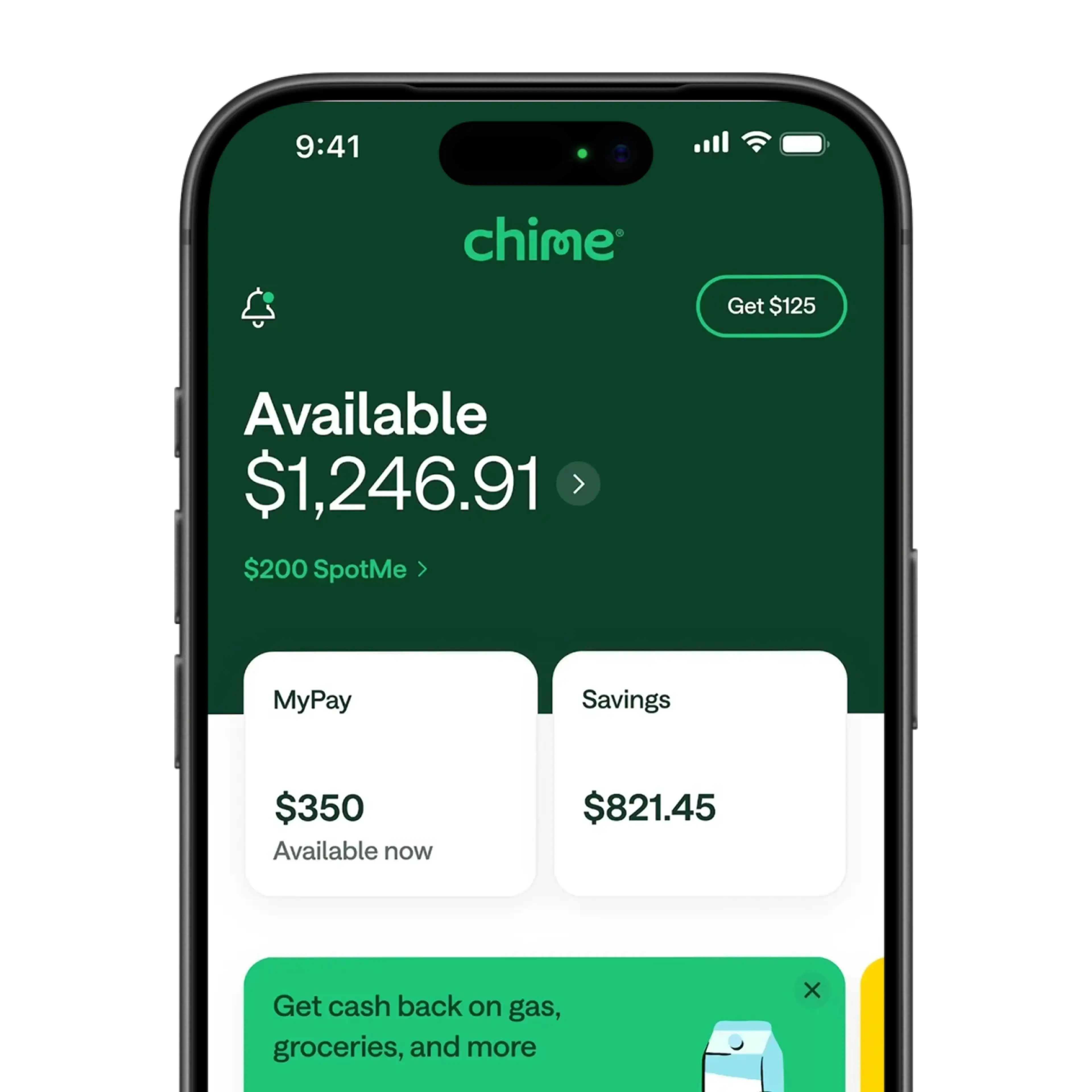
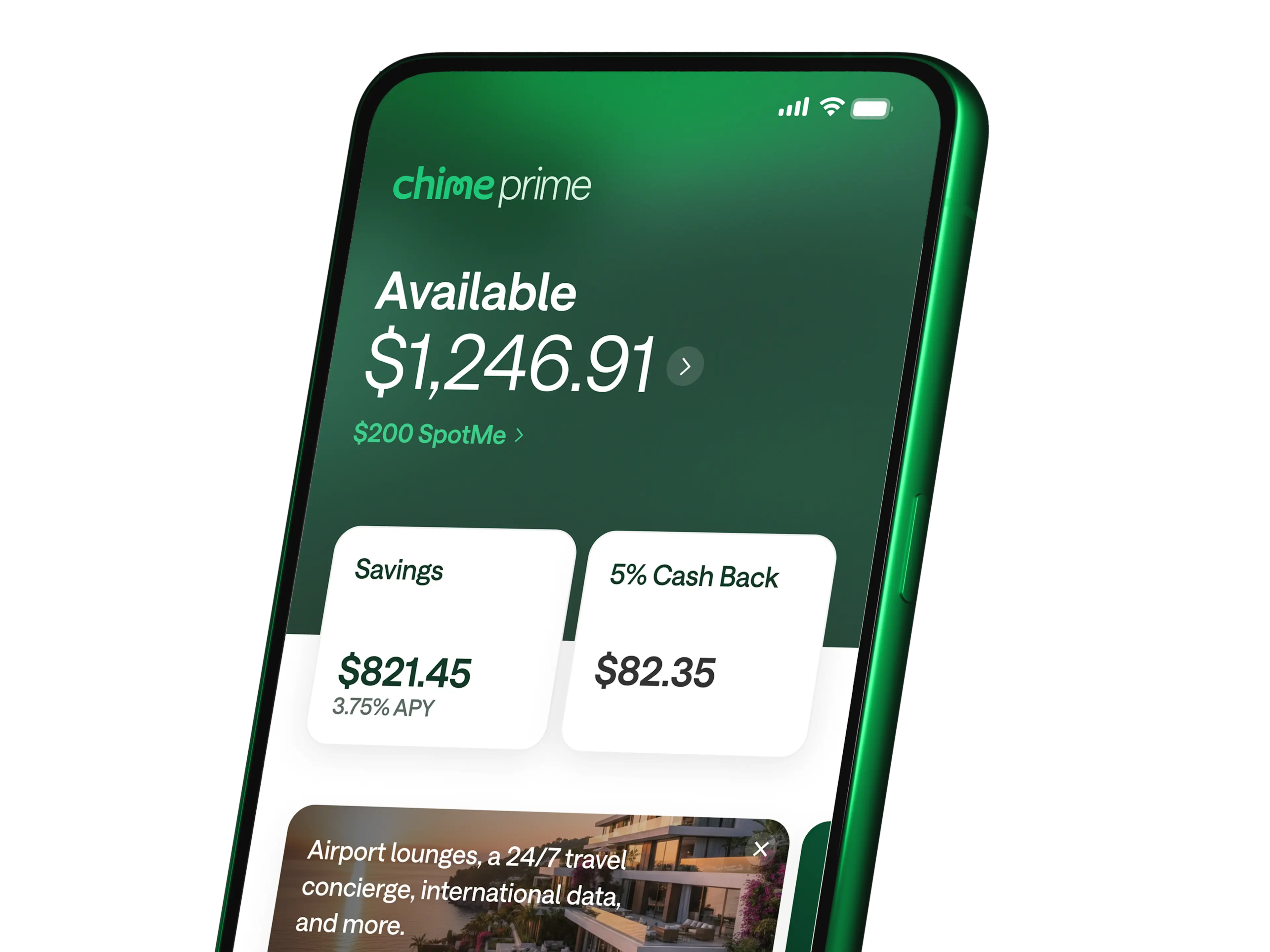
Unlock Chime Prime for free with direct deposit.
Unlock even more Chime benefits when you set up qualifying direct deposits.2
Chime has helped me start up a savings on a low budget for the first time in years! I love watching my savings grow, it feels so magical to finally be able to do that after struggling for so long!
Gillian B.
Chime has liberated me from living check to check by including a savings account...
I'll never go back to any other financial institutions, thanks Chime!
Chris D.
Chime has saved me so many times I've lost count! But what has saved me the most is the savings account... I have become so much more fiscally responsible since starting my account.
Phoenixx S.
Real members. Paid testimonials.

Put your savings to work.
Upgrade to Chime Prime with a qualifying direct deposit to get 3.75% APY1 – without the fees.4
Chime vs
Bank of America8,9
| Bank of America8,9 | Wells Fargo10 | Chase11,12 | |
APY | Standard 0.75% | Up to 0.04% | 0.01% | 0.01% |
Monthly service fees | $0 | Up to $8 | $5 - $12 | Up to $5 |
Minimum opening deposit | $0 | $25 - $100 | $25 | $0 |
How to open a Chime savings account.
1
Open a Chime® Checking Account
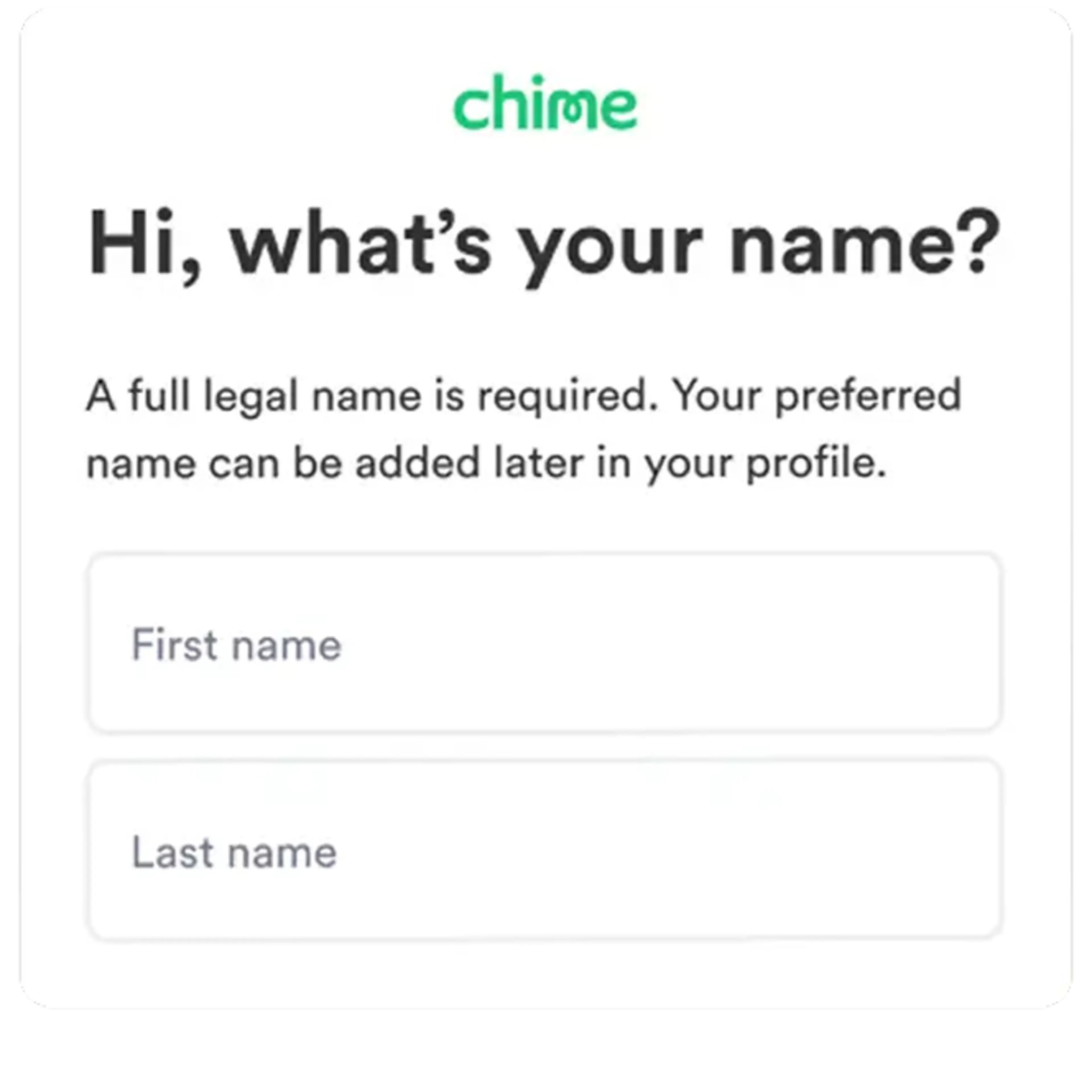
Open a Chime® Checking Account. Click Get Started and enter your personal info to open a checking account. Signing up takes minutes.
2
Enroll in the Chime Savings Account
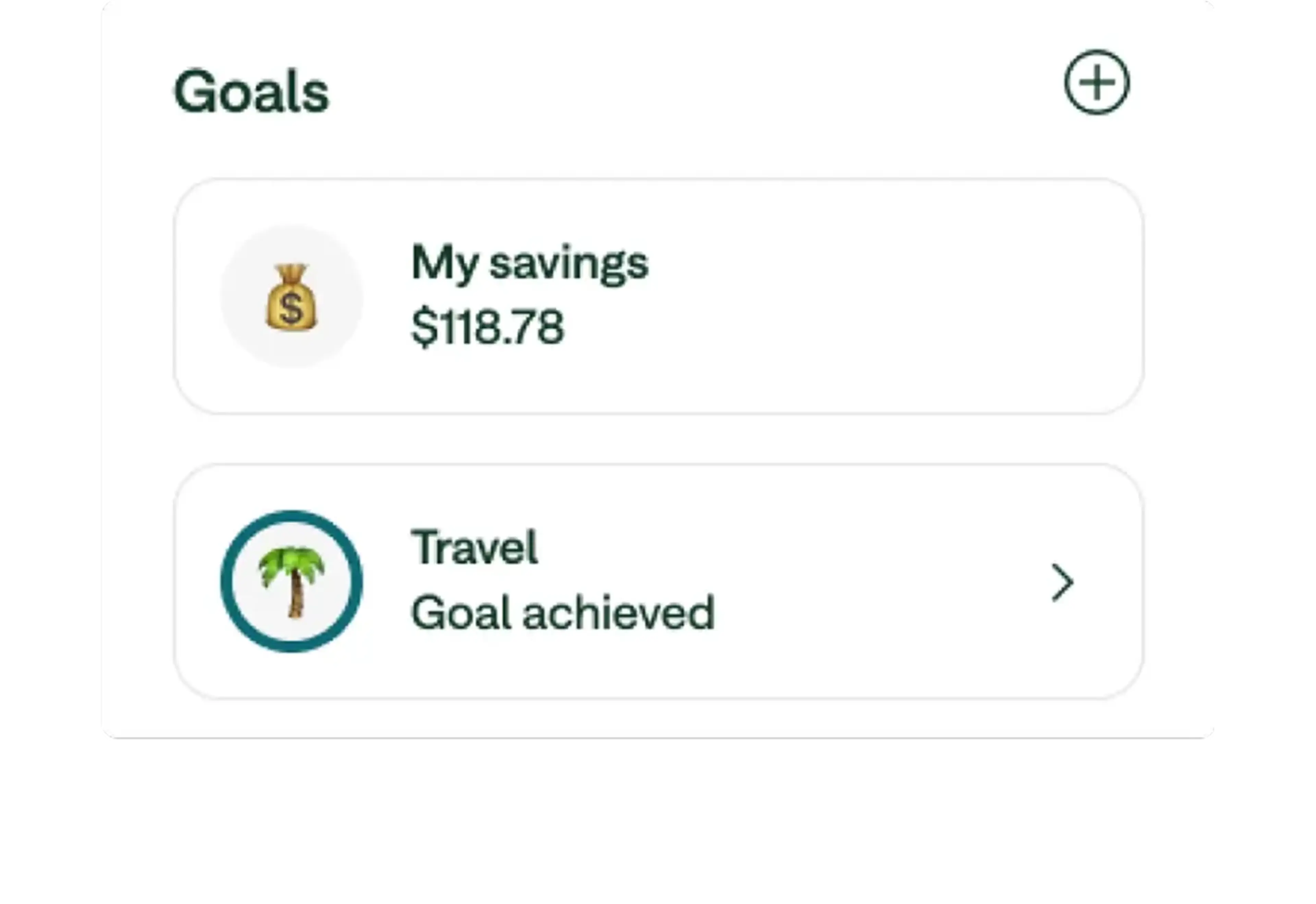
While opening the checking account, you’ll have the option to open a high-yield savings account with Chime at the same time. You can also open one later. A Chime Checking Account is required to be eligible for a Chime Savings Account.
3
Turn on Automatic Savings
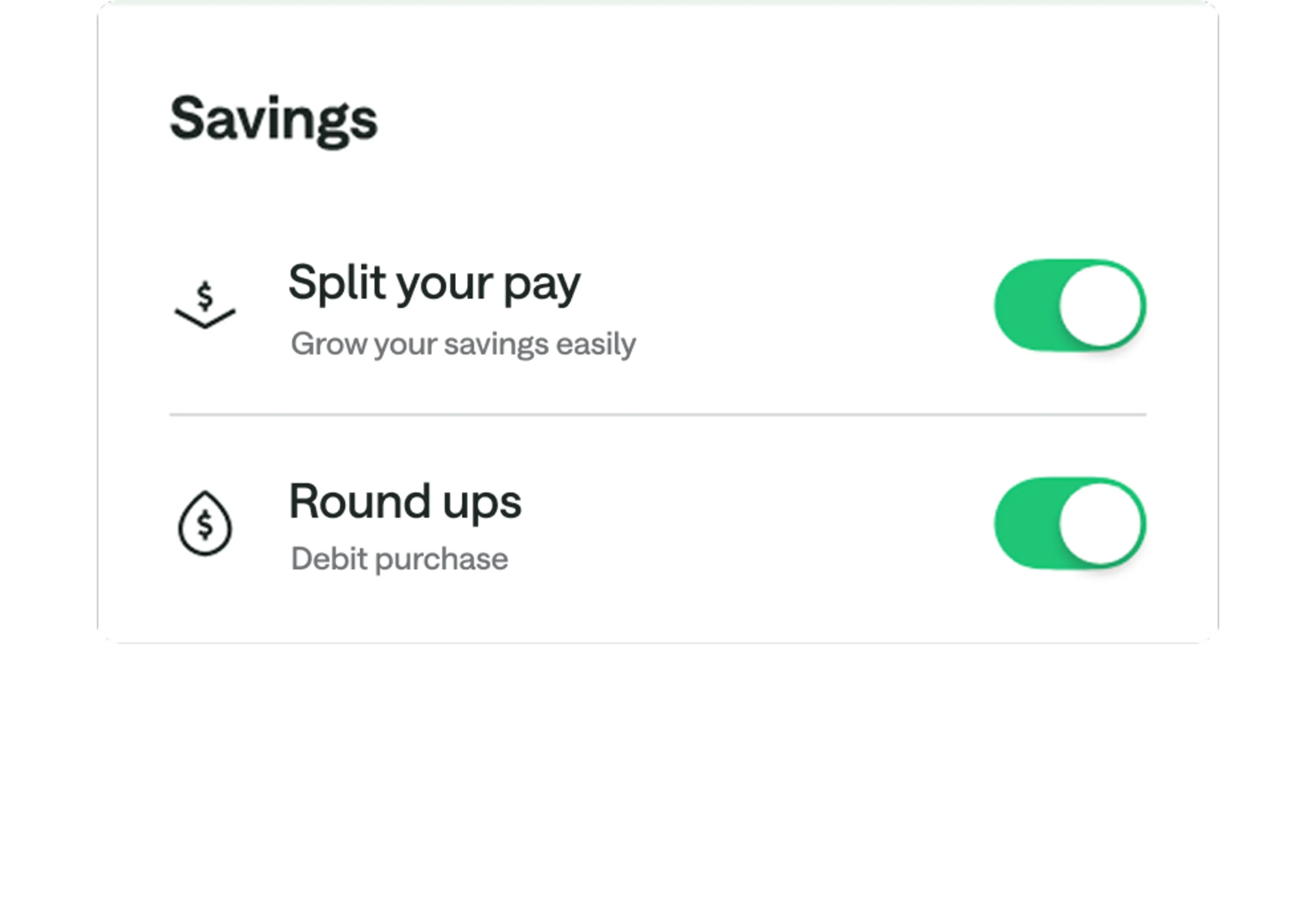
We’ll ask if you want to turn on Automatic Savings features like rounding up transactions and moving part of every paycheck to savings.5
4
Download the Chime mobile app.
Set up direct deposit or transfer funds from any existing bank accounts in the Chime app. The mobile app is the best place to manage all of your banking – for checking and savings – in one place.
Open an account online in two minutes.
Earn interest and grow your money with tools that help you save.

FAQs
How do I open a Chime high-yield savings account?
To open a Chime Savings Account, you first need to open a Chime Checking Account online. During the enrollment process, you’ll have the option to open a savings account at the same time. But don’t worry if you miss that step – Chime Checking Account members can launch their mobile app, head to the Savings screen, and open a savings account at any time. No minimum balance required!
How do I put money in my Chime Savings Account?
You can transfer money into your Chime Savings Account in two ways:
Transfer directly from your Chime Checking Account.
Route 10% of every direct deposit of $1 or more directly into your savings account.5
If option one seems right for you, you can easily fund your Chime Checking Account through mobile check deposit,13 direct deposit, Pay Anyone,14 or an external bank transfer. Have cash? Make fee-free cash deposits15 into your Chime Checking Account at any Walgreens across the country. For a fee, you can make cash deposits at more than 85,000 retail stores in the U.S.
How much should I have in savings?
How much money you should have in your savings account depends on your income, monthly expenses, and personal goals.
According to a survey conducted by The Motley Fool Ascent in July 2024, the median transaction account balance among Americans is $8,000–that includes checking, savings, and other accounts.16
It’s a good idea to build an emergency savings fund as soon as you can; experts recommend that an emergency savings fund should be able to cover three to six months’ worth of expenses for you and your family.
After you’ve built your emergency savings, you can decide the best path for you: paying down debt; saving for other things, like a house, wedding, or vacation; or even investing.
How does a savings account work?
A savings account is a place where you can deposit money, and you can earn interest on the money you deposit over time.
When you deposit money with a bank, they can then use this money to lend to other people for a period of time. However, you can still access the money based on your account limitations. Most savings accounts are insured up to $250,000 through the FDIC, per depositor, per insured bank.6
What is a variable rate?
A variable rate is a rate that may change from time to time. It depends on a few factors, including changes in market rates and conditions. Chime does not take rate changes lightly, so we will always do what we can to provide you with the best rate.
What is the best high-yield savings account?
The best high-yield savings account is the one that works for you, but when searching for a savings account, consider prioritizing online banking, low monthly fees, and, above all else, a high APY.
Because banks and credit unions routinely change their APYs, it’s difficult to name the single best high-yield savings account, but online banks have consistently provided higher APYs compared to traditional brick-and-mortar financial institutions. When you choose to bank through Chime, for instance, you gain access to a savings account that’s regularly among the best with a high APY, online banking capabilities, helpful tools to make it easier to save, and no monthly fees.4
Can I open a savings account online?
Many financial institutions and financial technology companies allow you to open a savings account online. Online banking has become an important way for people to manage personal finance, with many financial institutions offering a full online suite of services. Chime, for example, makes it easy to manage your savings online and in the mobile app.
Do savings accounts have routing numbers?
Yes, savings accounts have routing numbers, just like checking accounts. The routing number corresponds to the financial institution where you have your account. To find your savings account routing number, look for a 9-digit code on a deposit slip, or just reference your account statement online.
Checking vs. savings account: What’s the difference?
The main difference between checking and savings accounts is how you spend and save your money. Because checking accounts make your money more easily accessible – with checks, ATMs, debit cards, and online bill pay – you’ll typically use a checking account to pay for goods and services, like groceries, rent, concert tickets, and streaming services. Savings accounts generally earn interest compared to checking accounts; you should open a savings account to store money you don’t regularly need access to. Instead, the money can stay in the savings account to earn interest over time. Checking and savings accounts typically offer an added benefit over cash: They’re usually insured by the FDIC (or NCUA at credit unions) for up to $250,000 for deposits held at FDIC-insured banks.
Do savings accounts earn interest?
Yes, savings accounts earn interest, though some may have minimum balance requirements to earn that interest. With most savings accounts, you earn interest every day, but the financial institution may not pay it until the end of the month.
Where can I find a no-fee savings account?
Many savings accounts tout themselves as fee-free, but when you read the fine print, you’ll see that there are strings attached. Some banks might require regular deposits to avoid fees, while others might charge a fee if your average account balance dips below a certain threshold. Read all fine print carefully before signing up for any no-fee savings account. If you’re looking for a savings account that truly charges no monthly fees, check out the high-yield savings account with Chime.4
How much money should I keep in checking vs savings?
Some experts recommend having enough money in your checking account to cover one or two months of expenses, plus a 30% buffer for additional expenses.
The amount you need to put in your savings account depends on your lifestyle and what you can realistically save. Some experts recommend saving three to six months’ worth of expenses for an emergency fund.