
24/7 Support
Trust & Safety
Anytime Security & Support.
Real time alerts.
Talk to a real human 24/7.
Protected by Visa’s Zero Liability Policy. (see disclosure 1)
Learn more about our privacy policy.
Optional Services and Products Fee Disclosures

Banking that actually works for you.
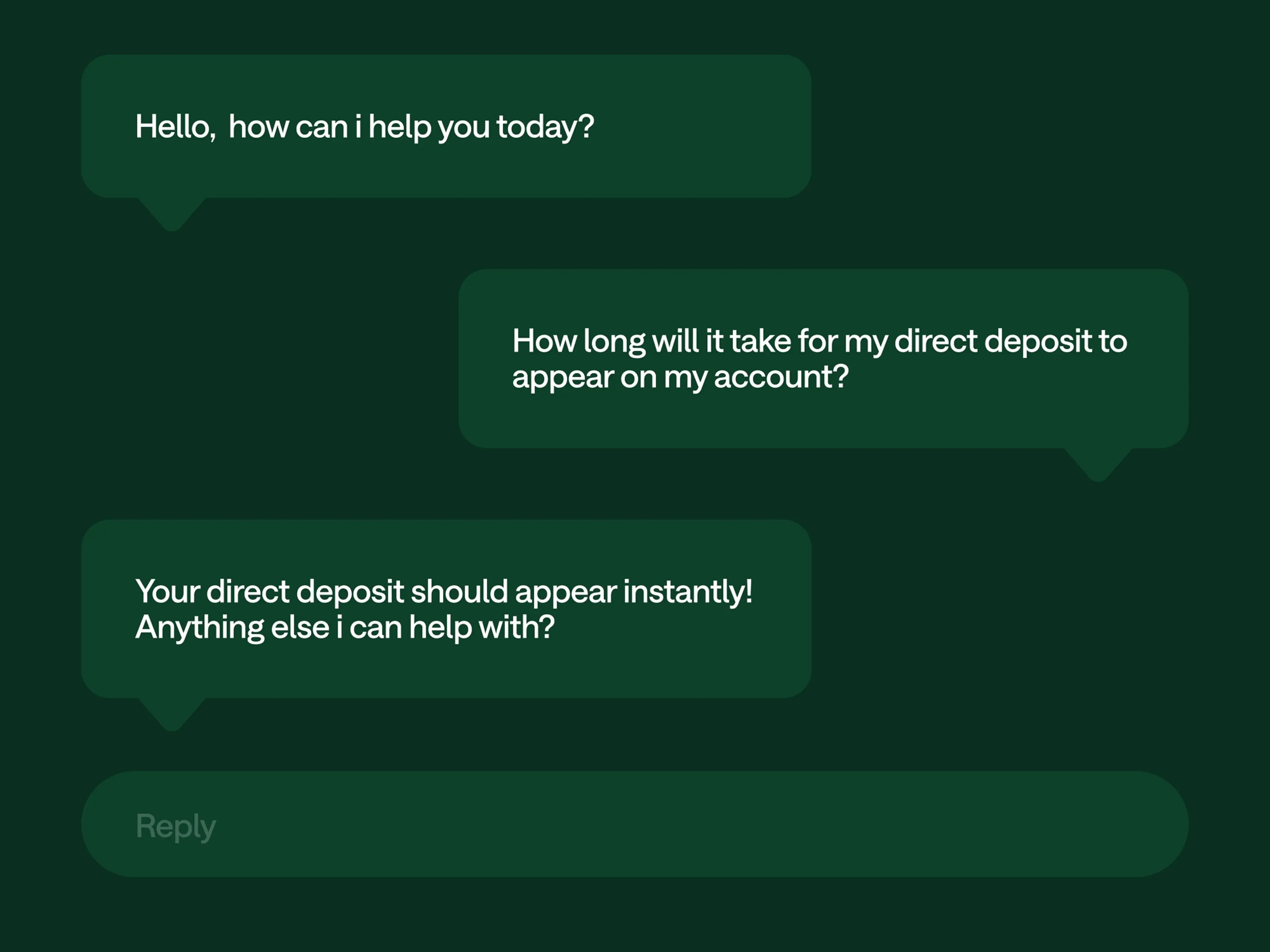
24/7 Live Support.
Our customer support is rated 5 stars by USA Today. Talk to a real human in 2 minutes or less, 24 hours a day, 7 days a week.
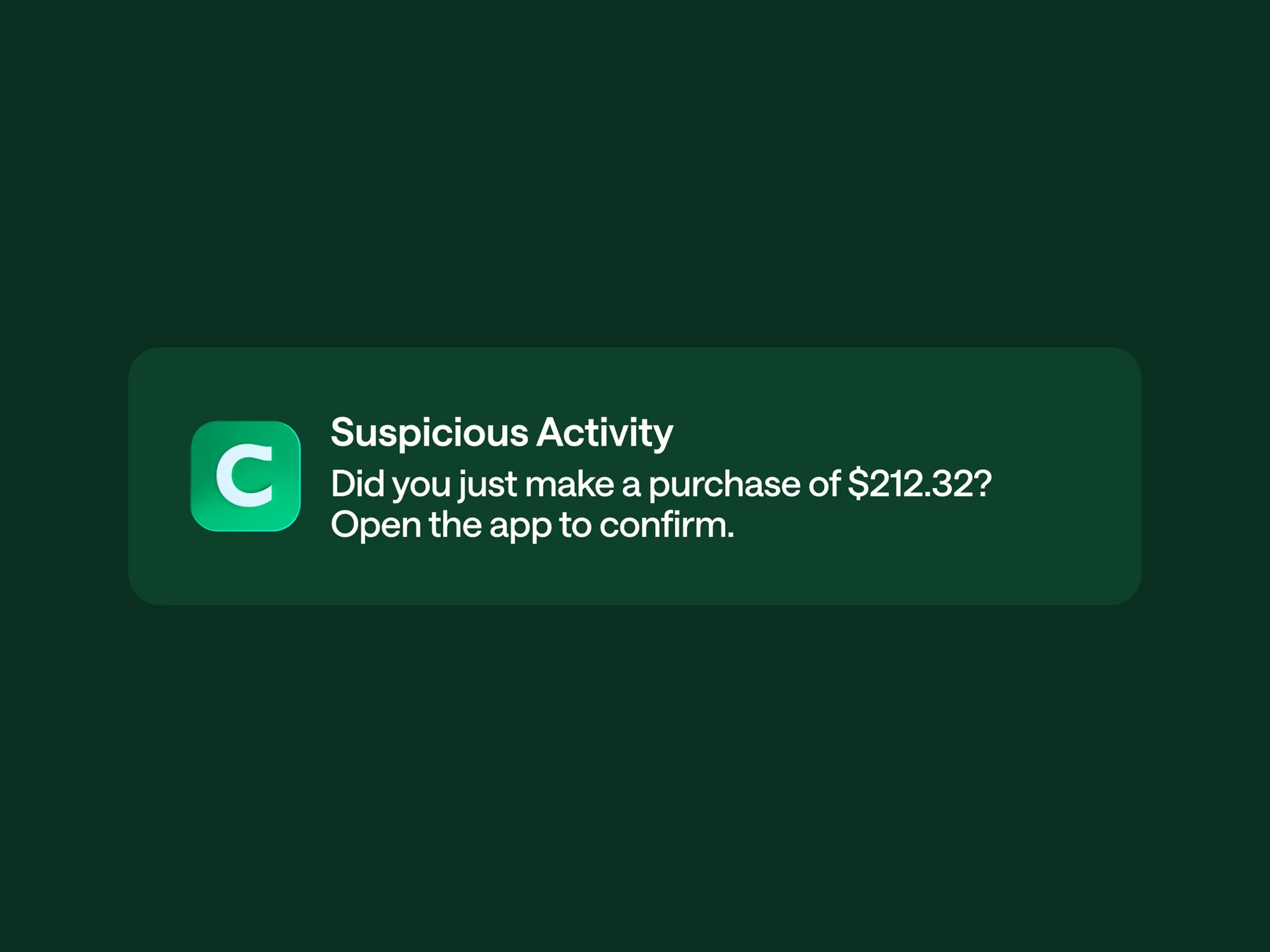
Real-time alerts.
You’re always in control of your account with real-time alerts on every transaction. Freeze or unfreeze your card in the app if something looks off.
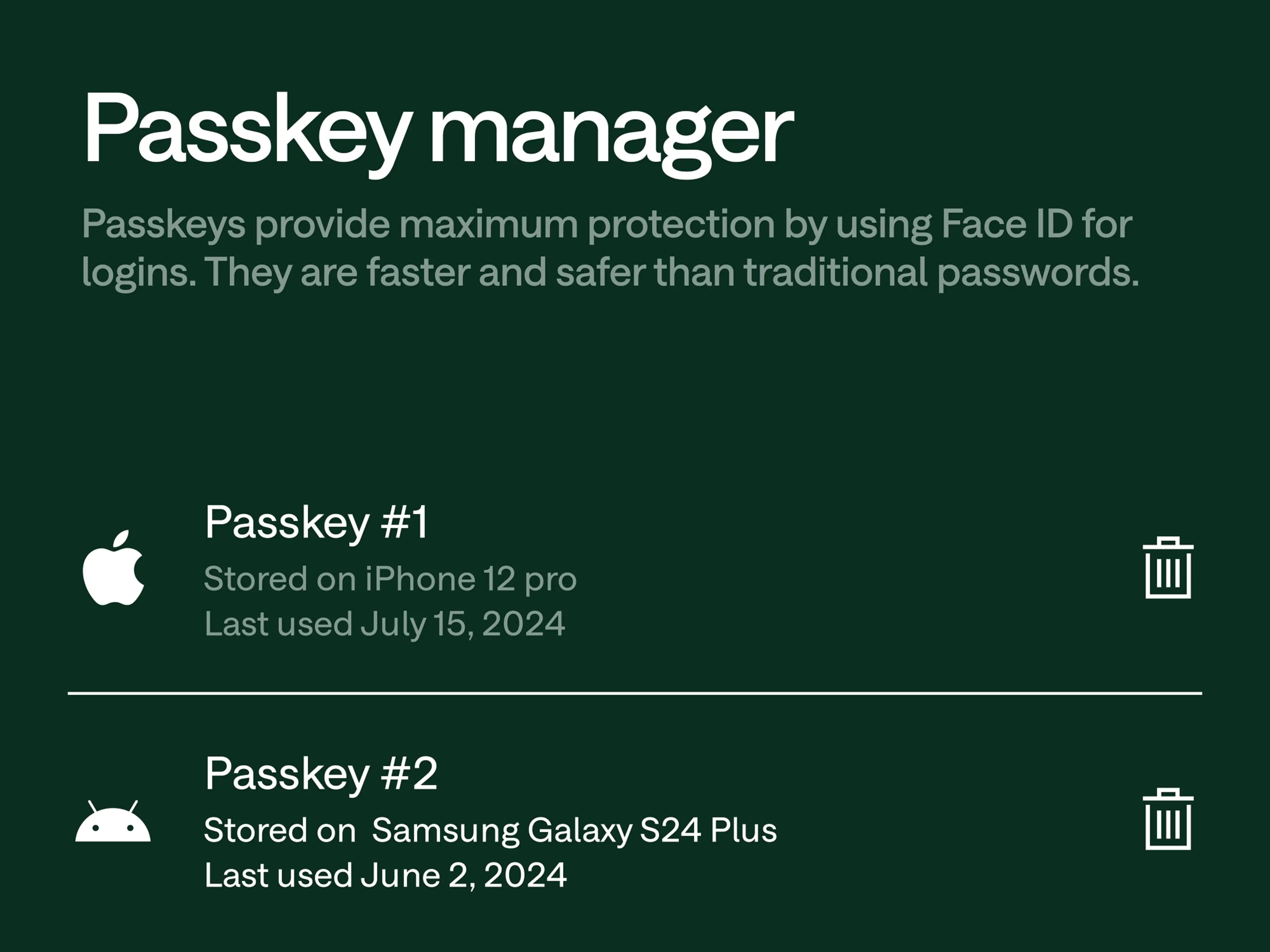
Seamless security.
You’re protected before your first login. Chime enables built-in security features like Face ID, two factor authentication, and fingerprint authentication to ensure only authorized members access their account information.
24/7 Live Support.
Our customer support is rated 5 stars by USA Today. Talk to a real human in 2 minutes or less, 24 hours a day, 7 days a week.
Real-time alerts.
You’re always in control of your account with real-time alerts on every transaction. Freeze or unfreeze your card in the app if something looks off.
Seamless security.
You’re protected before your first login. Chime enables built-in security features like Face ID, two factor authentication, and fingerprint authentication to ensure only authorized members access their account information.

Get the help you need.
Chat in-app or call whenever you need support and talk to a real human 24 hours a day, 7 days a week.

USA Today awards Chime 5 Stars for Customer Service
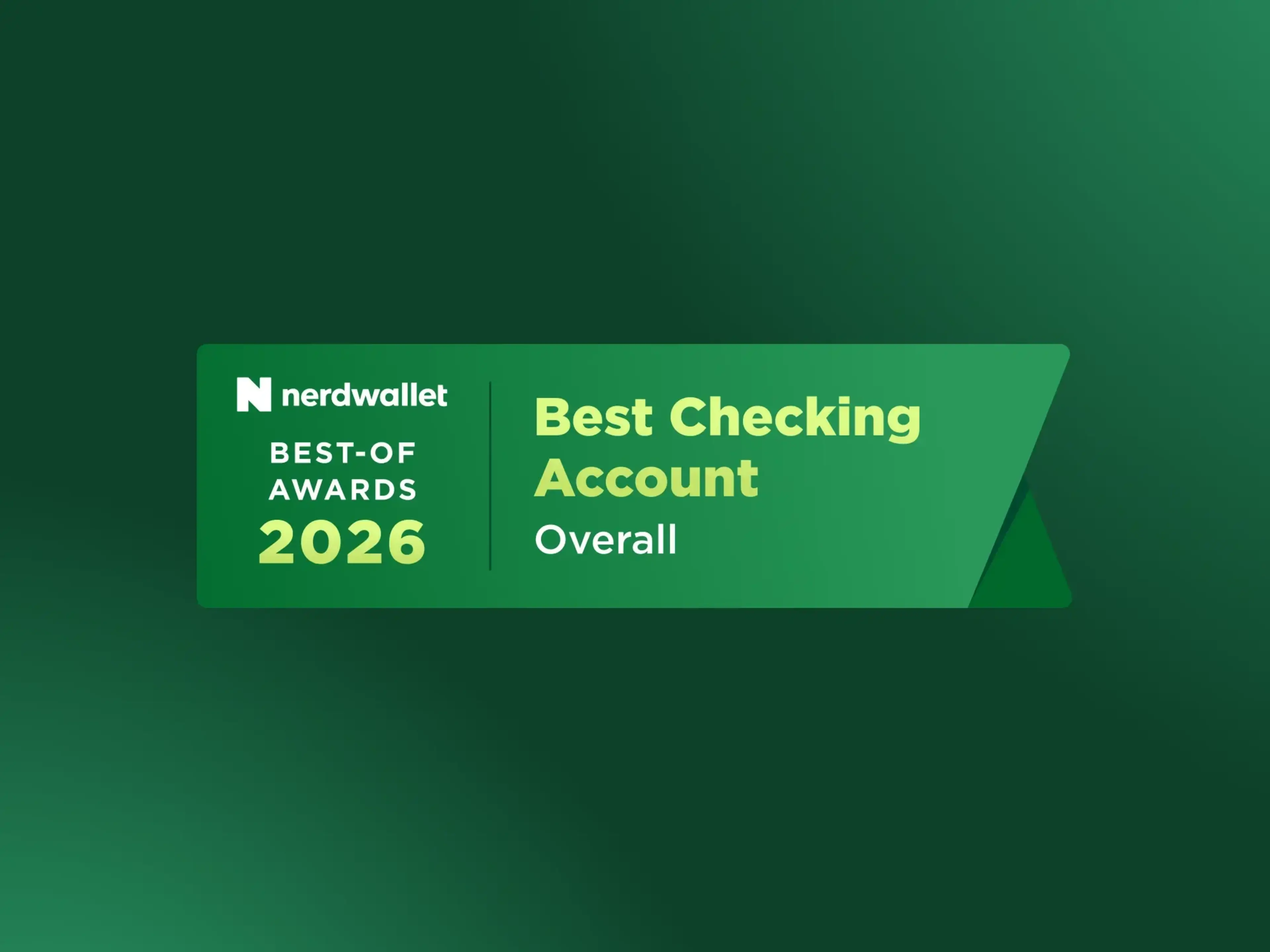
Chime named Best Checking Account Overall 2026 by Nerdwallet
The proof is in the numbers.
98%
Of Chime members trust banking through Chime. (see disclosure 2)
A+
Better Business Bureau rating.
5 stars
USA Today awards Chime for Customer Service.
90%
Of members say it’s faster to reach a real person at Chime than traditional banks. (see disclosure 2)
Learn how to bank fee-free. (see disclosure 3)
Open a Chime checking account in minutes.
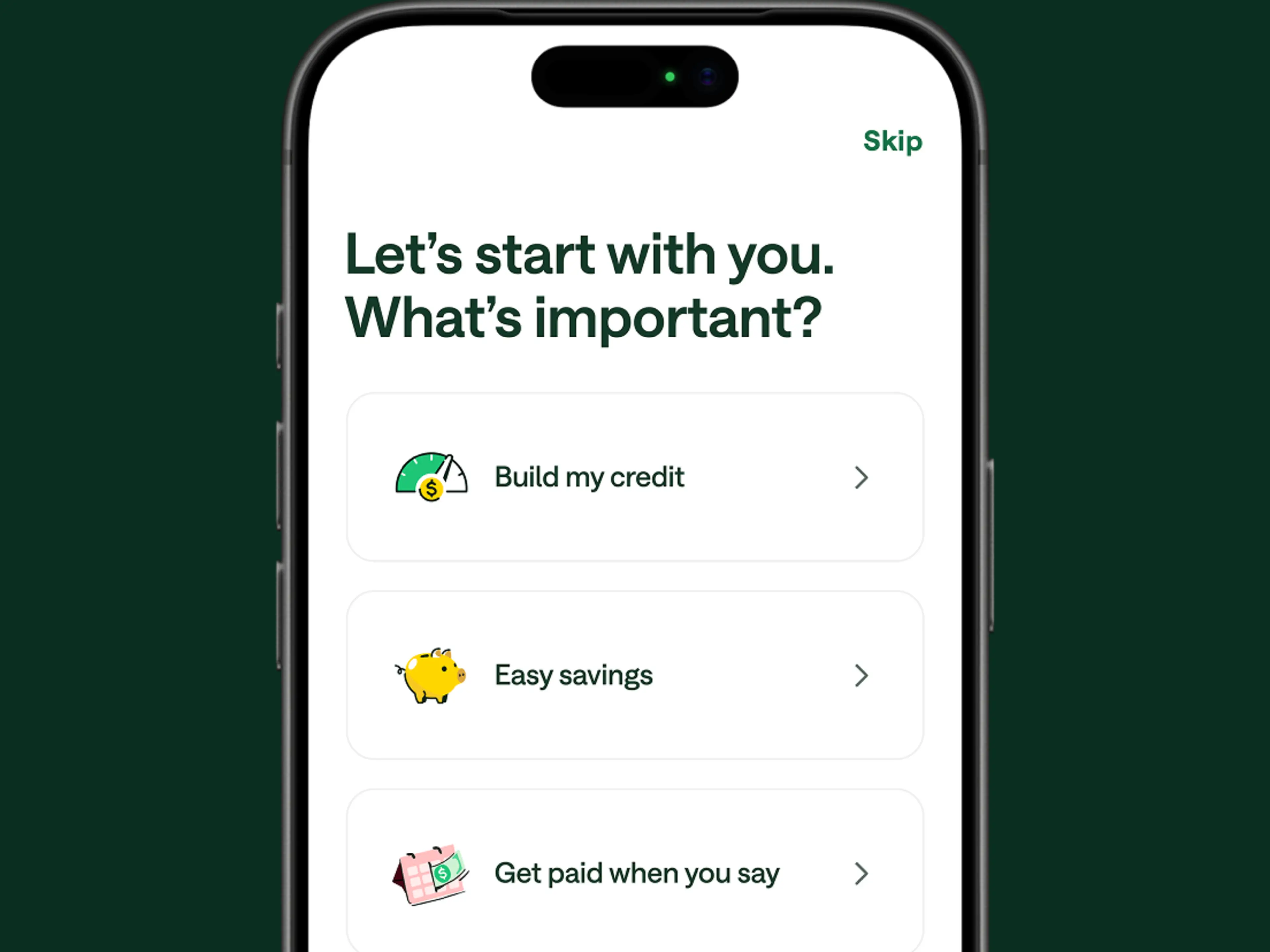
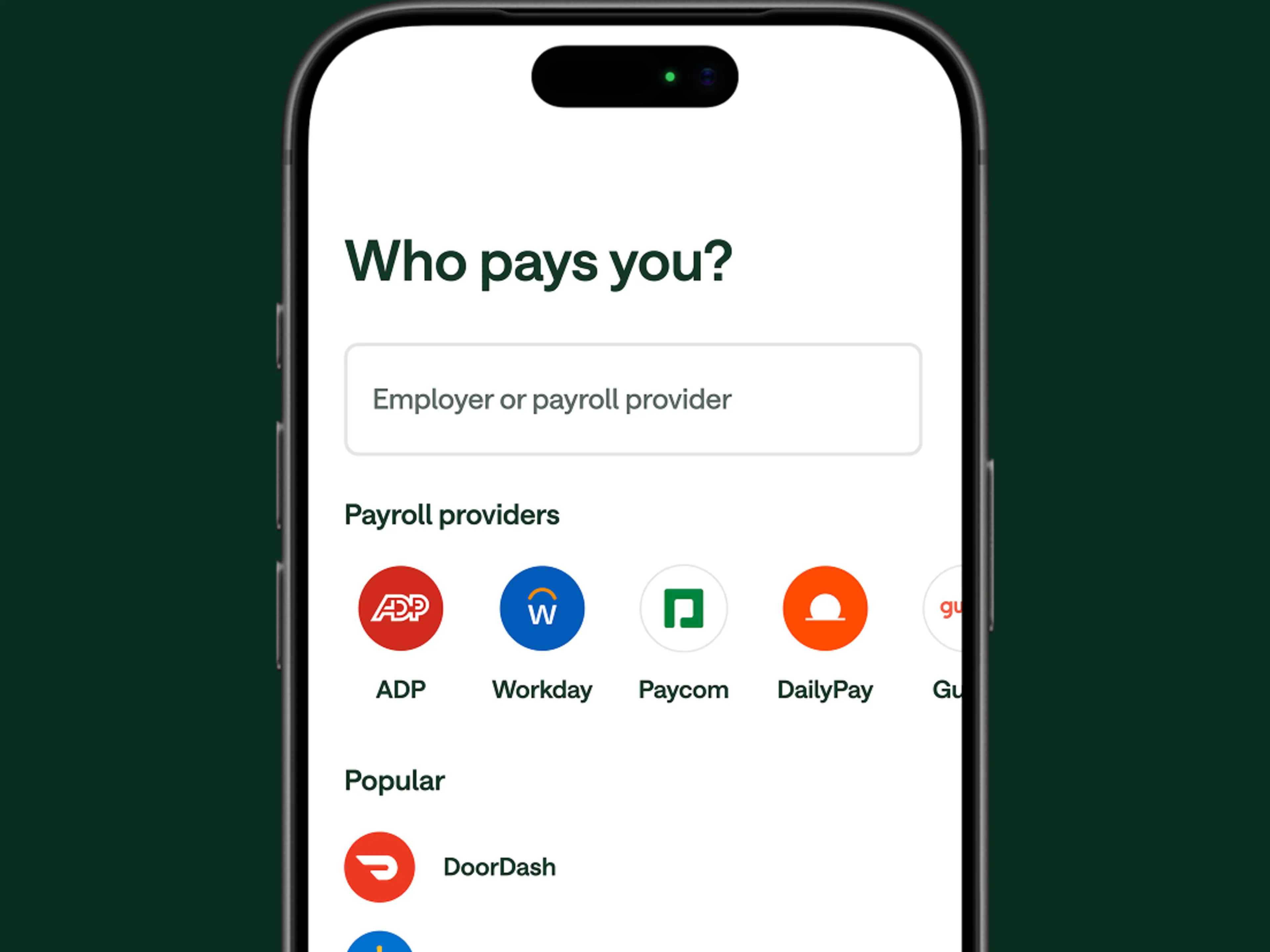
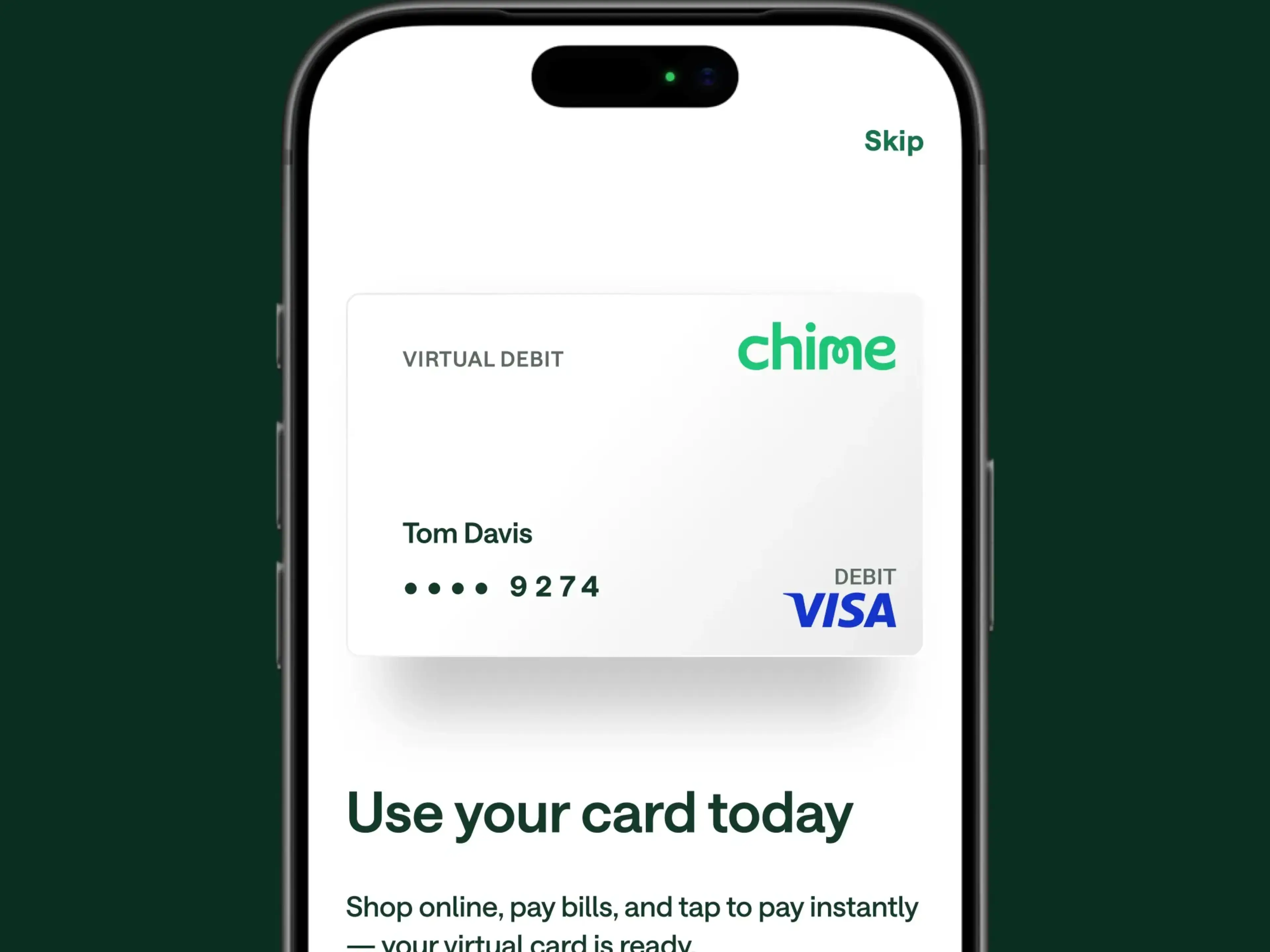
Apply online in minutes
Share your basic info and submit your application—no opening deposit required.
Hear from our members
“The customer service is pretty good, they usually get in touch in a timely manner. I lost my debit card, and they sent a new card within a few days.”
Miss D.

“I love this banking app! No fees for overdraft, I get paid 2 days earlier. If I could give it more than 5 stars, I would.”
Devyn B.

“I absolutely love all Chime offers me as a Chime+ member! I receive my check two days early, who wouldn’t appreciate that? My Pay? I can access my pay early, which is super helpful for emergency situations. No overdraft fees thanks to Spot Me and it’s all so easy and hassle free.”
Frank M.

“Awesome Spot Me that lets you overdraft without the worry of any hidden fees. My credit score went from a 610 to 755 in a year.”
Brett H.
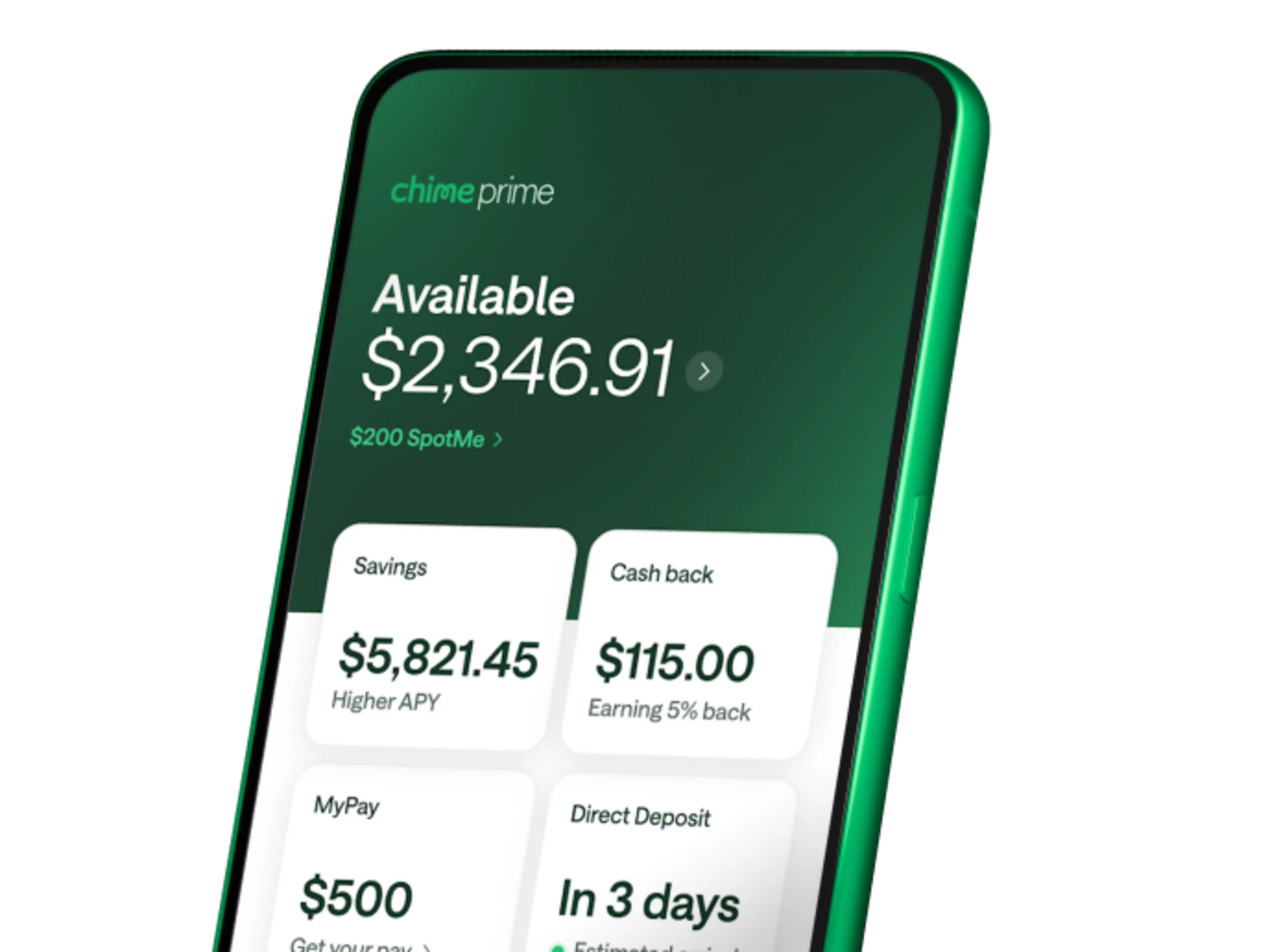
Chime Prime — The Most Rewarding Way to Bank.™ (see disclosure 4)
Unlock even more Chime benefits for free with qualifying direct deposits. (see disclosure 5)
FAQs
Is my money safe with Chime?
Yes, your money is safe. Chime works with two partner banks – The Bancorp Bank, N.A. and Stride Bank, N.A., both Members FDIC – to hold your deposits. That means your money is FDIC insured up to $250,000 per depositor. (see disclosure 6)
On top of that, Chime uses 128-bit AES encryption, access control, and security processes to protect your account. And if you notice an unauthorized transaction, you can disable transactions on any Chime card immediately in the settings section of the Chime app and website to prevent further unauthorized card transactions.
Are Chime accounts FDIC insured?
Even though Chime is a financial technology company and not a bank itself, your deposits are held at FDIC-insured partner banks. This gives you the same federal deposit protection you’d get at a traditional bank – up to $250,000 per depositor. The Bancorp Bank, N.A. and Stride Bank, N.A. are the partner banks that hold member deposits.
What is Visa Zero Liability protection?
Visa Zero Liability is a protection feature that comes with your Chime Visa® debit card or secured Chime Visa® Credit Card. If someone makes unauthorized purchases using your card, you won’t be held responsible for those charges. This can give you peace of mind knowing you’re protected if your card information is ever lost, stolen, or fraudulently used. (see disclosure 1)
What should I do if I lose my card or notice unauthorized charges?
If you do not recognize a transaction in your Checking Account or Chime Card™, we ask that you temporarily block your debit card and/or credit card. This blocks any new purchases or ATM withdrawals. Here’s how to lock your card:
Use the Chime mobile app or log in to your account at https://www.chime.com.
Go to Settings, Account Settings and turn off Allow transactions. This feature immediately prevents new purchases and ATM transactions on your Chime Visa® Debit Card account and/or secured Chime Visa® Credit Card.
Contact us immediately in one of these ways:
Call us at 1-844-244-6363
Use the Chime mobile app to contact our support team.
If you spot unauthorized charges, the support team can walk you through filing a dispute to help get your money back.
How do I contact Chime support?
Our Member Services team is standing by to help you 24/7 with any issues or concerns. Head to our help page to learn how to contact our experts with any Chime questions. If you’re a Chime Prime member, you get priority access to support, which means shorter wait times when you need help.
What is Chime’s Security Center?
The Security Center is your one-stop spot in the Chime app for managing your account’s security settings. Here you can enable two-factor authentication, set up passkeys, verify your email, and turn on transaction alerts. It’s designed to give you control over how you protect your account and stay informed about security.
How do I set up two-factor authentication?
Setting up two-factor authentication takes just a minute or two. Open the Chime app, head to the Security Center, and enable two-factor authentication from there. While you’re at it, consider turning on Face ID or fingerprint login for extra protection. These features add another layer of security each time you access your account.
How do I dispute a transaction?
If you see a charge you don’t recognize, contact Chime support through the app or by calling 1-844-244-6363. The support team will guide you through filing a dispute and explain what to expect during the process. You can also track the status of your dispute through the app so you know where things stand.
Why was my account temporarily frozen?
Chime may place a temporary hold on your account if the system detects unusual activity. This is a security measure designed to protect your money while the situation gets sorted out. To resolve it, contact Chime support – they can review the activity and help restore access to your account.
What security certifications does Chime have?
Chime is independently audited against several recognized security frameworks, including NIST CSF, ISO 27001, PCI-DSS, and SOC2. These audits help verify that Chime follows industry-standard practices for protecting your data. It’s one more way Chime works to keep your information secure.
Does Chime monitor for suspicious activity?
Yes, Chime uses monitoring tools to help detect unusual account activity. You can also take control by setting up real-time transaction alerts and daily balance notifications in the app. These alerts let you know right away when money moves in or out, so you can spot anything unexpected quickly.
Can I lock my Chime card if I think it’s compromised?
Absolutely. You can lock your card any time through the Chime app – just tap the lock feature and it immediately blocks new purchases and ATM withdrawals. If you find your card or determine it’s safe, you can unlock it just as easily. This gives you control without needing to wait on hold or cancel your card entirely.
Can you use your Chime card in other countries?
You can use your Chime Visa® Debit Card, secured Chime Visa® Credit Card, or secured Chime Credit Builder Visa® Credit Card anywhere Visa debit or credit cards are accepted. International transactions can be enabled or disabled in the settings menu found in the Chime mobile banking app.
Where can I find more information on your policies?
You can check out our privacy practices, Account Agreement, and all the legal information pertaining to your account here: Privacy Policies