1 

Eligibility requirements and limits apply. See Chime Deals® Terms and Conditions.

2 

To be eligible for Chime Prime status, receive $3,000+ in qualifying direct deposits to your Chime Checking Account in the past 34 days. To be eligible for Chime Plus status, receive either 1) a single $200+ qualifying direct deposit; or 2) $400+ in cumulative qualifying direct deposits to your Chime Checking Account in the preceding 34 days. Certain products marketed as perks have additional eligibility requirements. While some perks may have associated fees, none of these fees are mandatory to access the perks or to maintain the applicable status. See the Chime Membership Tiers Terms and Conditions for details on all listed Prime and Plus perks.

Get started
Get started
Log in

Get cash back with Chime.

  • Earn cash back on everyday purchases such as gas, groceries, and more.1

  • Find deals no matter where you are, right from the Chime app.

  • Access additional exclusive, personalized offers when you unlock Chime Prime.2

Already have an account?

Learn how we collect and use your information by visiting our Privacy Notice
Features ›Where it works ›Get started ›Testimonials ›Resources ›FAQ ›

Get cash back on everyday purchases.

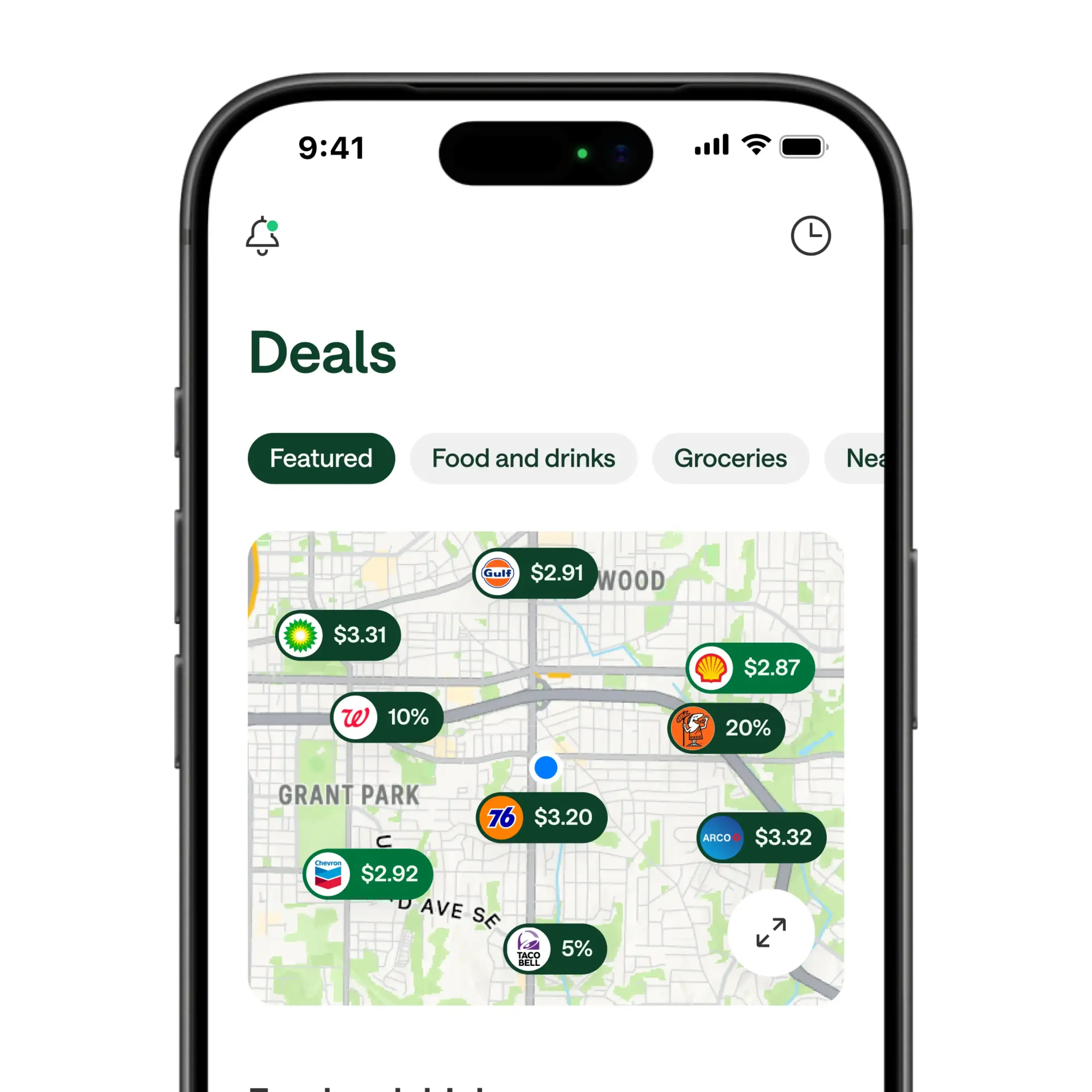
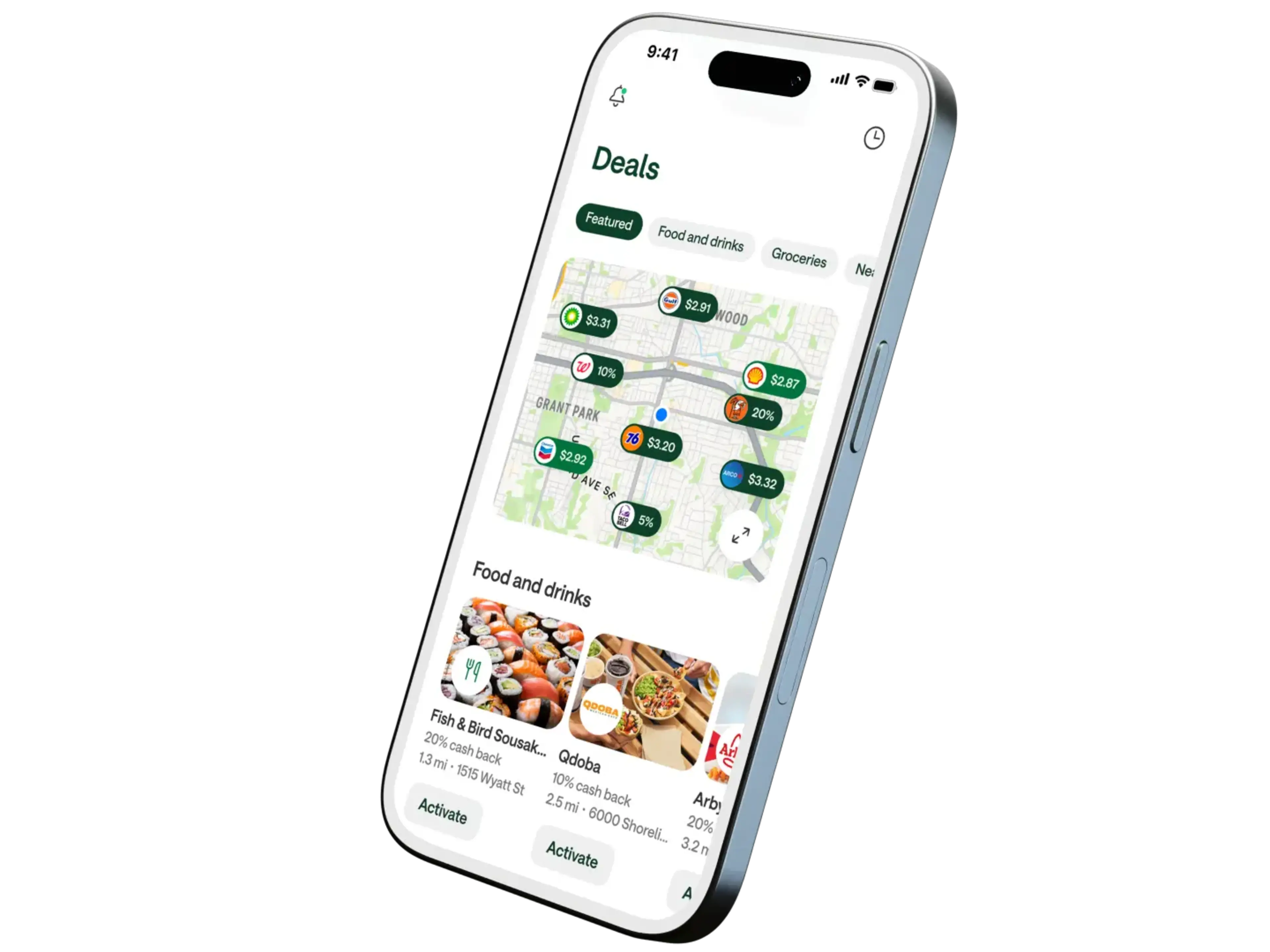
Chime Deals® is a fee-free feature1 for Chime members to get cash back on everyday purchases through in-app deals. Browse the app for retailers you’re planning to visit and choose the cash back deals you want. You could get cash back on everyday purchases like gas, groceries, and restaurants nearby.

Plus, unlock exclusive deals with direct deposit.

When you make a qualifying direct deposit and unlock Chime Plus™ or Chime Prime™, you’ll get additional exclusive cashback deals, personalized just for you. Plus, you’ll continue to enjoy deals on everyday purchases.

Browse the Chime app for deals.

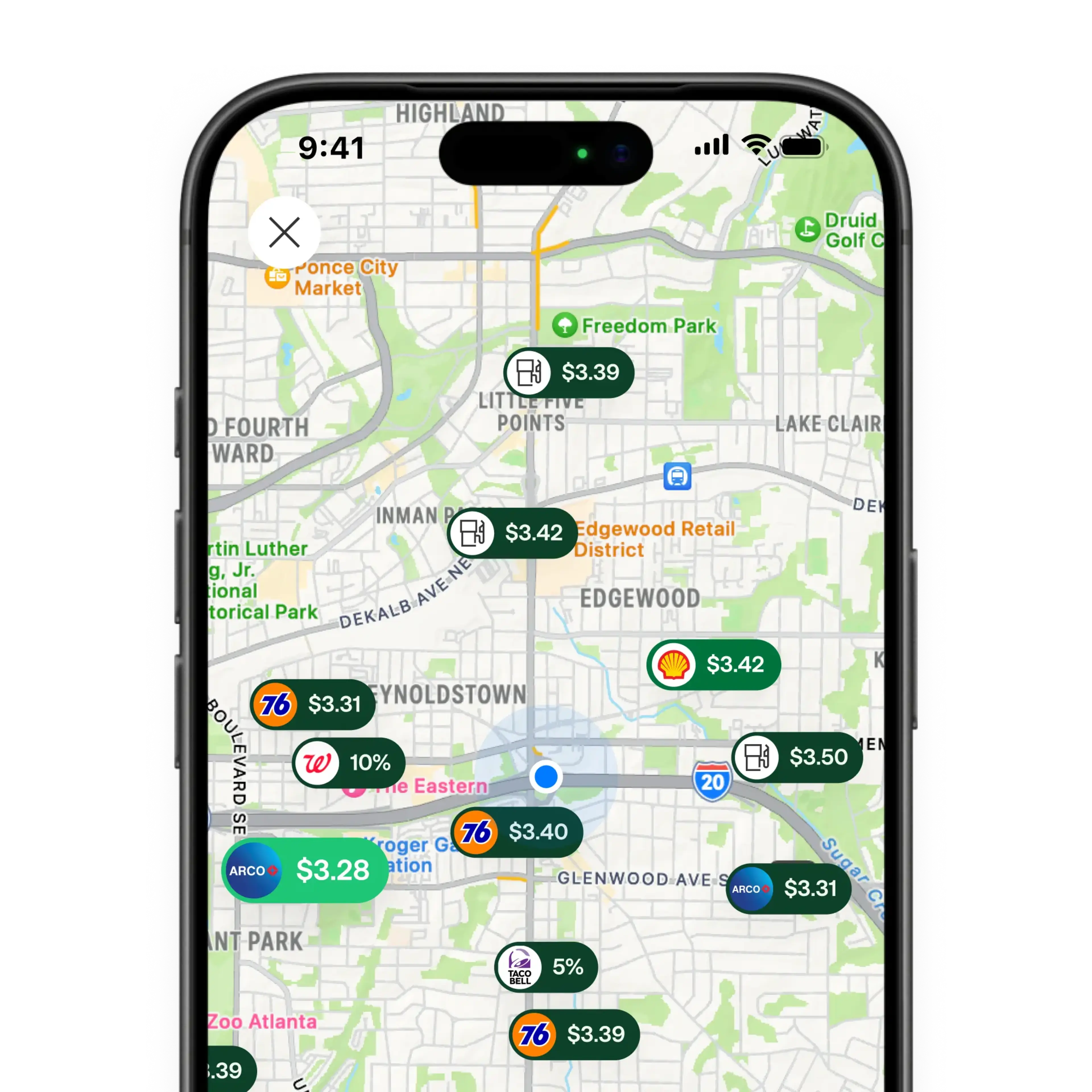
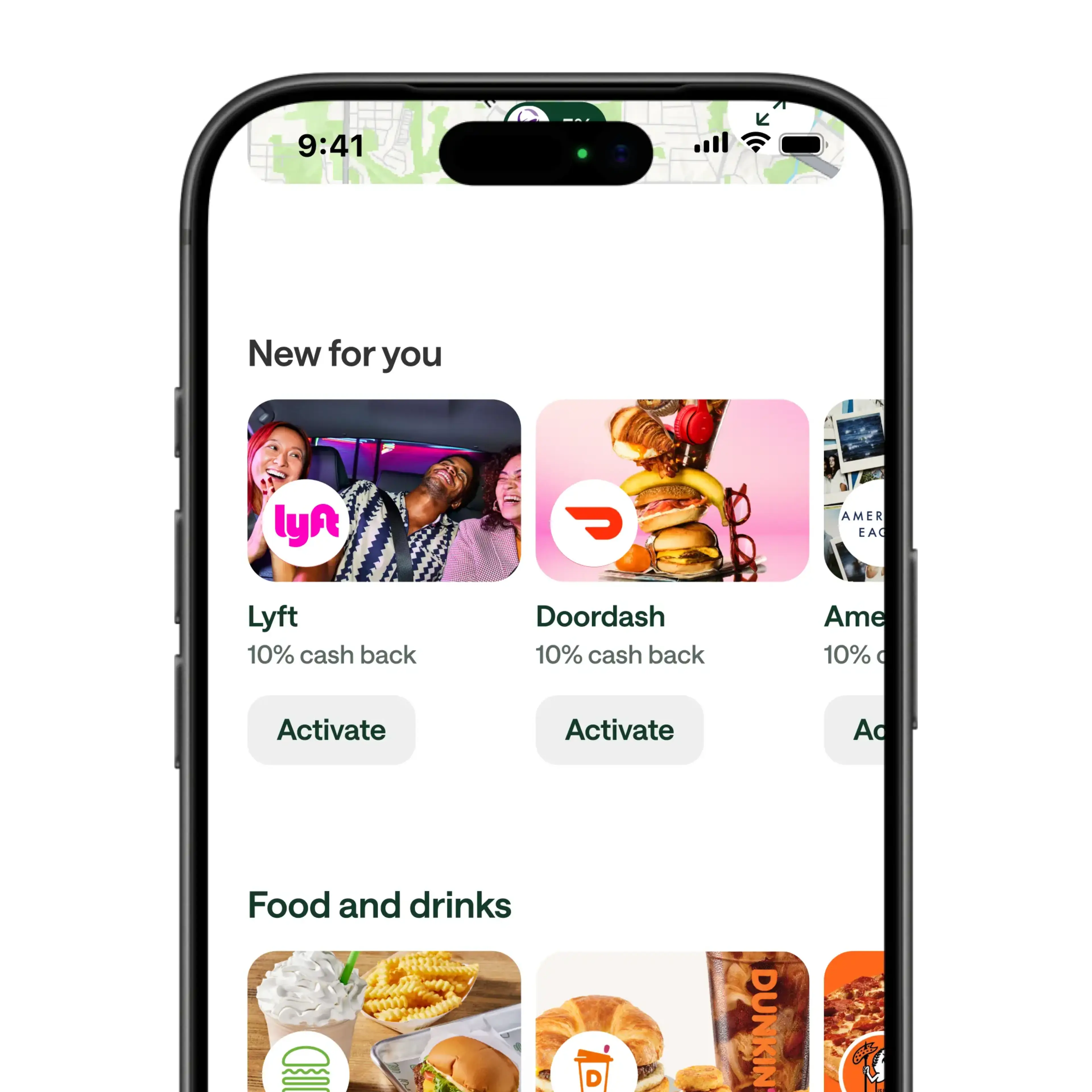
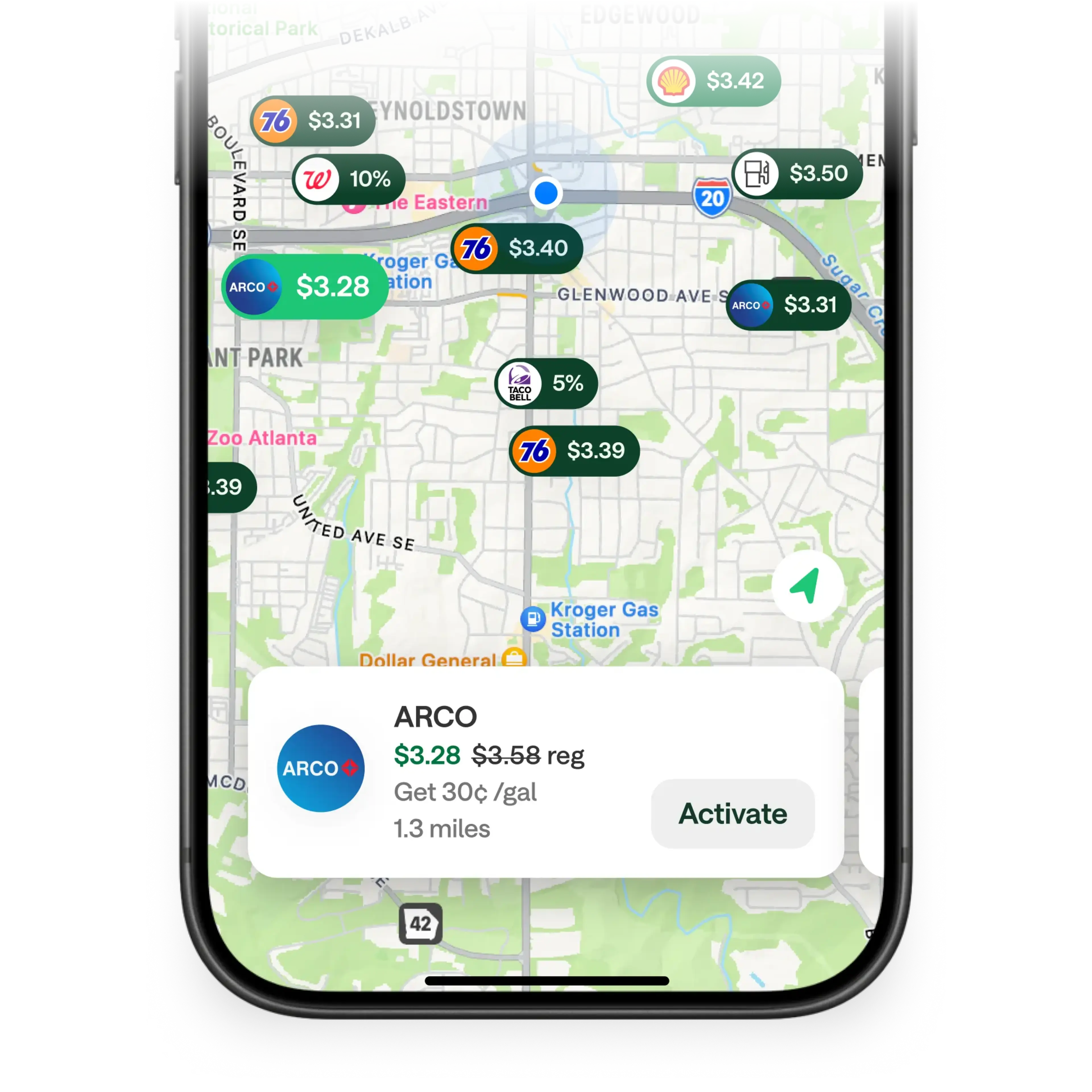
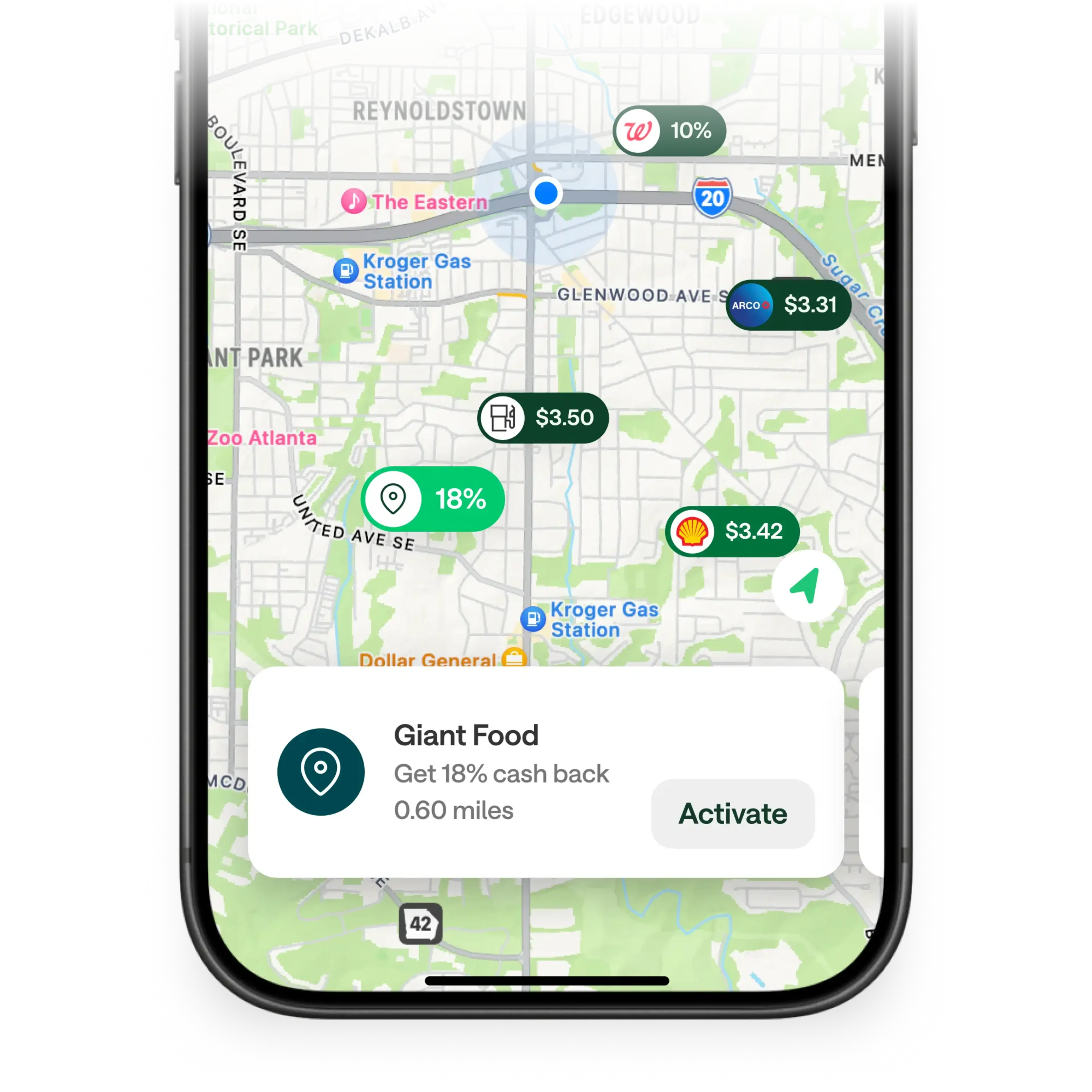
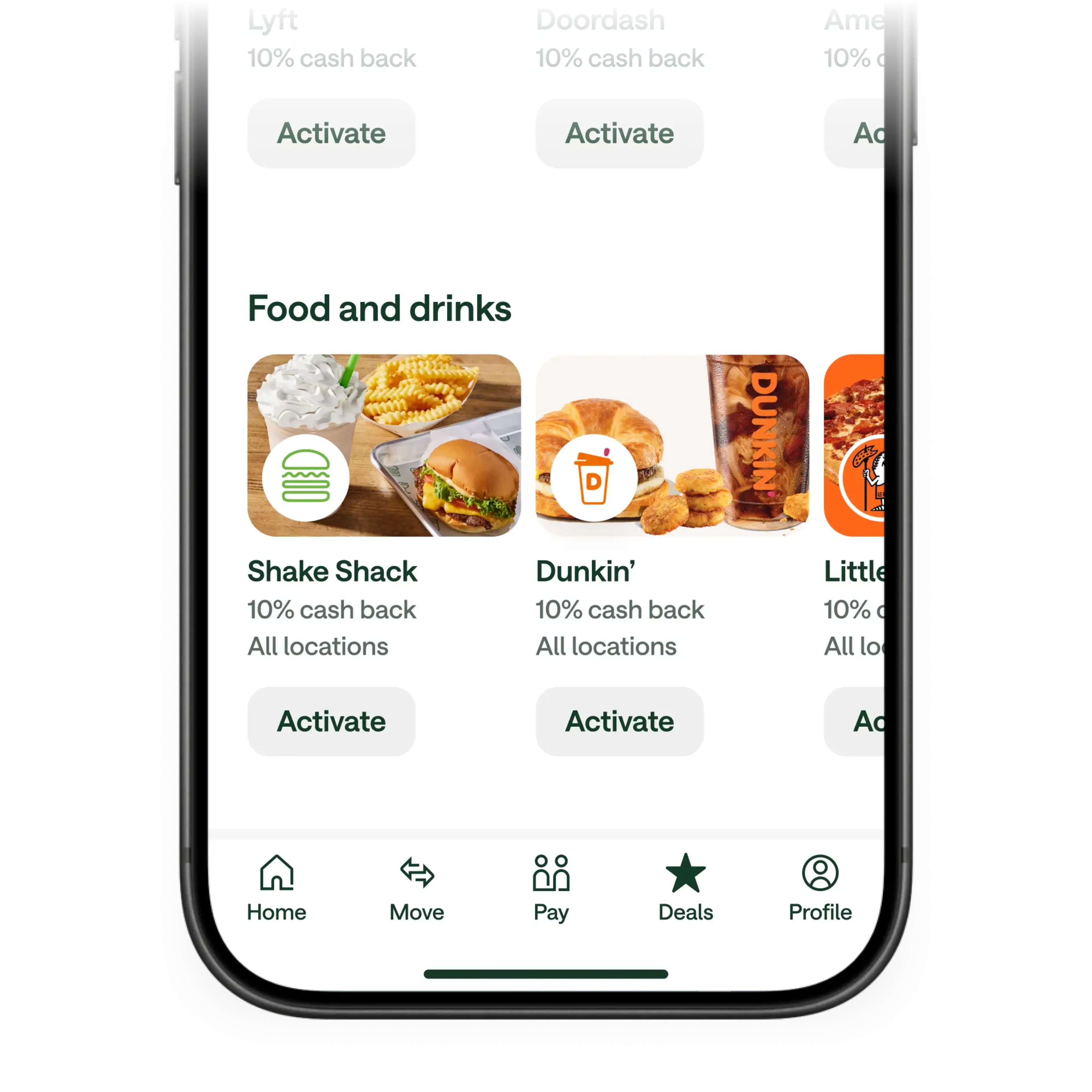
Launch your Chime app and look for the Deals tab at the bottom of the home screen. No matter where you are, you can use the map view to find the deals closest to you. Or, you can browse deals based on category.

Activate Chime Deals when you’re ready.

Found a deal you like? Simply tap the deal to activate it when you’re getting ready to head out and make your purchase. You can see the expiration window for Chime Deals in the app after you activate them.

Redeem cash back deals with your Chime card.

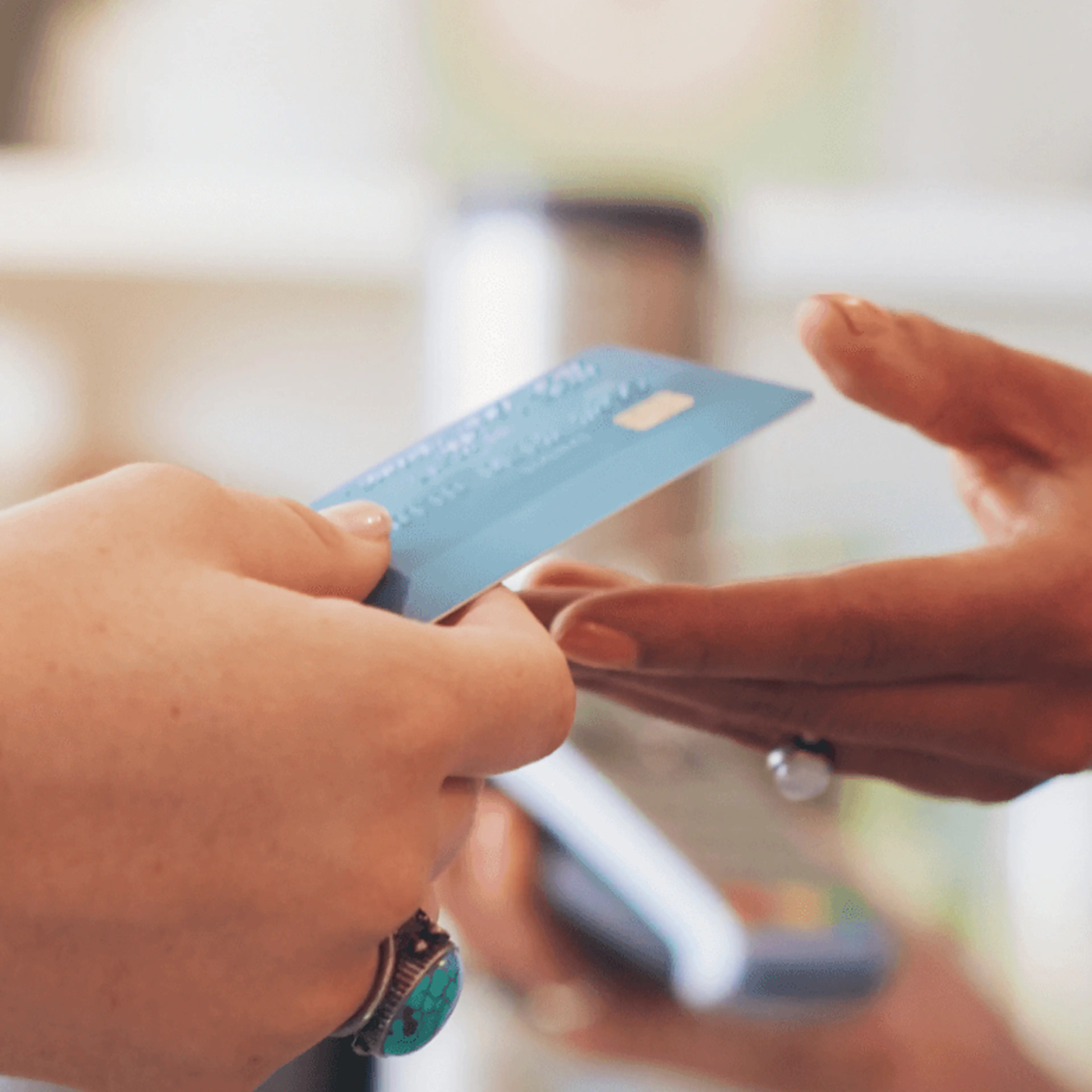
Just tap or swipe any physical Chime card at the retailer to use your Chime Deal and earn cash back. Chime Plus and Chime Prime exclusive deals can also be redeemed online and through your digital wallet – just be sure to use any Chime card. You can see full redemption details for any offer in the Chime app.

Get cash back in your Chime account.

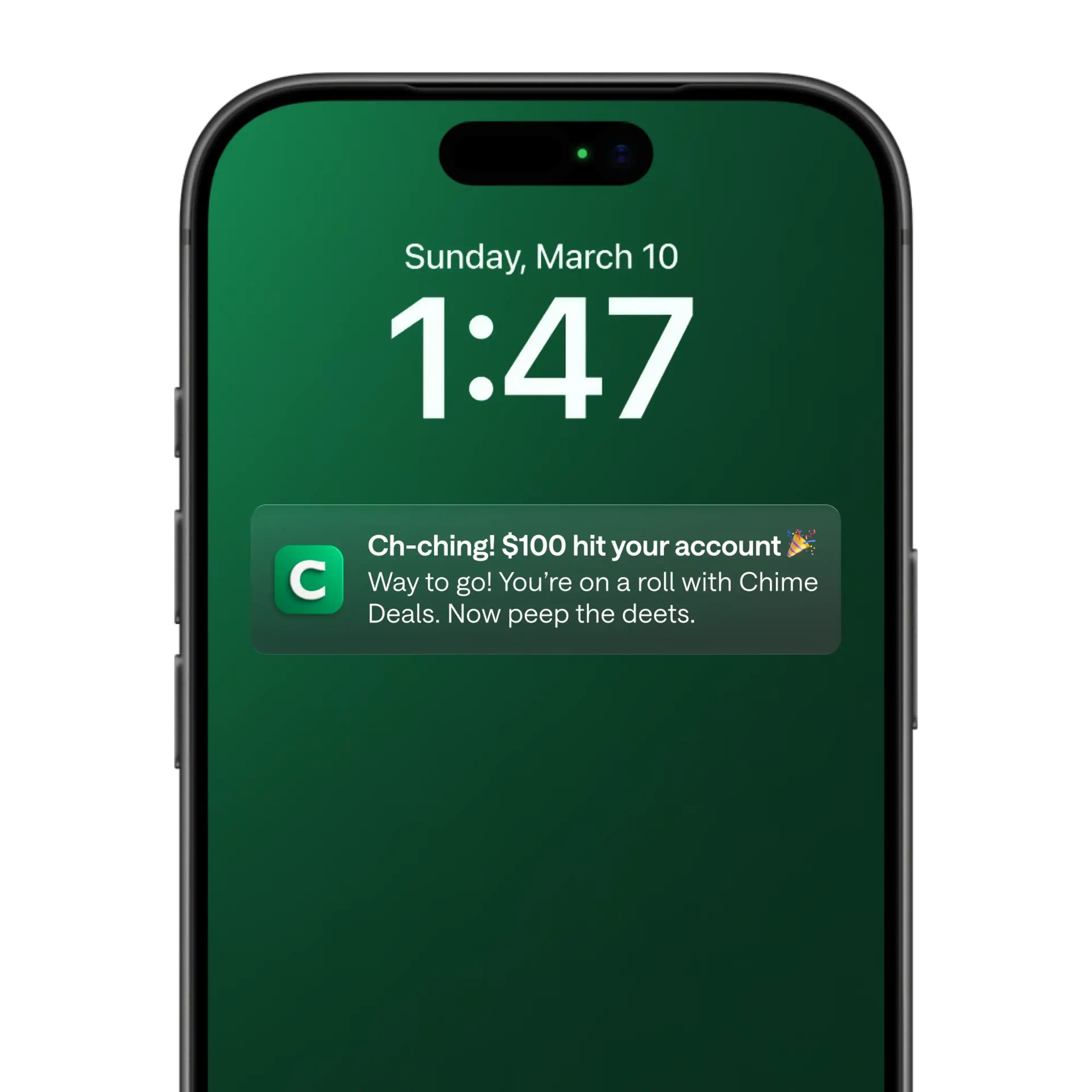
Any cash back you earn using Chime Deals will be deposited automatically into your Chime Checking Account within 10 business days. That’s extra money to spend however you want!

Where you can use Chime Deals.

1

At the gas station.

On your way to the pump? Search the Chime app to find Chime cash back deals on fuel near you. You can shave money off each gallon at select gas stations – a surefire way to combat rising gas prices.

2

At the grocery store.

The cost of groceries has shot up in recent years. Cash back through Chime Deals means you’ll earn cash back when buying grocery essentials like produce, meat, and bread. Chime Deals is another great way you can save on groceries!

3

At restaurants.

We all deserve to eat out now and then, but the cost of dining out at our favorite restaurants can put a dent in our budget. Chime Deals cash back rewards make dining out more of a treat – with savings at many of your favorite restaurants.

Don’t just take our word for it.

Hear what Chime members are saying about their experience with Chime.

I choose Chime for better financial freedom!

Kylee S.

I choose Chime for the convenience and ease... The times I've had to use the customer service team, my experiences have been nothing short of amazing!

Kei M.

...I love Chime because it helps me save, and budget... Chime is the absolute best!!

Crystal E.

Real members. Paid testimonials.

Learn more about cash back rewards and other ways to get cash.

Licenses
Chime Capital, LLC, Nationwide Multistate Licensing System ("NMLS") ID 2316451
Chime Payments, Inc., Nationwide Multistate Licensing System (“NMLS”) ID 2538752

Address: 101 California Street, Floor 5, San Francisco, CA 94111, United States.

No customer support available at HQ. Customer support details available on the website.

© 2013-2026 Chime Financial, Inc. All rights reserved.

Chime® is a financial technology company, not a bank. Banking services provided by The Bancorp Bank, N.A. or Stride Bank, N.A., Members FDIC.

Resources

Popular Features

Membership TiersChime Debit CardBuild CreditChecking AccountHigh Yield Savings AccountGet Paid EarlyMyPay

Company

AboutInvestor RelationsIn the NewsCareersFor Employers

Resources

In The GreenHelp CenterTrust & SafetySavings CalculatorFind an ATMPaycheck CalculatorChime Reviews

Privacy

PoliciesChime U.S. Privacy NoticeDo Not Sell or Share My Personal InformationSupporting Those With Disabilities

Contact

844-244-6363Become an Affiliate
Download on the App StoreGet it on Google Play
FacebookX (Twitter)Instagram

Chime® is a financial technology company, not a bank. Banking services provided by The Bancorp Bank, N.A. or Stride Bank, N.A., Members FDIC.

Chime is not FDIC-insured. The Bancorp Bank, N.A. and Stride Bank, N.A. are the FDIC-insured members. Deposit insurance covers the failure of an insured bank. Certain conditions must be satisfied for pass-through deposit insurance coverage to apply. FDIC deposit insurance limit is $250,000 per depositor, per insured bank, per ownership category.

Chime Checkbook: While Chime doesn’t issue personal checkbooks to write checks, Chime Checkbook gives you the freedom to send checks to anyone, anytime, from anywhere. See your issuing bank’s Deposit Account Agreement for full Chime Checkbook details.

By clicking on some of the links above, you will leave the Chime website and be directed to a third-party website. The privacy practices of those third parties may differ from those of Chime. We recommend you review the privacy statements of those third party websites, as Chime is not responsible for those third parties' privacy or security practices.

Handing card to pay

Credit

Can I Get Cash Back With a Credit Card?

Taking cash out of wallet

Payday

I Need Money Now: 20 Ways to Get Fast Cash Today

A man holds a debit card while looking at a mobile phone.

Banking Basics

Debit Card vs Credit Card: Main Differences Explained

FAQs

Do I need to have an activated card to use Chime Deals?

Yes, to use Chime Deals, you need a Chime Checking Account and must have either an activated Chime Visa® Debit Card or the secured Chime Visa® Credit Card. If you’re new to Chime, be sure to activate your card so that you can start earning cash back through Chime Deals. And if you’re not yet a member, you’ll need to sign up for a Chime account, then activate your Chime card to start earning cash back rewards.

Can I make purchases with Apple Pay® to redeem deals on Chime Deals?

Chime Plus and Chime Prime exclusive deals can be redeemed by using any Chime card through Apple Pay. At this time, however, all other deals cannot be redeemed using Apple Pay. You’ll instead need to physically tap or swipe any Chime card when paying at the retailer.

Once I activate a deal, how long do I have to redeem it?

After activating a cash back deal, you have a set amount of time to redeem it. This time window varies from offer to offer, so be sure to check the offer details in your Chime app to confirm. We generally recommend waiting until you’re ready to use a deal before activating to avoid the offer expiring prior to using.

Are cash back rewards free money?

Cash back rewards are not free money. You have to spend money to earn cash back. Instead, think of cash back as similar to a discount: If you have a 10% cash back deal at a gas station, it’s kind of like a 10% discount on the cost of gas.

With cash back, though, you’re spending the full amount upfront. You’ll then earn the rewards as a statement credit or direct deposit into your account.

How does a cash back card work?

A card with cash back rewards enables you to earn cash rewards when swiping or tapping your card for everyday purchases. Each card will have its own terms and conditions, but in general, you’ll earn cash back on qualifying purchases, either by receiving a direct deposit into your bank account or earning a statement credit against your card balance.

Each cash back reward card will have its own rates. For example, one card may offer 1.5% cash back on every purchase. Some may offer a higher percentage of cash back on specific types of purchases, like gas, dining, groceries, or online shopping.

How do I redeem cash back rewards?

How you redeem cash back rewards depends on the card you have. For example, at Chime, you can deposit cash back directly into your checking account. Other options allow you to redeem your cash back as a statement credit. In some cases, cash back apps may require receipt uploads to redeem rewards, or they may issue your rewards as a check or gift card.

Chime Deals makes it easy to earn cash back rewards. Simply select the cash back deals you’re interested in within the Chime app, swipe or tap your card, and earn the rewards as a direct deposit to your checking account within 10 business days.

Is there a downside to cash back rewards?

While cash back rewards are a helpful way to earn money on everyday purchases, you could spend more than you ordinarily would, simply because you want to earn more rewards. To avoid overspending, only use your cash back rewards for purchases you make regularly.

Opinions, advice, services, or other information or content expressed or contributed here by customers, users, or others, are those of the respective author(s) or contributor(s) and do not necessarily state or reflect those of The Bancorp Bank, N.A. and Stride Bank, N.A. (“Banks”). Banks are not responsible for the accuracy of any content provided by author(s) or contributor(s).

APPLE and the Apple Logo are registered trademarks of Apple Inc. GOOGLE PLAY and the Google Play Logo are registered trademarks of Google LLC. Third-party trademarks referenced for informational purposes only; no endorsements implied.