
Get a Chime Visa® Debit Card online.
No monthly fees or maintenance fees
Over 47,000 fee-free ATMs (see disclosure 1)
Real-time transaction alerts
Chime Visa® Debit Card
Learn how we collect and use your information by visiting our Privacy Notice ›
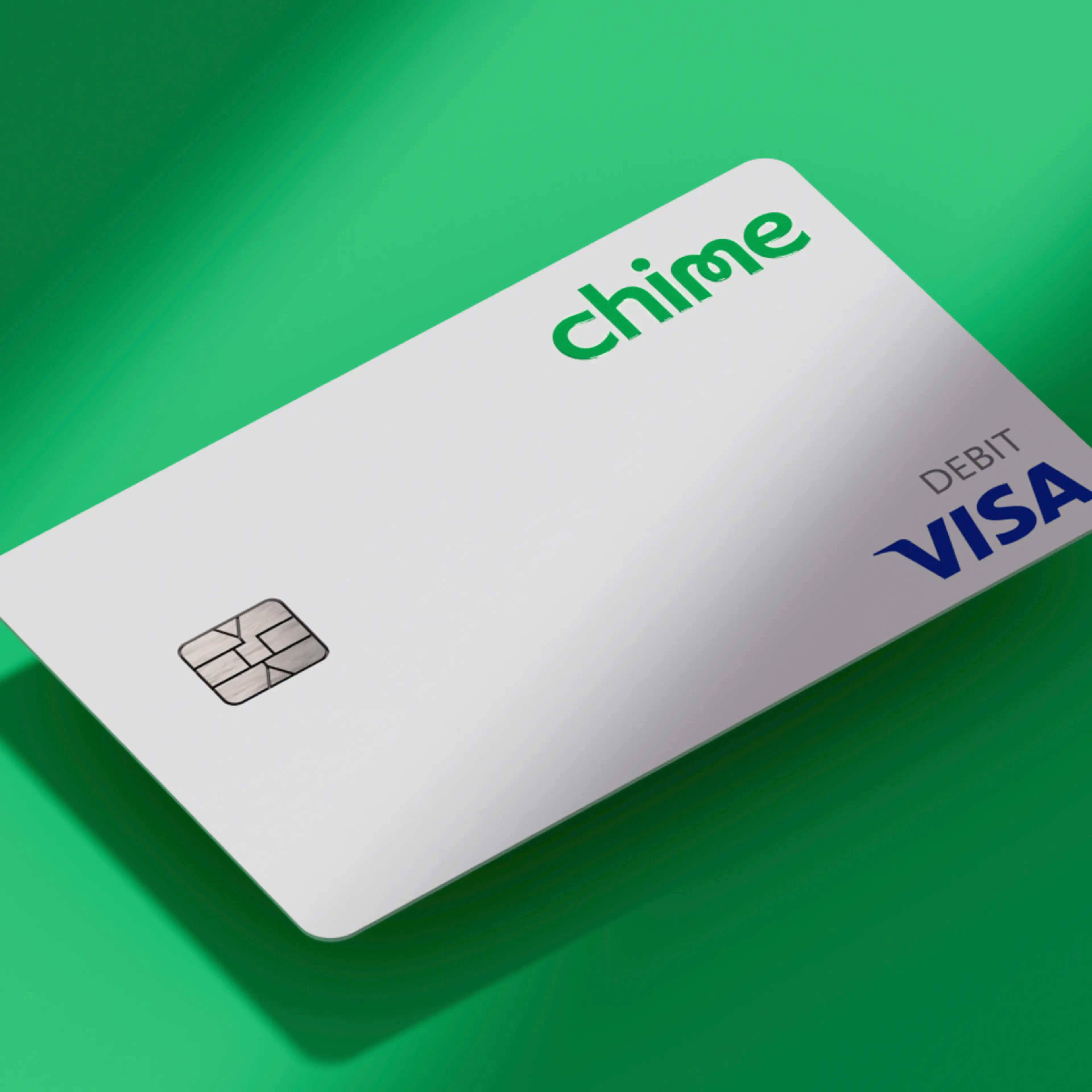
A debit card you can count on.
Unlock your financial future with a Chime Visa® Debit Card. Avoid replacement fees and maintenance fees, control your debit card security from your app, get cash back with Chime Deals (see disclosure 2) , and get cash from over 47,000 fee-free ATMs.
1 / 5
Sign up for your debit card for free.
Your new Chime Debit Card works anywhere Visa® debit or credit cards accepted
Start using your virtual debit card right away for online purchases
No minimum balance requirements or account maintenance fees
2 / 5
Customizable debit card security.
Get real-time transaction alerts
Disable transactions from the app if you lose your debit card
Still missing? Use the app to order a replacement debit card
3 / 5

Pay with your phone
Leave your wallet at home. Connect your virtual debit card to your mobile device. Enjoy quick, secure mobile payments with platforms like Google Pay™ and Apple Pay®.
4 / 5

Grow your savings automatically.
Turn on Round Ups to transfer the change from every purchase on your debit card to your savings account. (see disclosure 3) Turn on automatic savings to save a percentage of every paycheck automatically. (see disclosure 3)
5 / 5
Overdraft up to $200 with no fees (see disclosure 4)
We understand finances can be tight sometimes. You can overdraft up to $200 on Debit Card purchases with no fees when you qualify for SpotMe®.
Over 1 Million 5 Star Reviews
4.8
App Store
(1M Reviews)
4.7
Google Play Store
(780K Reviews)
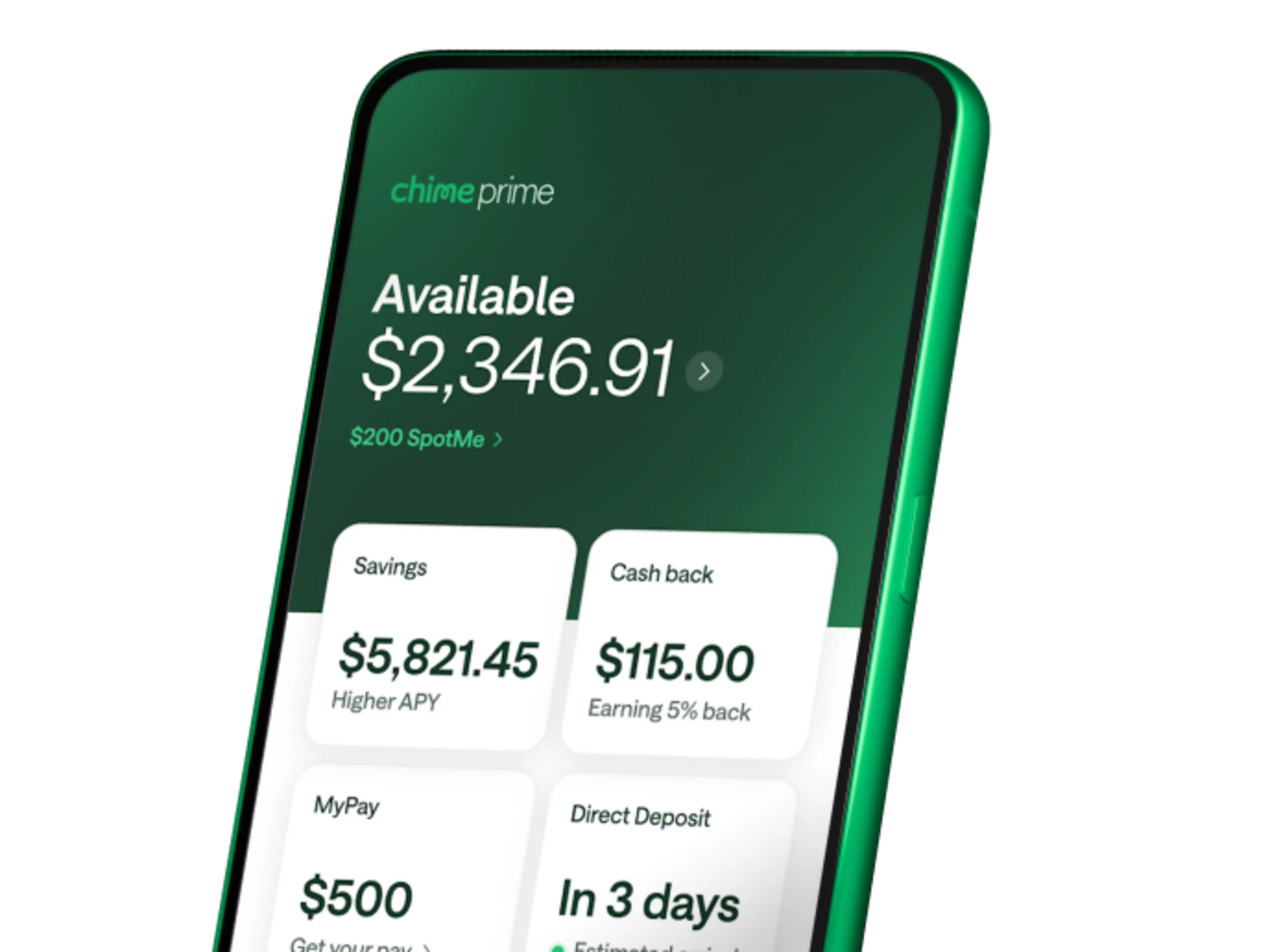
Unlock Chime Prime for free with direct deposit
Unlock even more Chime benefits with qualifying direct deposits. (see disclosure 5)
How to get a Chime Visa® Debit Card in a few steps.
1
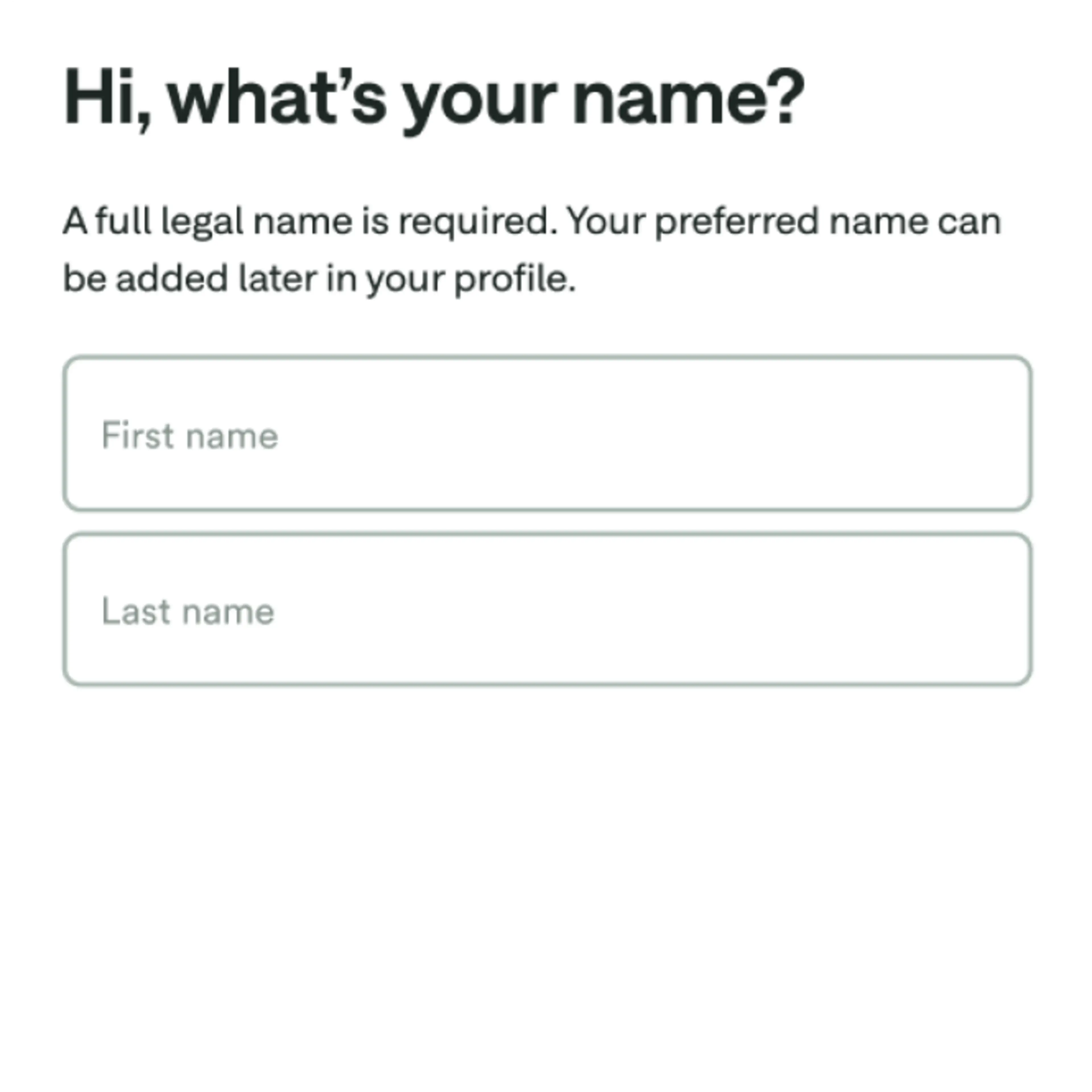
Sign up in 2 minutes
Apply for a Chime Checking Account by providing us your name, address, date of birth, and social security number.
2
Download the Chime app.
Get started on chime.com or log into the mobile app. Set up direct deposit or connect your current bank account to transfer money to your debit card.


3
Use your virtual debit card today.
Make digital purchases with your virtual debit card. Head to Settings in the Chime app, scroll down to Debit Card, and tap View your card.
4
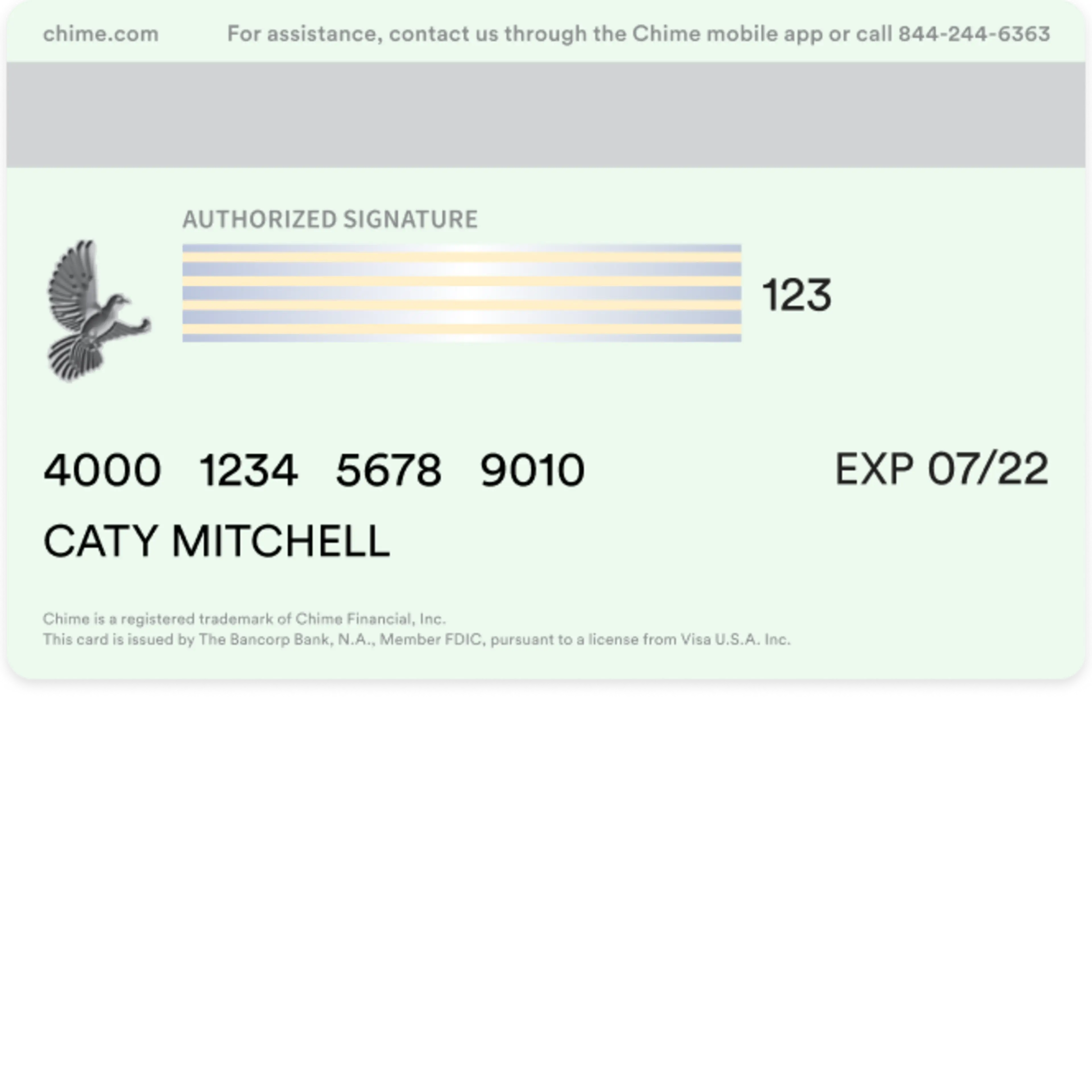
Your physical debit card ships in 7-10 business days.
Keep an eye on the mail for your new Chime Visa® Debit Card!
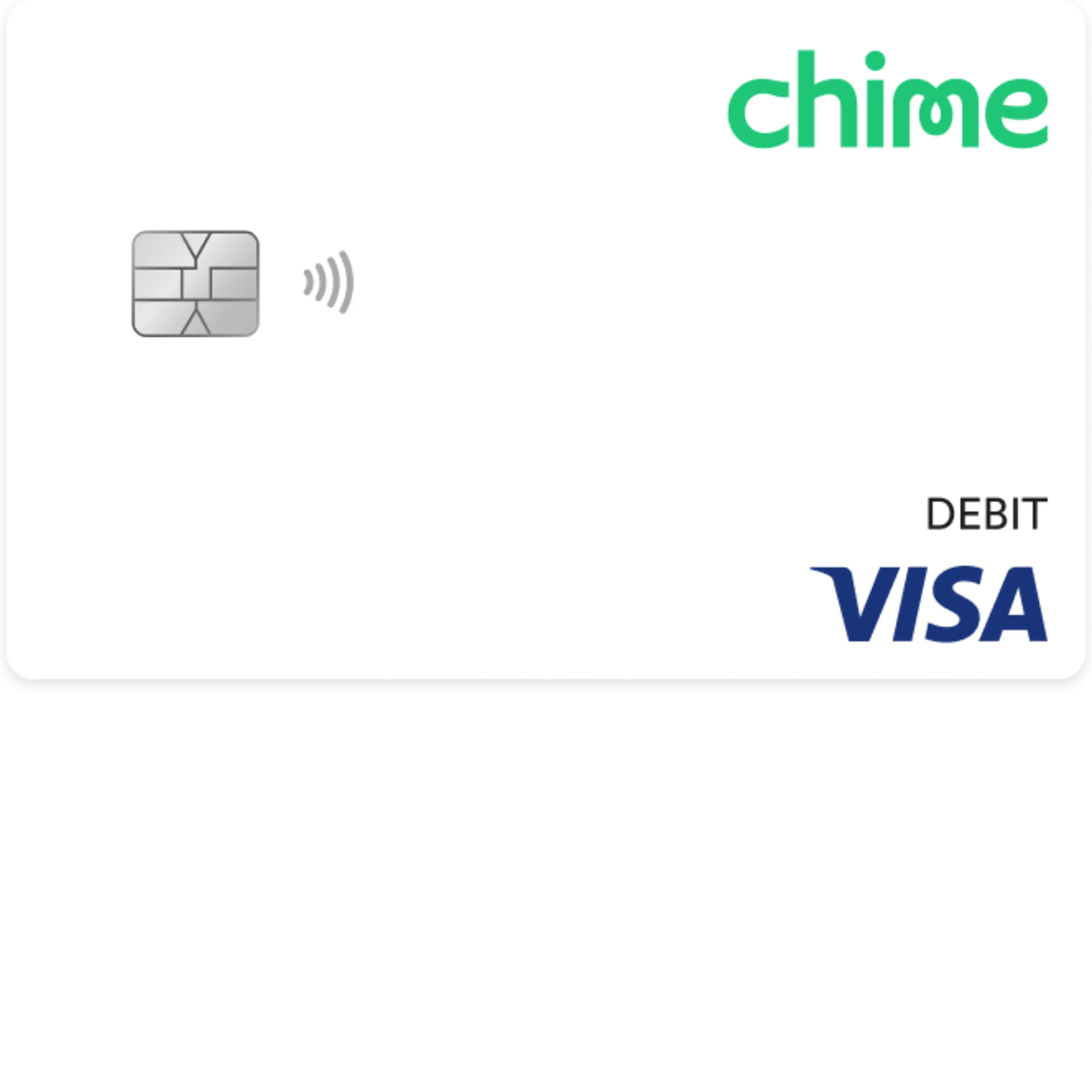
Your Chime Visa® Debit Card awaits.
Apply online in less than 2 minutes with no impact on your credit score.



Still have questions about debit cards?
How do I open an online Chime® Checking Account and get a Visa® Debit Card?
Applying for a Chime Debit Card is free and signing up for an account takes less than 2 minutes. Here’s how to apply online:
Visit chime.com to apply and enter your personal info to complete the enrollment. You’ll need:
Your first and last name
Phone number
Date of birth
Email address and an account password
Social Security number
Home address
18+ U.S. Citizen or resident of 50 United States
Once enrollment is completed, we’ll send a Chime Visa® Debit Card in the mail to the address you provided. Your free debit card typically arrives in 7-10 business days.
Download our mobile banking app and log in. You can connect your existing bank account to transfer funds or set up direct deposit to your Checking Account. You can also log in to online banking at chime.com whenever you need it.
Do I need a credit check to get a Chime Visa® Debit Card?
Chime does not require a credit check to open an account and receive a Chime Debit Card.
How do I activate my Chime Debit Card?
You just received your Chime Debit Card in the mail. Welcome! To activate your Visa® debit card:
Log in to your account.
You should see a card status widget that reads, “Your card was delivered.” Tap the Activate button.
If you do not see this button, ask the Chatbot “Activate my card”.
You’re all set! Now you can start using your free Chime Debit Card in stores. If you have any problems activating your Chime Debit Card, contact our call center at 1-844-244-6363.
Where can I use my Chime Debit Card?
Your Chime Visa® Debit Card works everywhere Visa® debit cards are accepted.
Does my Chime Debit Card have a chip?
Your Chime Visa® Debit Card comes equipped with the latest EMV chip technology to make your debit card more secure.
Will I ever be charged an overdraft fee through Chime?
No. If you don’t have sufficient funds in your Chime Checking Account or have reached your SpotMe limit (if enrolled), your Chime Visa® Debit Card will be declined. There is no fee for declining transactions or for utilizing SpotMe.
How many ATMs accept the Chime Debit Card?
You can get cash with your debit card at more than 47,000+ fee-free ATMs (see disclosure 1) – that’s more than the top 3 national banks combined (see disclosure 6) !
Find fee-free ATMs at your favorite retail stores like Walgreens®, CVS®, and 7-Eleven®. Enjoy fee-free debit card transactions at any FCTI® ATMs in a 7-Eleven® or Speedway, or any Allpoint® or Visa® Plus Alliance ATM participating in the Allpoint network. Otherwise, out-of-network ATM withdrawal fees may apply.
How can I see the checking account or card number for my debit card?
To see your routing number and account number, go to Move Money and select Direct Deposit in the Chime app or at chime.com.
To see your card number, go to Settings, scroll down to Account info, and select your card under View cards.
Is a Chime Debit Card Visa® or Mastercard®?
The Chime Debit Card is a Visa® debit card.
Does Chime offer free prepaid debit cards?
Chime does not offer a prepaid debit card. However, Chime offers a full-featured deposit account that is a great alternative to prepaid cards. Your account can receive direct deposits, and it supports pre-authorized withdrawals and interbank transfers through the Automated Clearing House (ACH) Network. Deposits are FDIC insured to at least $250,000 through The Bancorp Bank, N.A. or Stride Bank, N.A., Members FDIC.
What if my Chime Debit Card is lost, stolen, or misplaced?
If you need a new debit card, tap the “Replace My Card” button in the Card Settings of your Chime app. You will be asked whether your card was Lost, Stolen, or Damaged.
After confirming your address, a replacement card will arrive within two weeks. Keep an eye out for a green envelope.
In the meantime, you can continue to make purchases using your virtual debit card.
Can you activate a Chime Debit Card over the phone?
The easiest way to activate any Chime card is via the Chime app (version 3.3 or later):
After you log in, go to Go to Profile and tap "Cards."
Tap "Activate new card" under "View your card."
Enter your card’s CVV.
Set and confirm your PIN.
If you’re having trouble, tap the question mark icon on the home screen to visit the Support Center. From there, tap Chat and ask ChimeBot for help.
If you have any problems activating your Chime card, contact our call center at 1-844-244-6363.
Does my Chime Debit Card include any insurance?
Chime Debit Cards are backed by Visa’s Zero Liability Policy (see disclosure 7) . Members can shop worry-free at millions of locations, knowing they’re not responsible for unauthorized charges if their Chime Visa® Debit Card is lost, stolen, or fraudulently used, online or offline. Members must notify Chime immediately of any unauthorized use. For specific restrictions, limitations, and other details, please consult your issuer.
How do I add money to my Chime Debit Card?
To have money available on your debit card, you’ll need to add money to your checking account. There are many ways to do so.
One option is to set up direct deposit by providing your Chime routing and account number to your employer or payroll provider. Your routing number can be found in the Move Money and Settings sections of the Chime app or at chime.com. You can also have a direct deposit enrollment form emailed to you from the Move Money section of the Chime app.
We will only post deposits that are sent under your name. All others will be returned to the sender.
Another way to add money to your checking account is through a mobile check deposit or bank transfer. Read our help article for full instructions.
You can also deposit cash into your Chime Checking Account (see disclosure 8) at several participating stores.
What is a debit card?
Debit cards are plastic payment cards that draw money from an individual’s checking account every time they are used. A debit card might also be called a check card, bank card, or ATM card. There are also several different types of debit cards and unique features you can explore.
Here are some key facts about debit cards you should know:
Debit cards replace cash and checks.
Debit cards can be used at ATMs to make withdrawals and check account details.
You may or may not need to enter a personal identification number (PIN) to make a purchase.
Debit cards may have fees you should be aware of (like out-of-network ATM transaction fees).
How does a debit card work?
Like cash, checks, and credit cards, debit cards let you pay for things. But with a debit card, the money comes directly out of your checking account when you use it. The card is connected to your account, and your spending limit is based on your available funds.
Whether you swipe your physical card or punch in the numbers of your virtual debit card online, you’re telling the merchant to deduct the total amount from your checking account. That communication happens through your card’s payment network.
Once your card’s payment network makes contact with your banking provider, a pre-authorization hold is put on your account to reserve the transaction amount until authorization.
What's the difference between a debit and a credit card?
Debit cards withdraw money directly from your checking account. Credit cards charge a line of credit that you pay back later and can come with interest charges. Think of a credit card as a loan – you are borrowing money from the card issuer that needs to be paid back according to the bank’s terms. Unless you pay your balance back in full within a month, you’ll be charged interest on the amount. When you use your debit card, you pay with money you already have. Because the money comes directly from your checking account, you don’t have to pay interest when using your debit card.
How can I avoid debit card fees?
While there aren’t often fees specifically for a debit card, there can be fees relating to its associated checking account. For instance, many traditional banks have a monthly account minimum that must be kept for their customers to avoid any monthly charges or fees. Some times when you may incur a debit card fee include: when your balance is low, when you deposit or withdraw money, when you overdraw your account, or when you order a replacement card.
To avoid these fees, follow the guidelines of your financial institution regarding their fees. Debit card options may come with different fees, so you can also research what debit cards come with the fewest fees.
Chime Checking Accounts have no minimum balance, monthly service fees, replacement card fees, or overdraft fees. However, you may pay a fee when using your debit card at out-of-network ATMs.
How do I use a virtual debit card?
A virtual debit card – also known as an online debit card – is a debit card number that consumers can use to pay for most things online. The debit card is completely digital, so there’s no physical card.Many virtual debit cards allow users to set a maximum spend or charge limit on the card to prevent the account from being overcharged. You can also limit a virtual debit card number for use at a single merchant, so that the card can’t be used elsewhere if the merchant is breached.Chime’s virtual card can be used for Tap2Pay transactions, online purchases, and recurring bill payments until your physical card arrives in the mail. Afterward, you can continue using your virtual and physical card interchangeably. To find it, go to Settings in the Chime app and tap Cards.Read more about how to request and use a virtual debit card from your financial institution.
What’s the difference between a normal debit card and a prepaid debit card?
A prepaid card is a card that can be loaded with funds that aren’t linked to a bank account. The user can spend up to the amount of money on the card. These prepaid forms of payment are often used as gifts and rewards, but people with limited access to standard banking options, as well as those with limited budgets, often use them instead of a debit card.
A prepaid card is different from a debit card based on the fact that you don’t need a bank account to have a prepaid card. Prepaid cards tend to include a lot of fees. For example, you’ll often be charged fees for initial setup, monthly maintenance, reloading your card, using an ATM, and more. Find out how prepaid cards compare to debit cards and credit cards.
What’s the best debit card?
Choosing the debit card that is the "best" means you should select a free debit card that has features and capabilities that will best support you, whether that’s a large fee-free ATM network, fee-free overdraft, mobile money management, an EMV chip, or custom card security features.
At Chime, we profit with our members, not off of them. Through our banking partners, we offer a Visa® debit card connected to a Chime® Checking Account with no monthly maintenance fees, fee-free overdraft (see disclosure 4) , access to 47,000+ fee-free ATMs (see disclosure 1) , and no minimum balance requirements. Sign up for Chime in 2 minutes.
What is a chip card?
Chip cards come with an embedded metal microchip that encrypts customer information by using a one-time code during every purchase to complete the transaction.
Can you use a debit card for online purchases?
Typically, debit cards can be used for online purchases with any merchant that accepts the network name on your card. When you make a purchase online with your debit card, you’ll need to provide the 16-digit card number that’s located on the front or back of your card, the expiration date, and your billing address. You’ll likely also be asked for a CCD, CVV, or ‘security code,’ which is a three or four-digit number found on the back of the card.