Get cash back with Chime.
Earn cash back on everyday purchases such as gas, groceries, and more.
Find deals no matter where you are, right from the Chime app.
Access additional exclusive, personalized offers when you unlock Chime+.1
Learn how we collect and use your information by visiting our Privacy Notice

Get cash back on everyday purchases.
Chime Deals® is a fee-free feature for Chime members to get cash back on everyday purchases through in-app deals. Browse the app for retailers you’re planning to visit and choose the cash back deals you want.2 You could get cash back on everyday purchases like gas, groceries, and restaurants nearby.
Plus, unlock exclusive deals with Chime+.
When you make a qualifying direct deposit and unlock Chime+, you’ll get additional exclusive cashback deals, personalized just for you. Plus, you’ll continue to enjoy deals on everyday purchases.
Browse the Chime app for deals.
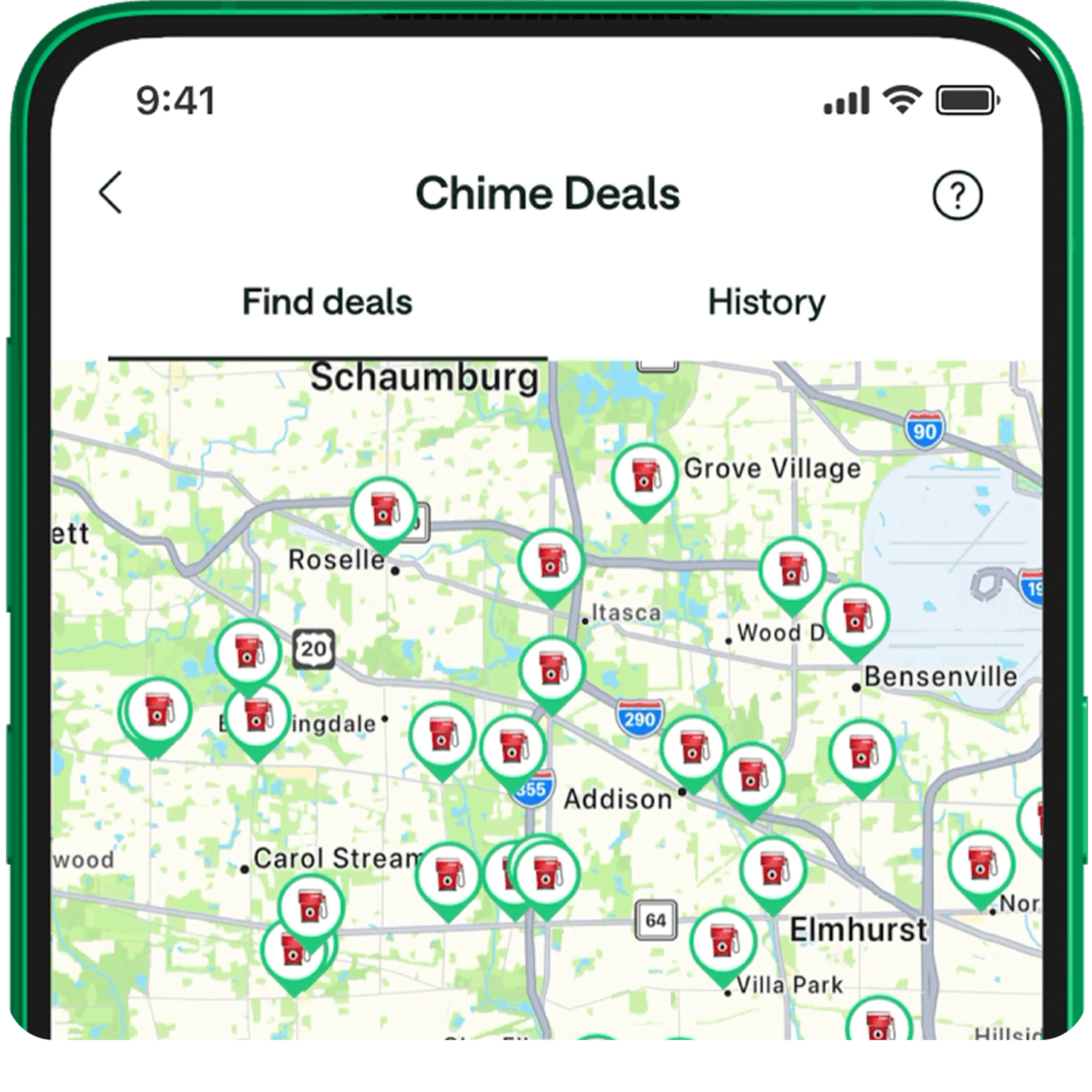
Launch your Chime app and look for the Deals tab at the bottom of the home screen. No matter where you are, you can use the map view to find the deals closest to you. Or, you can browse deals based on category.
Activate Chime Deals when you’re ready.
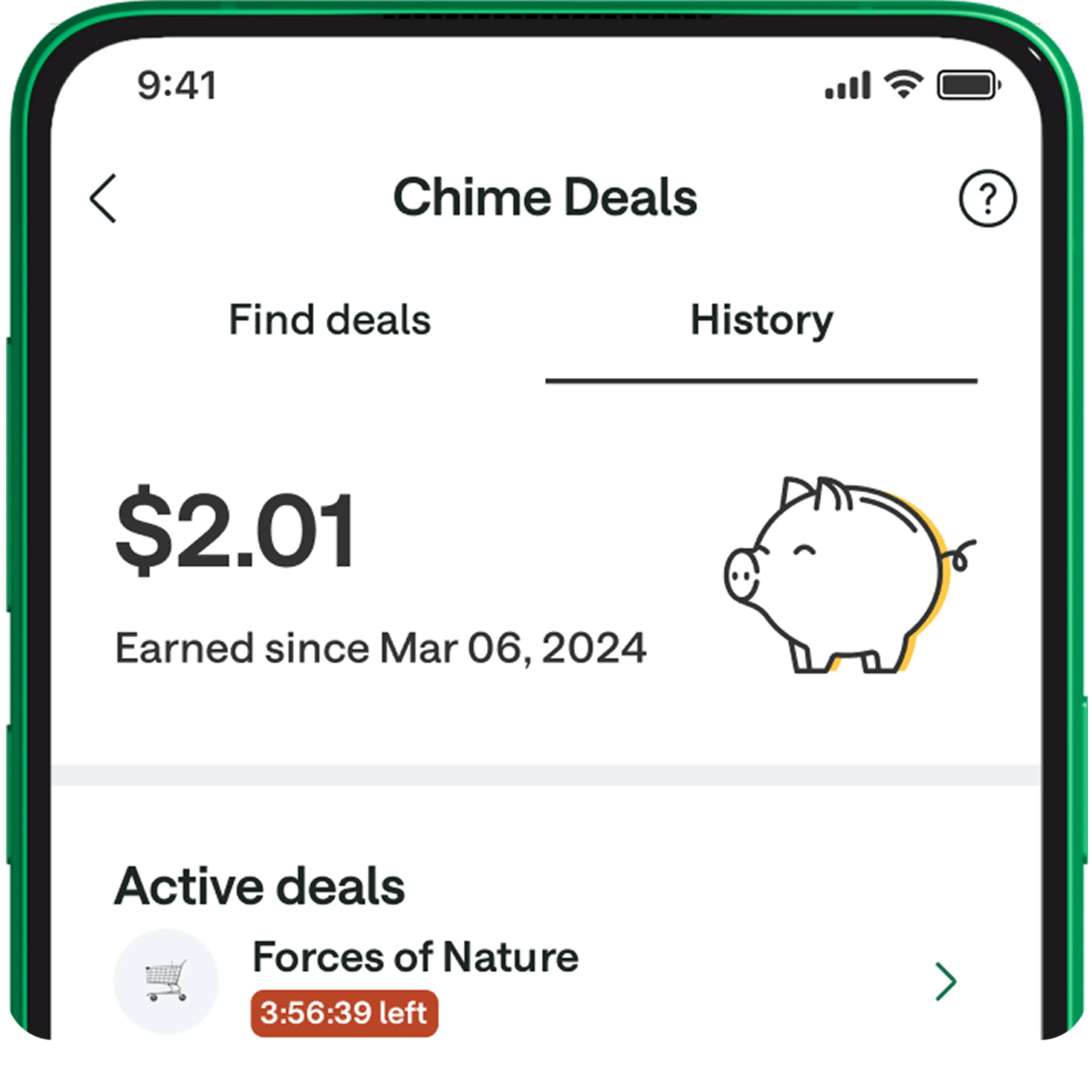
Found a deal you like? Simply tap the deal to activate it when you’re getting ready to head out and make your purchase. You can see the expiration window for Chime Deals in the app after you activate them.
Redeem cash back deals with your Chime card.
You don’t need a special card to use Chime Deals. Just tap or swipe any physical Chime card at the retailer to use your deal and earn cash back.
Chime+ exclusive deals can also be redeemed online and through your digital wallet – just be sure to use any Chime card. You can see full redemption details for any offer in the Chime app.
Get cash back in your Chime account.
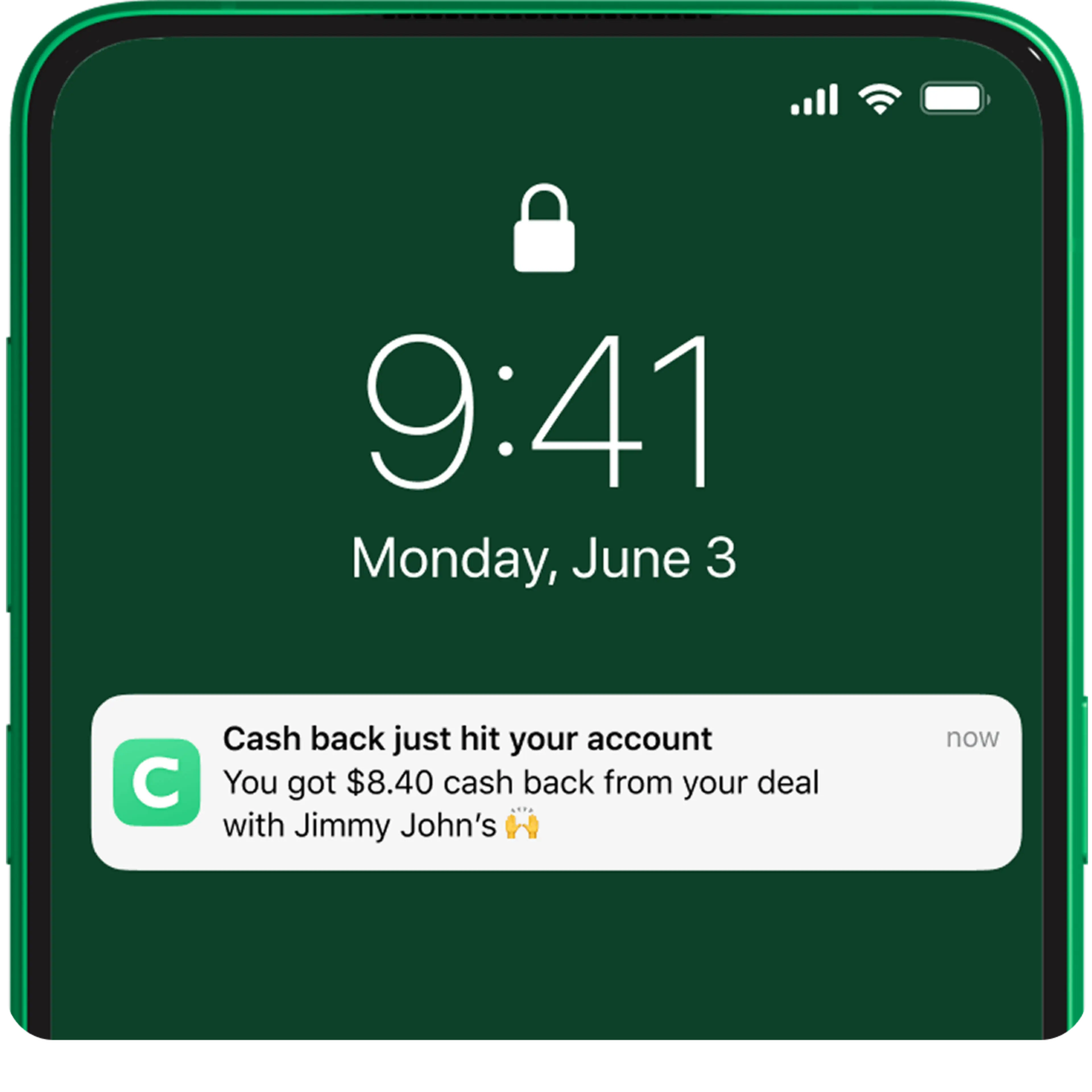
Any cash back you earn using Chime Deals will be deposited automatically into your Chime Checking Account within 10 business days. That’s extra money to spend however you want!
Where you can use Chime Deals.
At the gas station.
On your way to the pump? Search the Chime app to find Chime cash back deals on fuel near you. You can shave money off each gallon at select gas stations – a surefire way to combat rising gas prices.
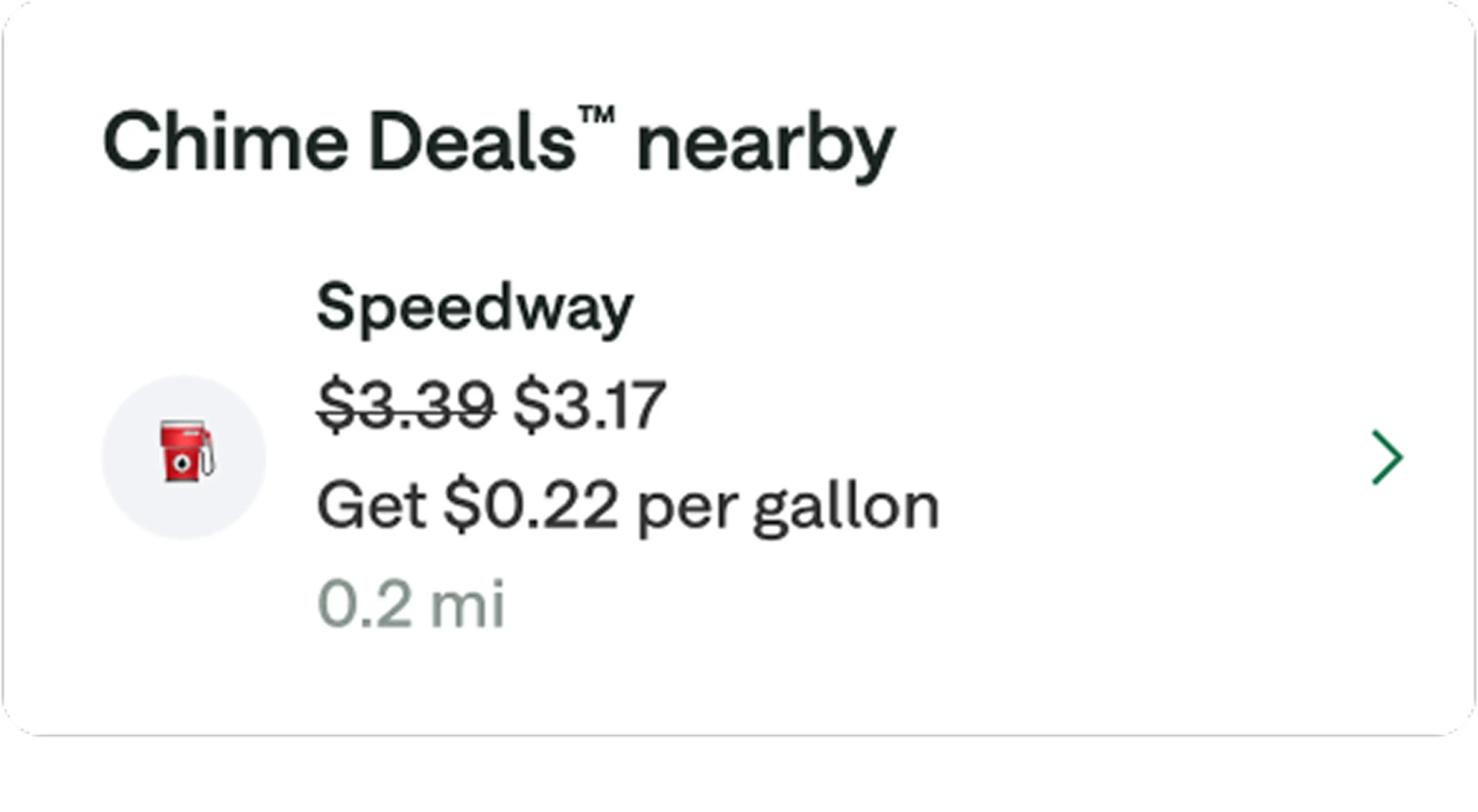
At the grocery store.
The cost of groceries has shot up in recent years. Cash back through Chime Deals means you’ll earn cash back when buying grocery essentials like produce, meat, and bread. Chime Deals is another great way you can save on groceries!
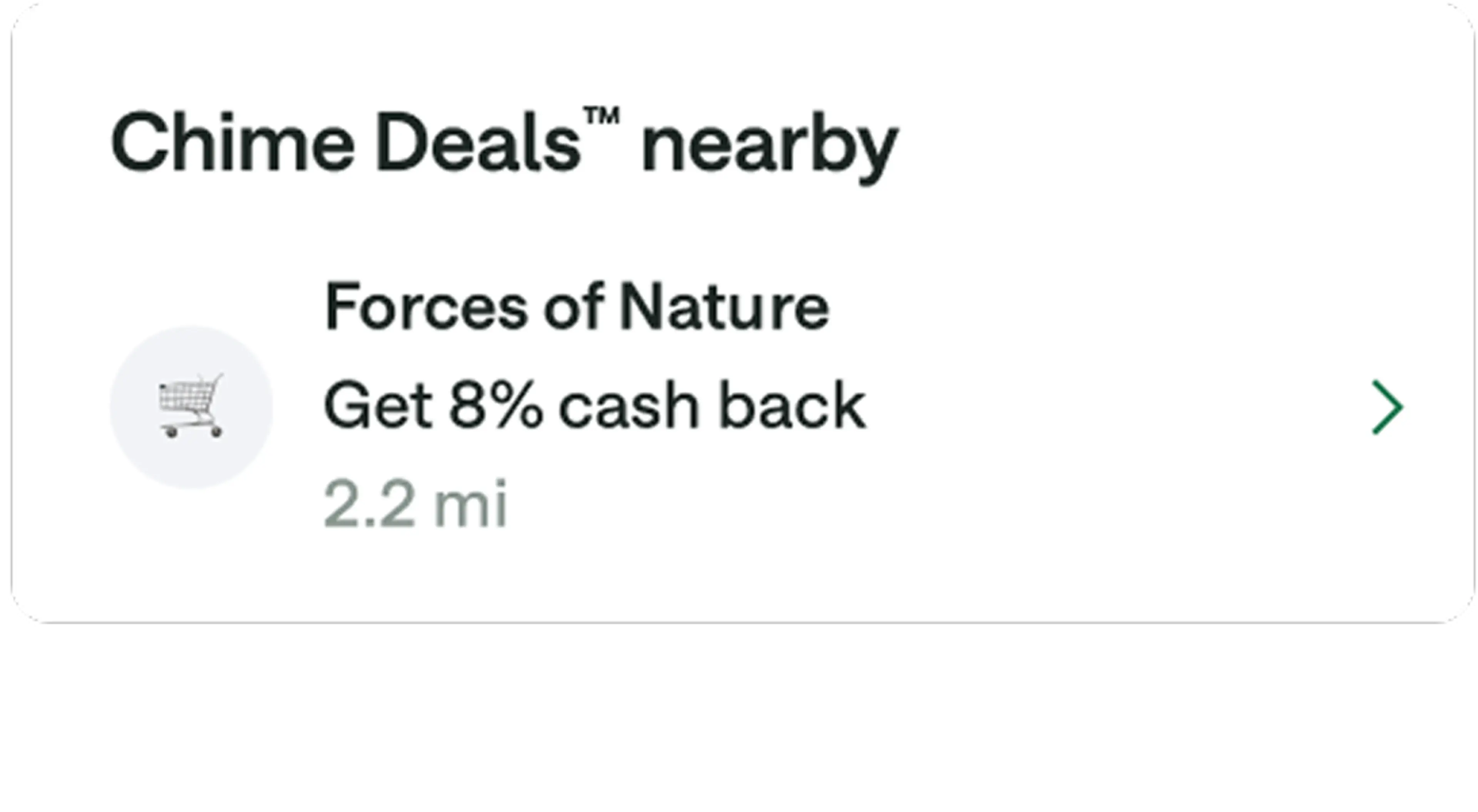
At restaurants.
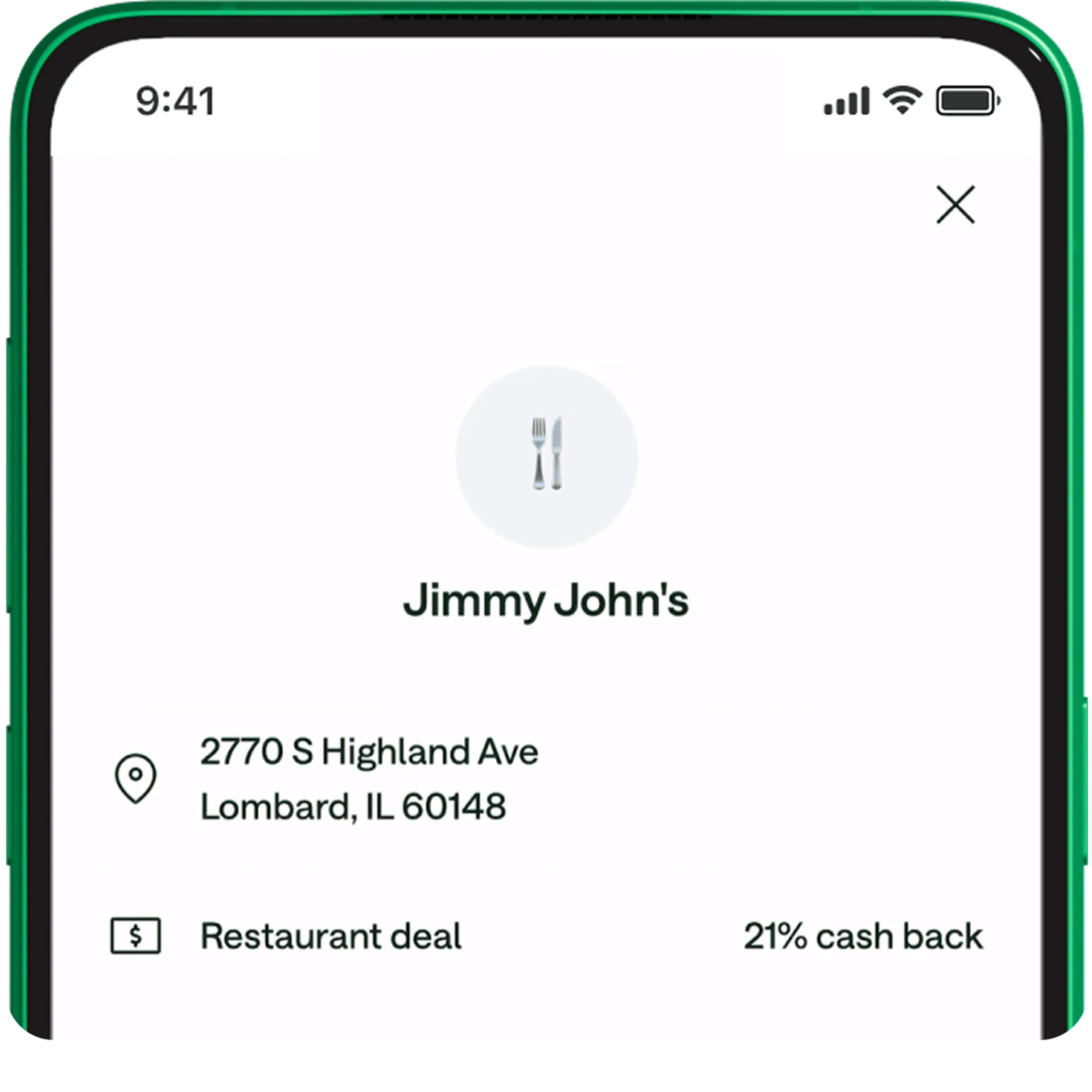
We all deserve to eat out now and then, but the cost of dining out at our favorite restaurants can put a dent in our budget. Chime Deals cash back rewards make dining out more of a treat – with savings at many of your favorite restaurants.
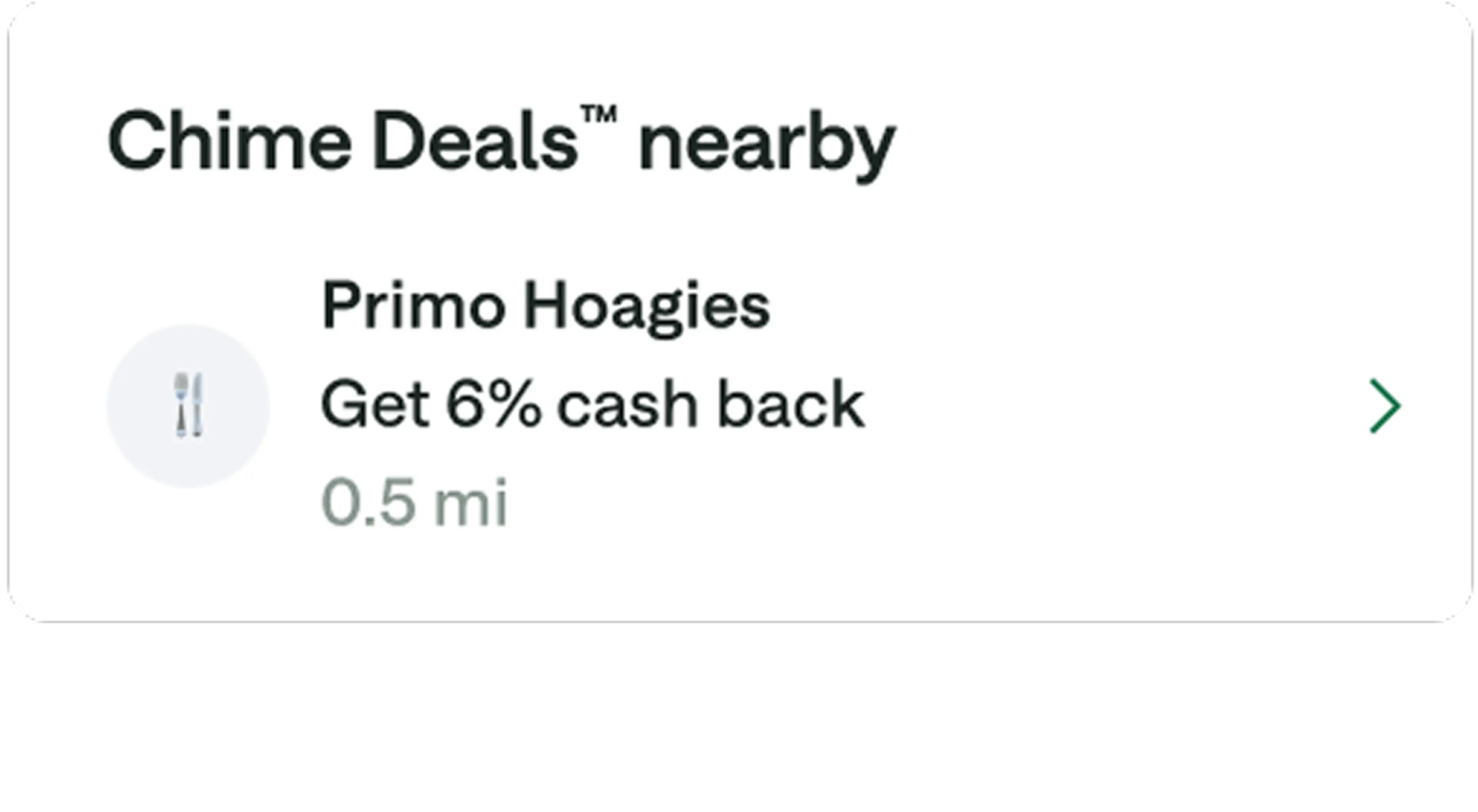

Don’t just take our word for it.
Hear what Chime members are saying about their experience with Chime.
I choose Chime for better financial freedom!
Kylee S.
I choose Chime for the convenience and ease... The times I've had to use the customer service team, my experiences have been nothing short of amazing!
Kei M.
...I love Chime because it helps me save, and budget... Chime is the absolute best!!
Crystal E.
Real members. Paid testimonials.
Learn more about cash back rewards and other ways to get cash.


FAQs
Do I need to have an activated card to use Chime Deals?
Yes, to use Chime Deals, you need a Chime Checking Account and must have either an activated Chime Visa® Debit Card or Chime Credit Builder Visa® Credit Card. If you’re new to Chime, be sure to activate your card so that you can start earning cash back through Chime Deals. And if you’re not yet a member, you’ll need to sign up for a Chime account, then activate your Chime card to start earning cash back rewards.
Can I make purchases with Apple Pay® to redeem deals on Chime Deals?
Chime+ exclusive deals can be redeemed by using any Chime card through Apple Pay. At this time, however, all other deals cannot be redeemed using Apple Pay. You’ll instead need to physically tap or swipe any Chime card when paying at the retailer.
Once I activate a deal, how long do I have to redeem it?
After activating a cash back deal, you have a set amount of time to redeem it. This time window varies from offer to offer, so be sure to check the offer details in your Chime app to confirm. We generally recommend waiting until you’re ready to use a deal before activating to avoid the offer expiring prior to using.
