
Updated: November 2025 — The IRS has not yet published its 2025 filing updates. This page will be refreshed as soon as new guidance is released.
If you're expecting a tax refund after filing your taxes, the quickest way to receive it is to set up direct deposit with the IRS when you file. This way, your refund will be deposited directly into your bank account. Here's how to set it up.
Benefits of direct deposit with the IRS
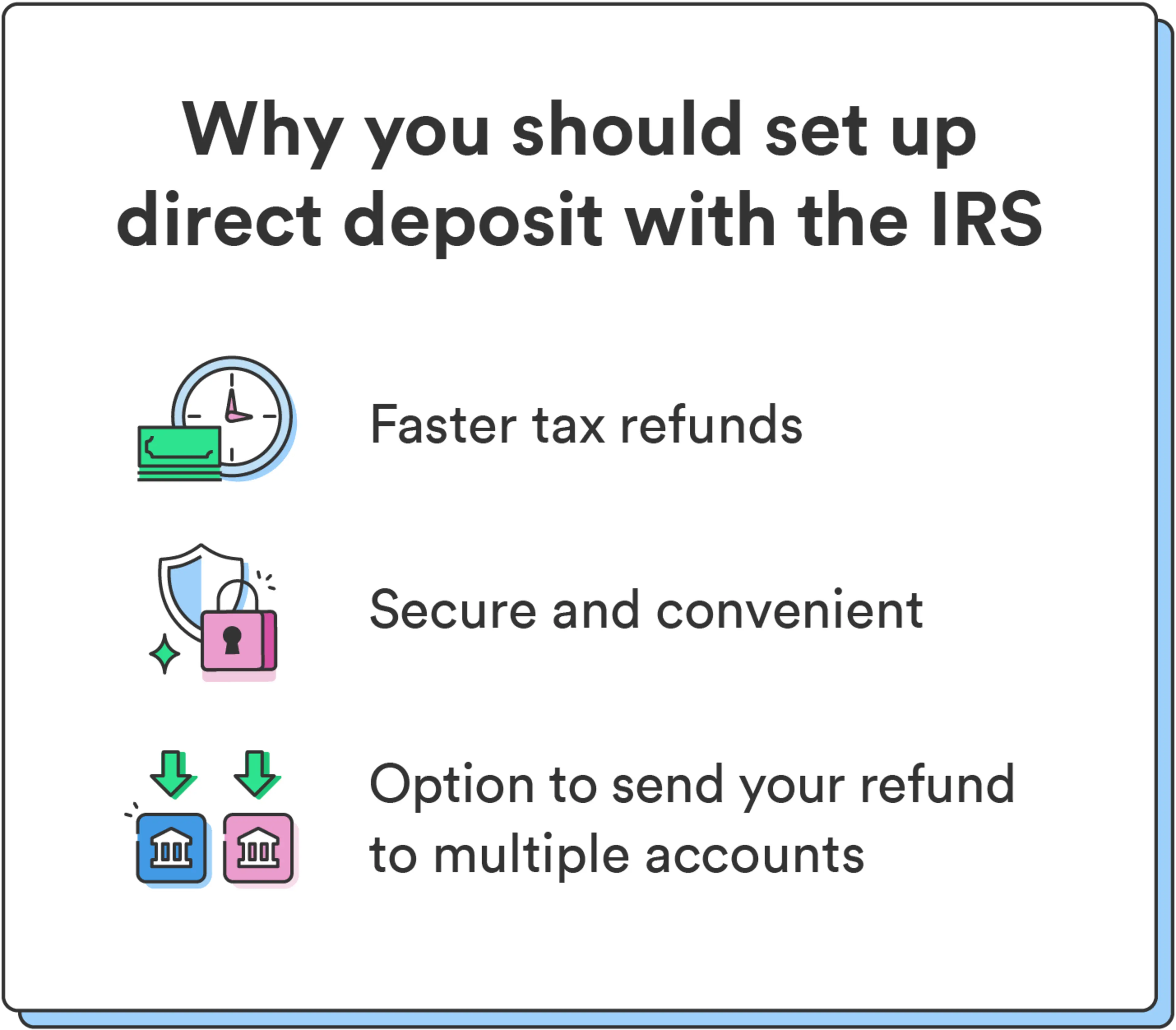
Choosing direct deposit over receiving a check in the mail has many benefits: It's secure and convenient, gets you your tax refund sooner, and even allows you to deposit your refund into multiple accounts.
Faster tax refunds
Whether you file electronically or on paper, direct deposit gives you access to your refund faster than you would if you were to wait for your check to arrive in the mail.
Secure and convenient
Identity theft and fraud are significant concerns when receiving money from the government. When you set up direct deposit with the IRS, you avoid the risk of having your mailed tax return stolen or tampered with.
Option to send your tax refund to multiple accounts
The IRS lets you split your refund across up to three accounts.
If you choose, you can deposit part of your refund to your everyday checking account and the rest in a savings account for future savings goals.
Free Online Tax Filing: File 100% for free, max out your tax refund guaranteed (see disclosure 1) , and get your federal tax refund up to 5 days early (see disclosure 2) when you direct deposit it with Chime.
How to set up direct deposit with the IRS
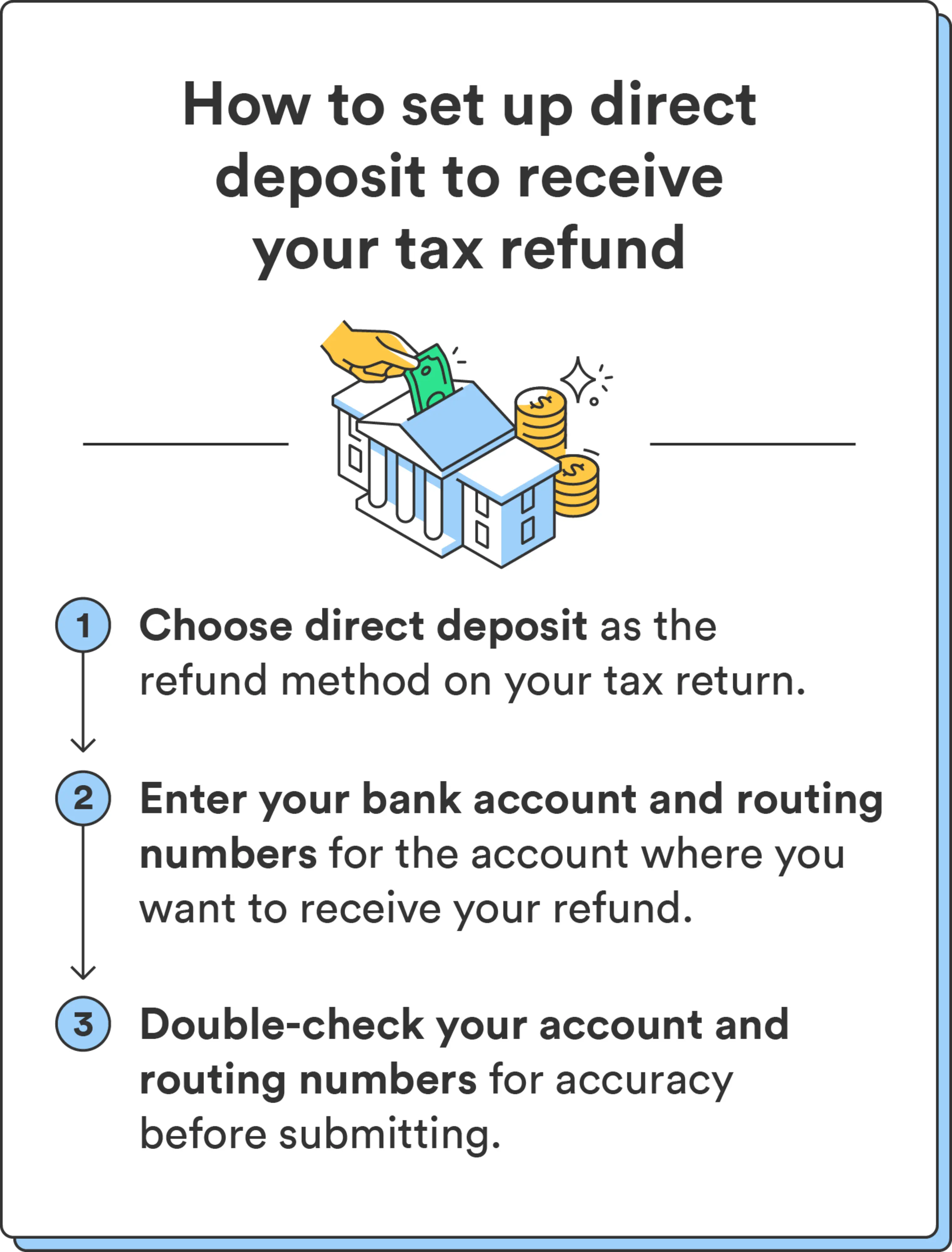
Whether you file your taxes electronically or send a paper tax return, you can elect for direct deposit. Here's how to do it:
When filing your taxes, select direct deposit as the refund method. You can do this whether using tax software or working with a tax preparer to file your taxes.
Enter your bank account and routing numbers for the account where you want to receive your refund. You can locate these through your bank's mobile app or website. You can also find your routing number on a check if you have paper checks on hand.
Double-check your account and routing numbers for accuracy before submitting.
The IRS processes most refunds in less than 21 calendar days. (see disclosure 3) You can use the Where's My Refund? tool to check on the status of your refund.
Can I change my direct deposit information with the IRS online after filing?
Once you submit your tax return, you can't change or update any information. If you think you've made an error, you'll likely need to file for an amended return. (see disclosure 4)
Suppose you already submitted your tax return but need to correct your direct deposit information or other details like your filing status, income, deductions, or credits. In that case, you can file an amended return using Form 1040-X.
Can I get my tax return by direct deposit if I don't have a bank account?
You have options if you don't have a bank account and still want to set up direct deposit with the IRS.
If you want to open a new bank account: To open a new checking account, select the financial institution you want to open an account with and gather the required documents required to open the account. At minimum, you'll need a government ID such as a driver's license. You can open a new checking account with Chime in minutes with no monthly fees.
If you don't want to open a new bank account: Alternatively, you can have your refund applied to a prepaid debit card. Many prepaid cards have account and routing numbers that you can use to set up direct deposit with the IRS. Just be sure to check with the financial institution that the card comes with a routing and account number (which may differ from the card number).
Set up direct deposit to get your money faster
Beyond its speed and security, direct deposit simplifies the tax refund process by putting money directly into your account. Take charge of your finances by following the steps above for a faster and safer way to access your funds.
Learn more about how to set up direct deposit with Chime.