
High-yield savings

Fee-free banking
All your
banking needs,
fee-free.
No minimum balance.
Access to 47K fee-free ATMs. (see disclosure 1)
Fee-free overdraft up to $200. (see disclosure 2)
Learn more about our privacy policy.
Optional Services and Products Fee Disclosures

Banking that actually works for you.
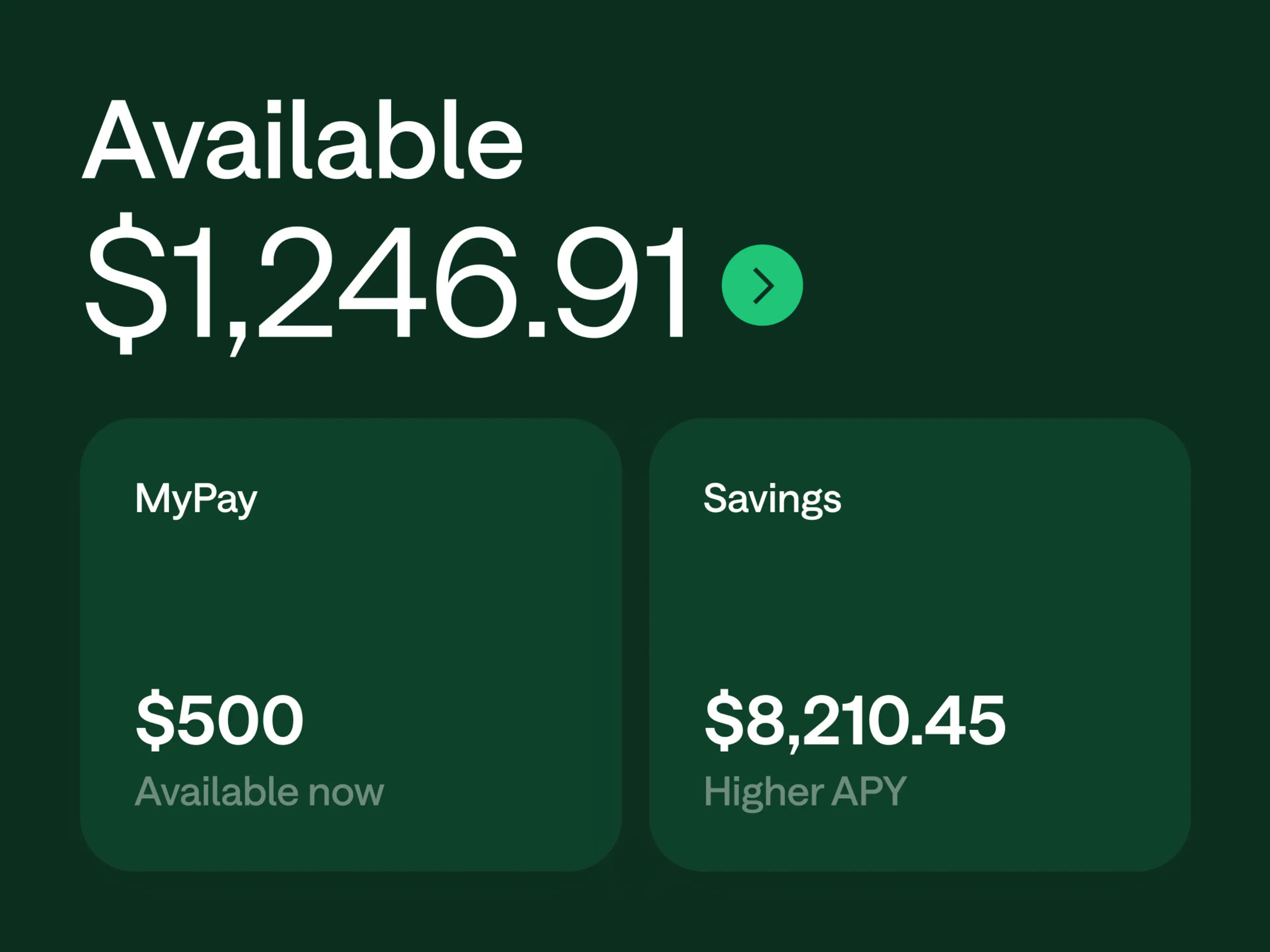
Fee-free Checking Account.
No minimum balance, no monthly fees, and get your entire paycheck up to 2 days early with direct deposit. (see disclosure 3)
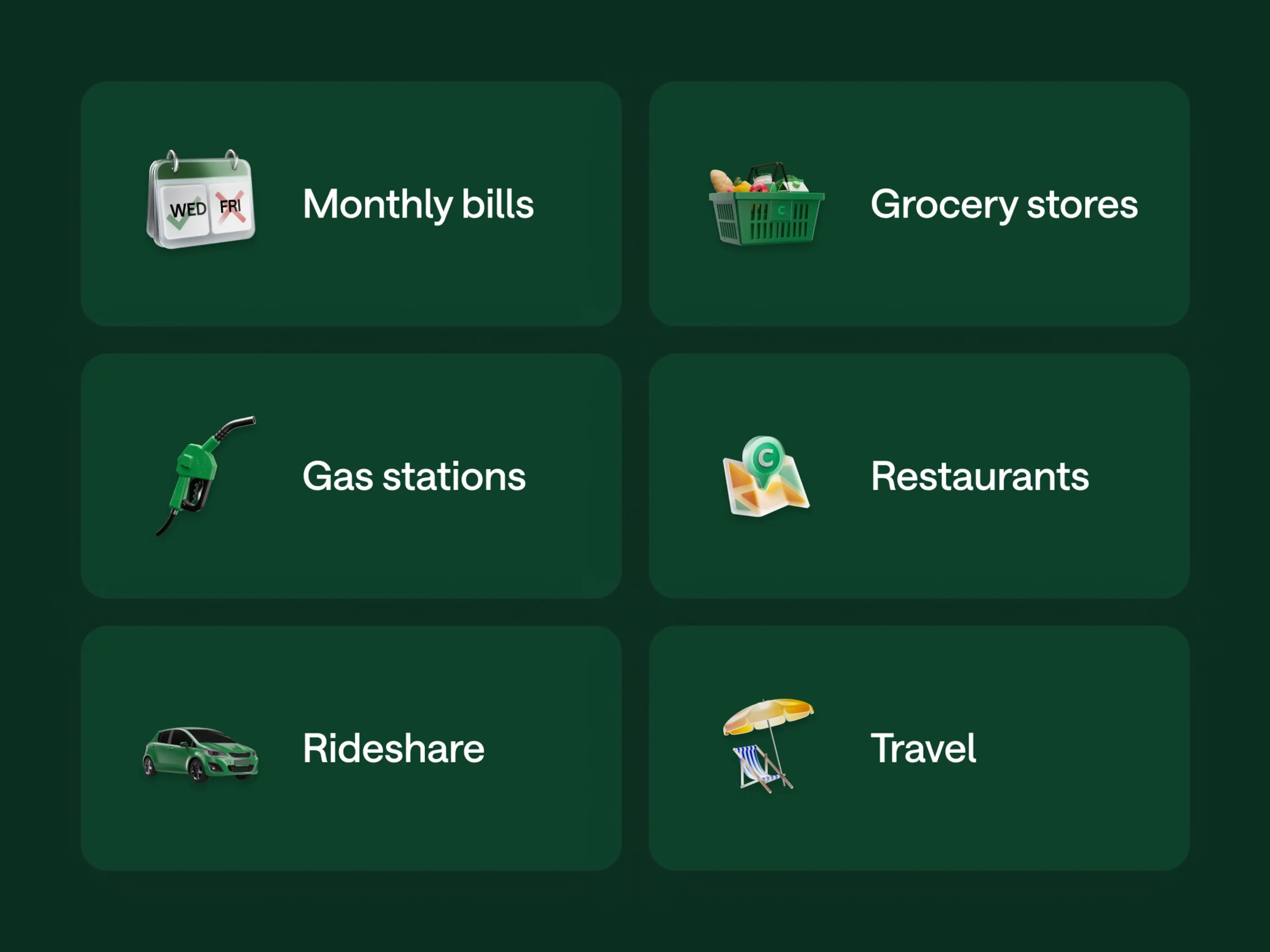
Up to 5% cash back.
Get rewarded on everyday spending. Earn up to 5% cash back with your Chime Card (see disclosure 4) on a category of your choice when your direct deposit unlocks Chime Plus or Chime Prime. (see disclosure 5)
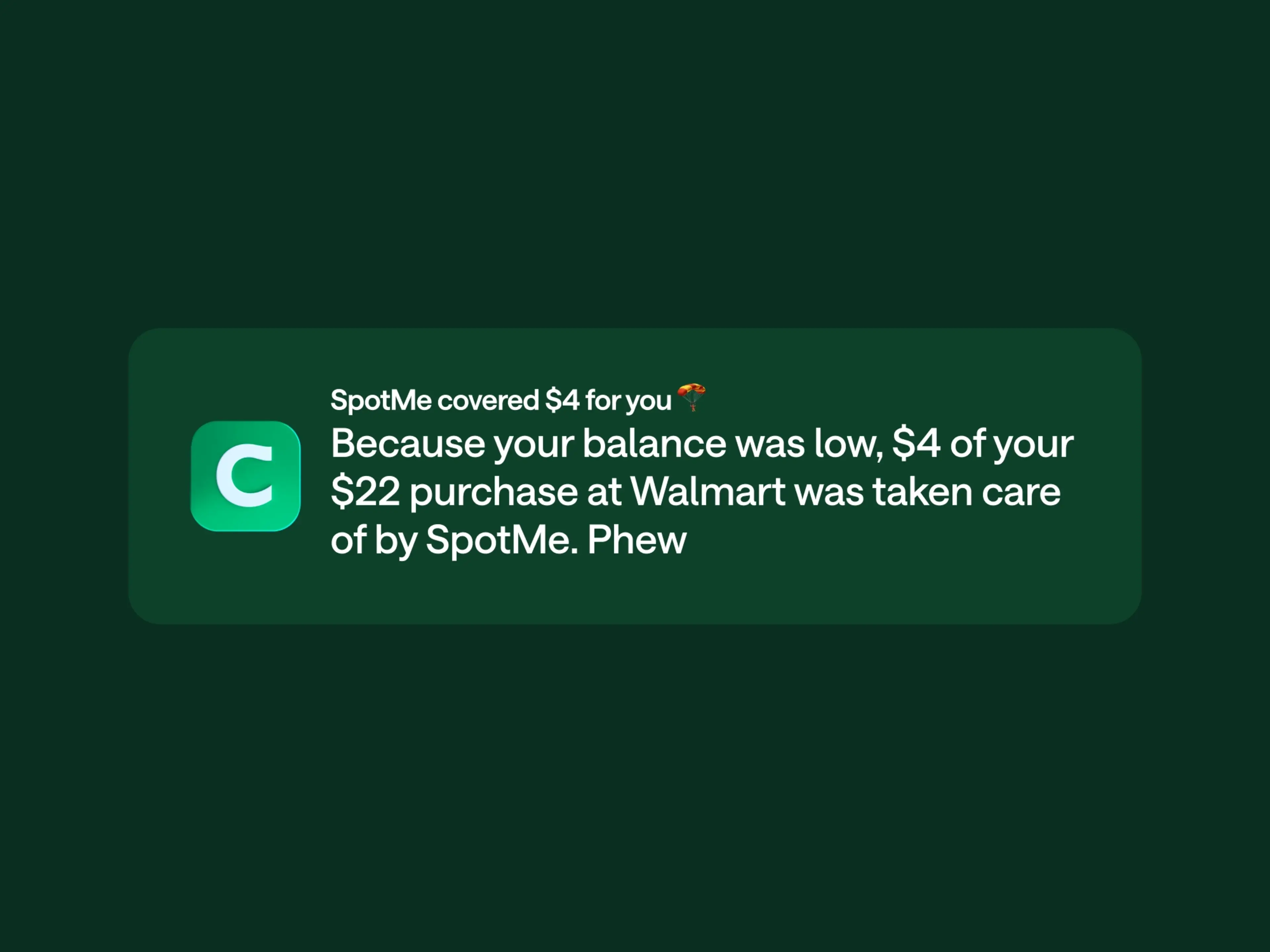
Fee-free overdraft protection up to $200. (see disclosure 2)
Tap your card with peace of mind. To date, SpotMe has helped its members save over $100 billion in overdraft fees. (see disclosure 6)
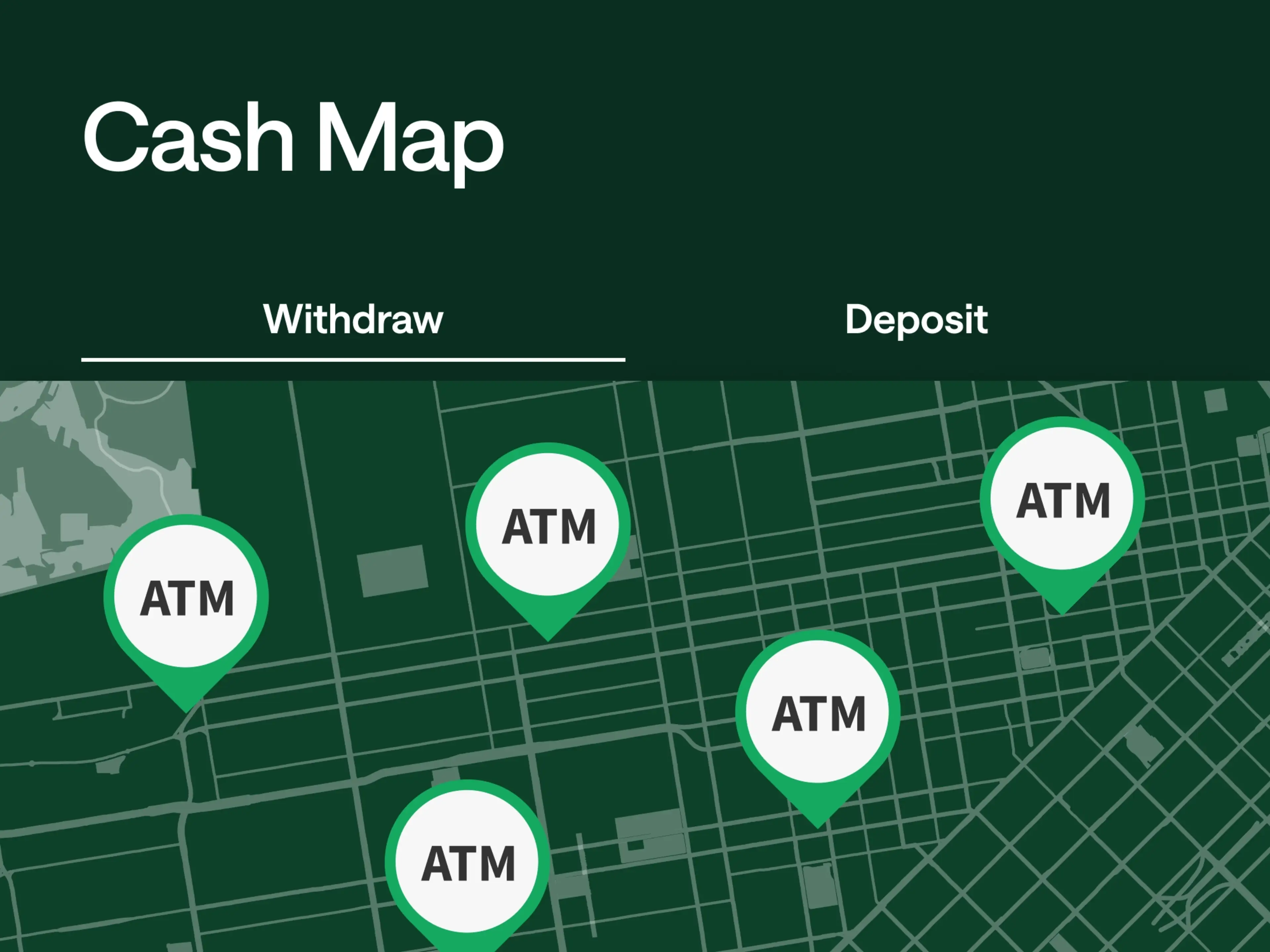
47,000+ ATMs nationwide.
Access 47,000+ fee-free ATMs in the country. (see disclosure 1) Chime has more ATMs than the top 3 national banks combined. (see disclosure 7) Find the closest one in your Chime app.
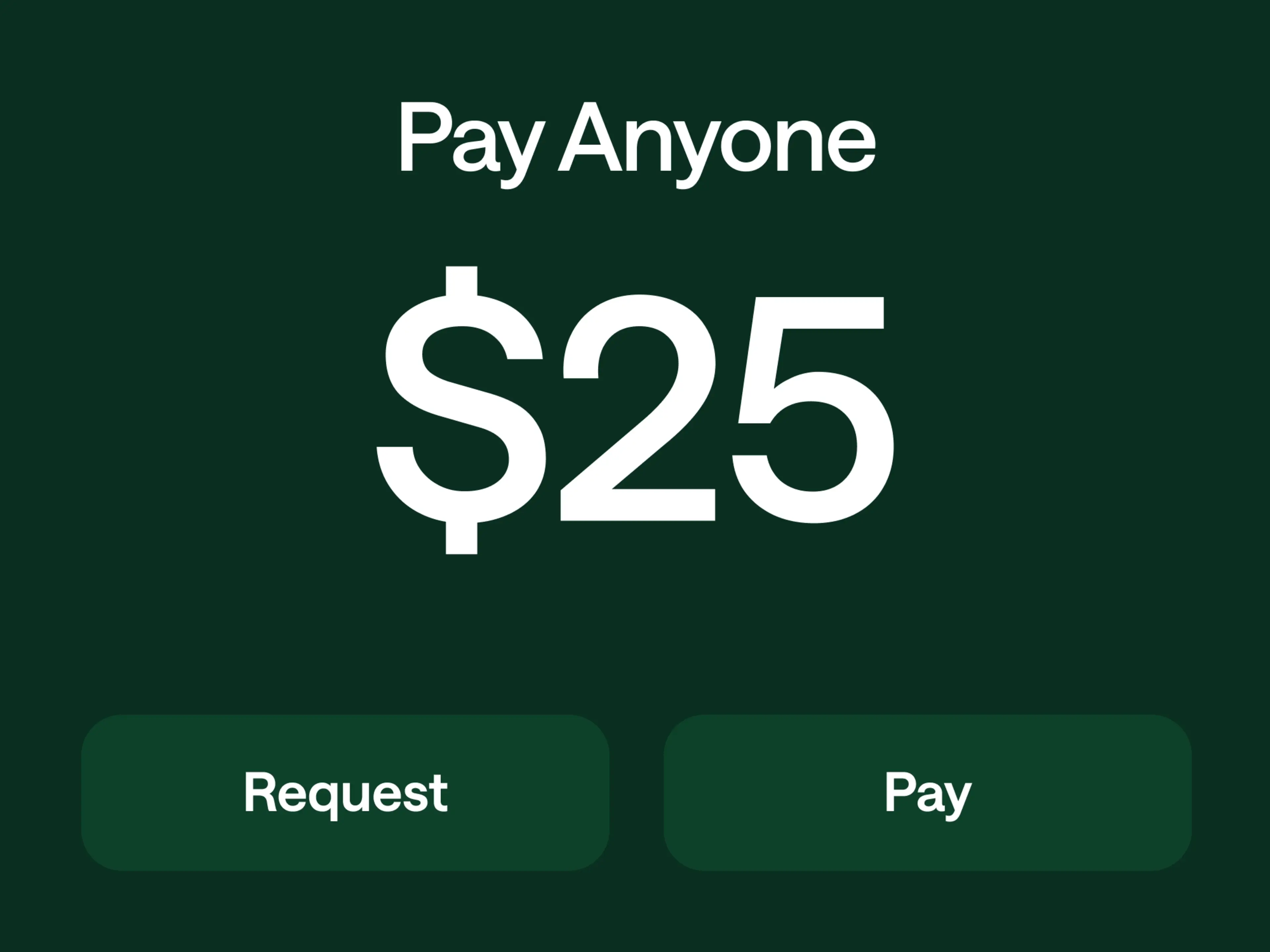
Pay Anyone, instantly. (see disclosure 8)
No matter where they bank, you can send money to anyone, fee-free. Cash out instantly for free, no additional app required.
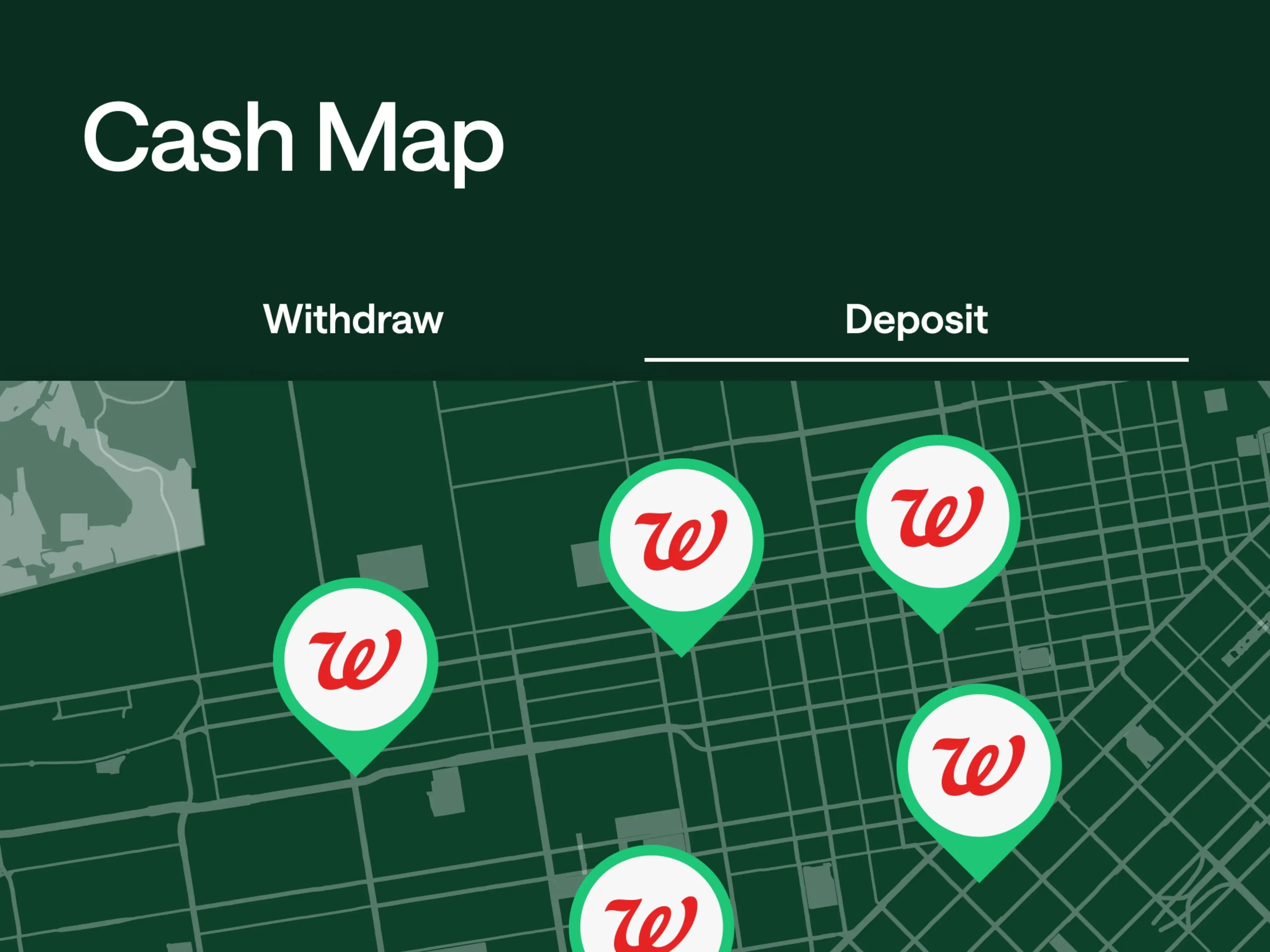
Deposit cash at national retailers near you.
Need to make a deposit? Stop by Walgreens, and retailers nationwide like Walmart, CVS, 7-Eleven, all fee-free. (see disclosure 9)
Fee-free Checking Account.
No minimum balance, no monthly fees, and get your entire paycheck up to 2 days early with direct deposit. (see disclosure 3)
Up to 5% cash back.
Get rewarded on everyday spending. Earn up to 5% cash back with your Chime Card (see disclosure 4) on a category of your choice when your direct deposit unlocks Chime Plus or Chime Prime. (see disclosure 5)
Fee-free overdraft protection up to $200. (see disclosure 2)
Tap your card with peace of mind. To date, SpotMe has helped its members save over $100 billion in overdraft fees. (see disclosure 6)
47,000+ ATMs nationwide.
Access 47,000+ fee-free ATMs in the country. (see disclosure 1) Chime has more ATMs than the top 3 national banks combined. (see disclosure 7) Find the closest one in your Chime app.
Pay Anyone, instantly. (see disclosure 8)
No matter where they bank, you can send money to anyone, fee-free. Cash out instantly for free, no additional app required.
Deposit cash at national retailers near you.
Need to make a deposit? Stop by Walgreens, and retailers nationwide like Walmart, CVS, 7-Eleven, all fee-free. (see disclosure 9)
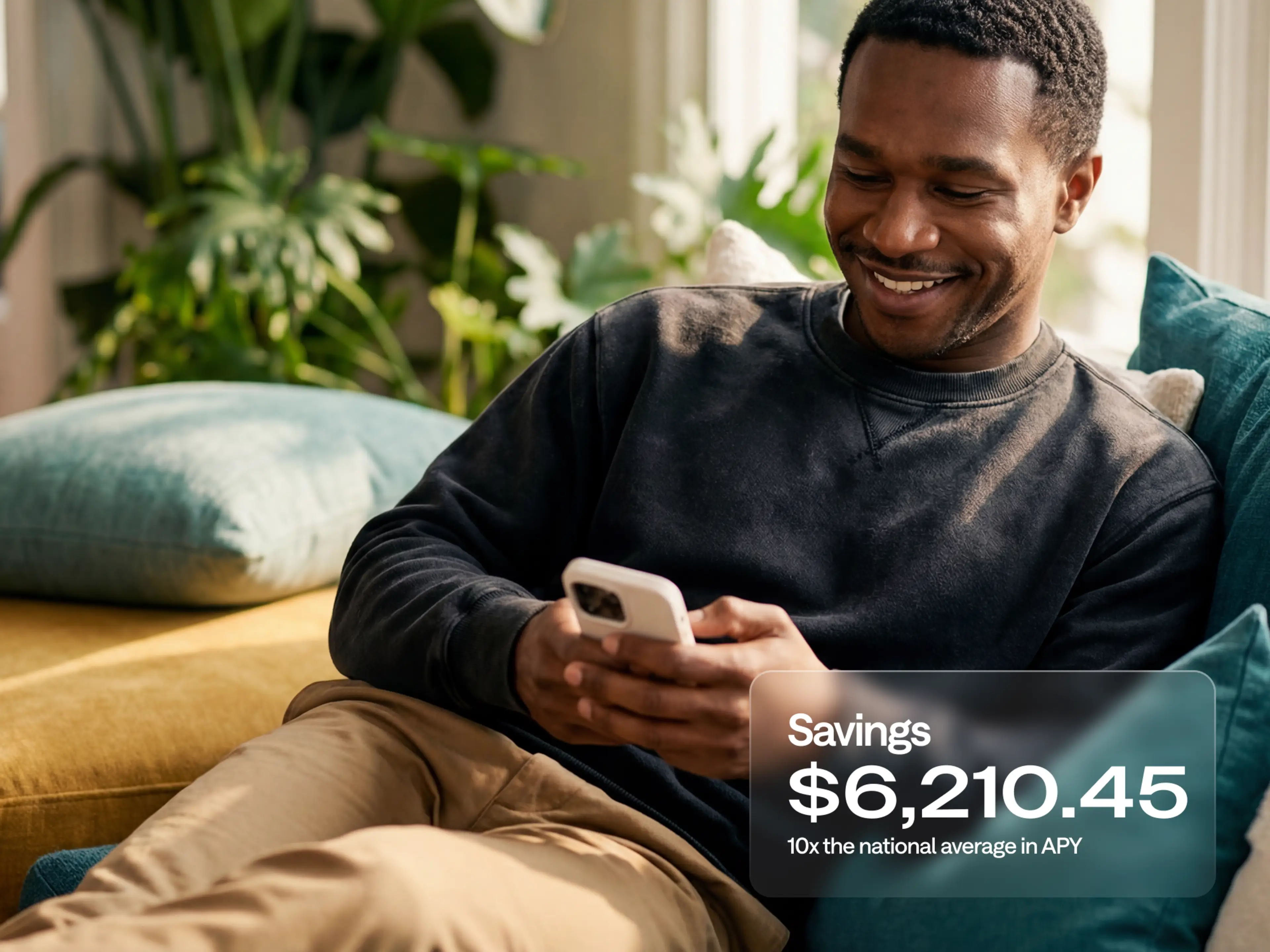
Get up to 4.00% APY. (see disclosure 10)
With Chime Prime you earn 10x the national average on your savings. (see disclosure 11) Your money can grow faster with Round Ups and automated transfers without fees or limits on interest.
Chime vs. Traditional Banks.
See how Chime’s banking features compare to traditional banks. (see disclosure 10)
Chime vs
Bank of America
| Bank of America | Wells Fargo | |
|---|---|---|---|
Cash back (see disclosure 4) In the category of your choice. | 5% With Chime Card and Chime Prime (see disclosure 5) | 6% first year, 3% after Customized Cash Rewards Secured Credit Card |
No Secured Card with cash back |
Savings APY (see disclosure 12) | 4.00% Chime Prime (see disclosure 10) | 0.04% Advantage Savings Account | 0.05% Platinum Savings Account |
Fee Free Banking (see disclosure 13) Checking with no monthly fee without additional requirements. |
|
|
|
Fee-free ATMs (see disclosure 14) | 47K More than the top 3 national banks combined (see disclosure 15) | 15K | 11K |
#1 Most Loved Banking App (see disclosure 16) |
|
|
|
Zero Liability Policy (see disclosure 17) On unauthorized card transactions |
|
|
|
FDIC Insured Deposits Up to applicable limits on deposits (see disclosure 18) |
Through Partner Banks (see disclosure 18) |
|
|


Chime gives members an award-winning experience.
See for yourself why Chime has been recognized across leading financial publications.

USA Today awards Chime 5 Stars for Customer Service
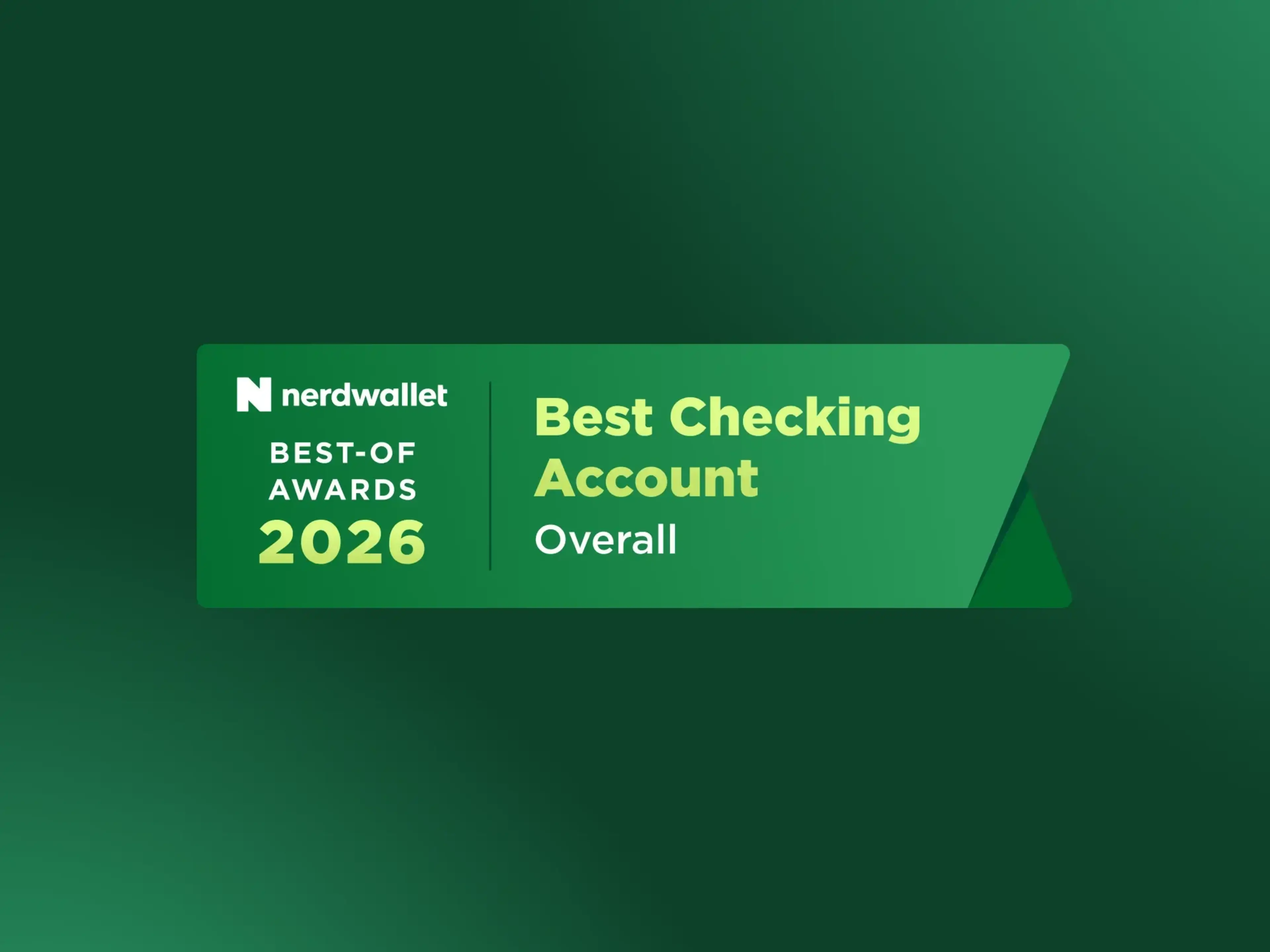
Chime named Best Checking Account Overall 2026 by Nerdwallet
The proof is in the numbers.
98%
Of Chime members trust banking through Chime. (see disclosure 19)
100K
Card deposit locations. (see disclosure 9)
1M+
Five-star reviews in the Google Play & Apple App Stores
10X
The national savings APY. (see disclosure 11)
Learn how to bank fee-free. (see disclosure 13)
Open a Chime checking account in minutes.
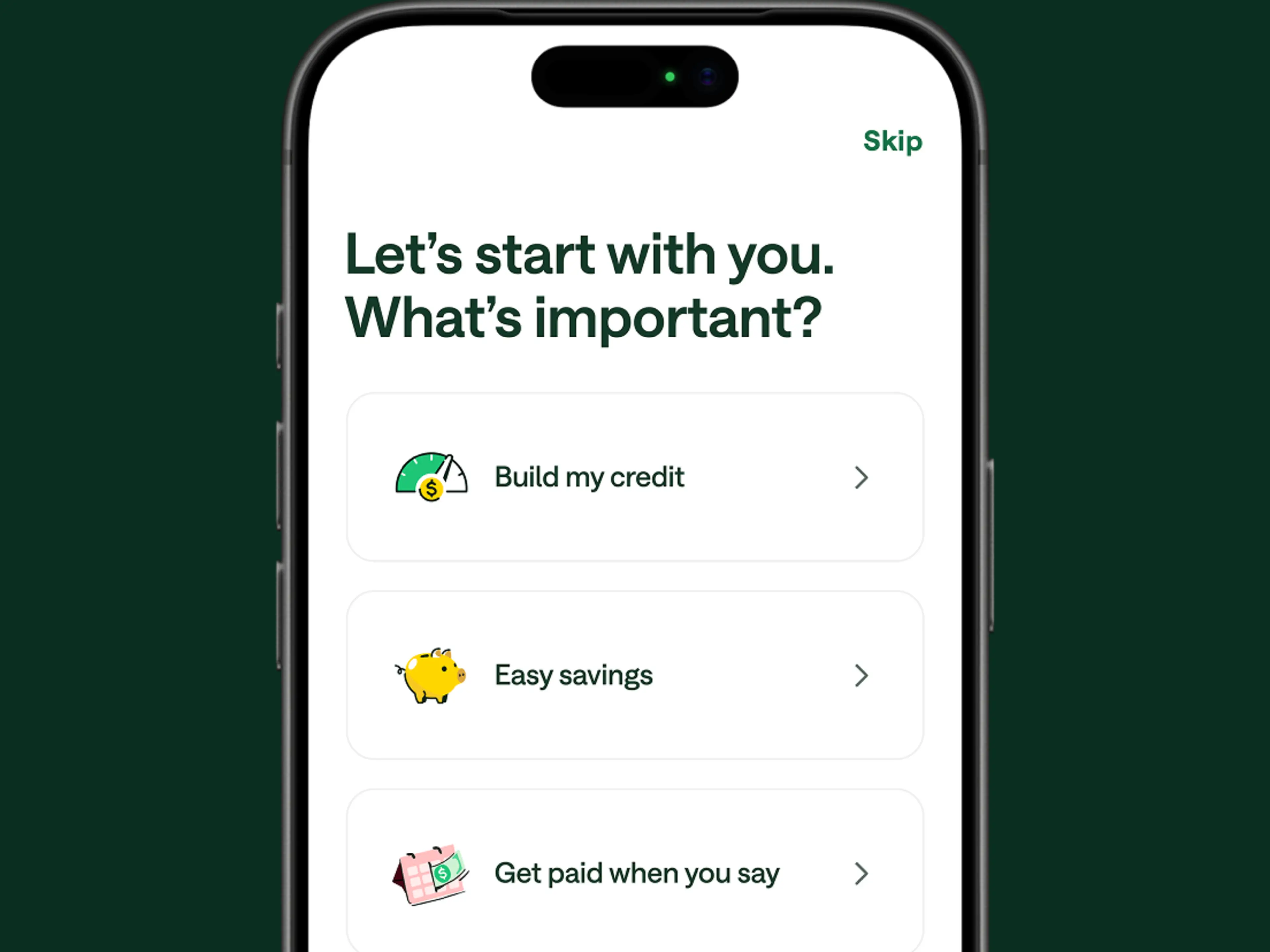
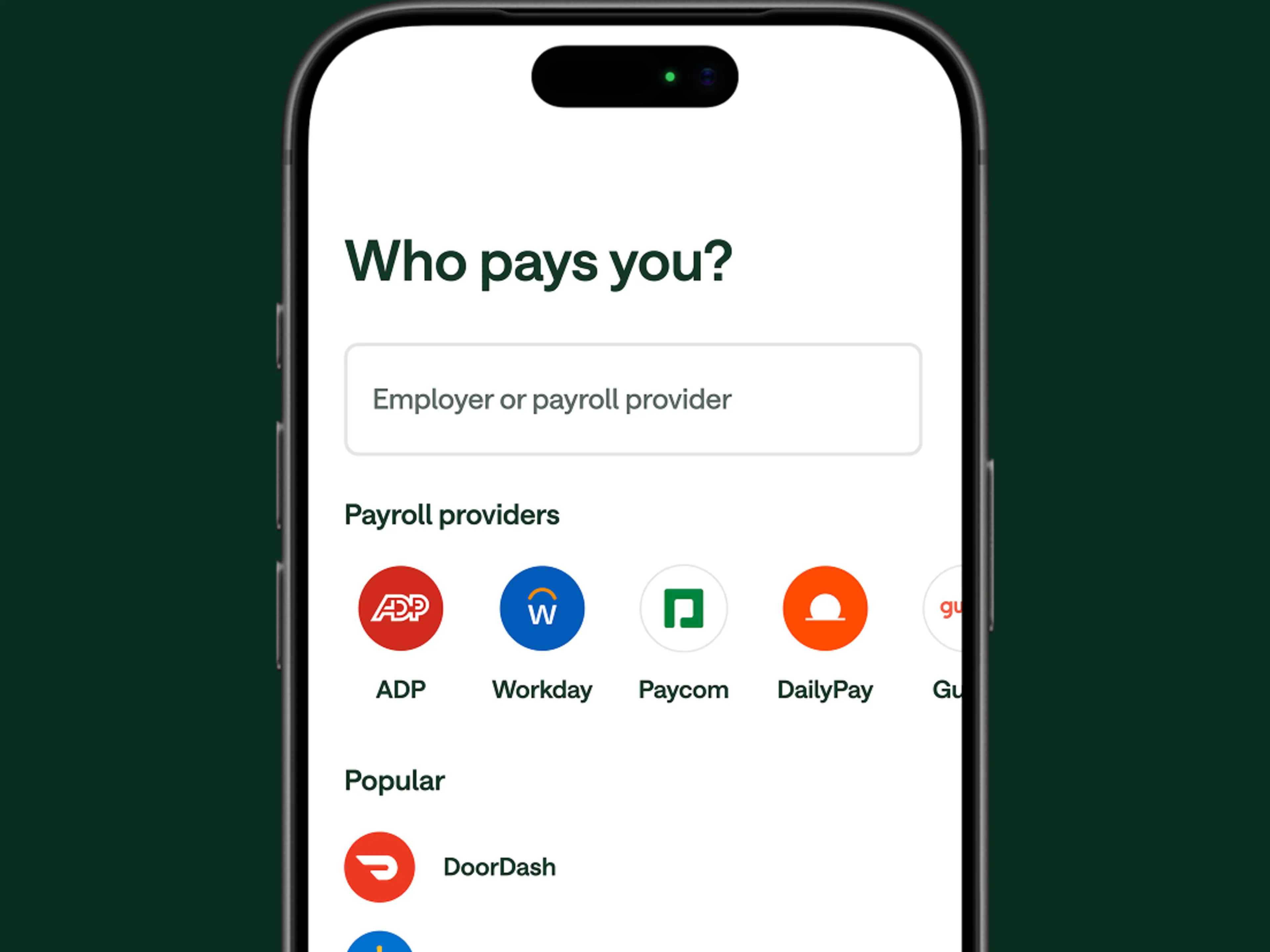
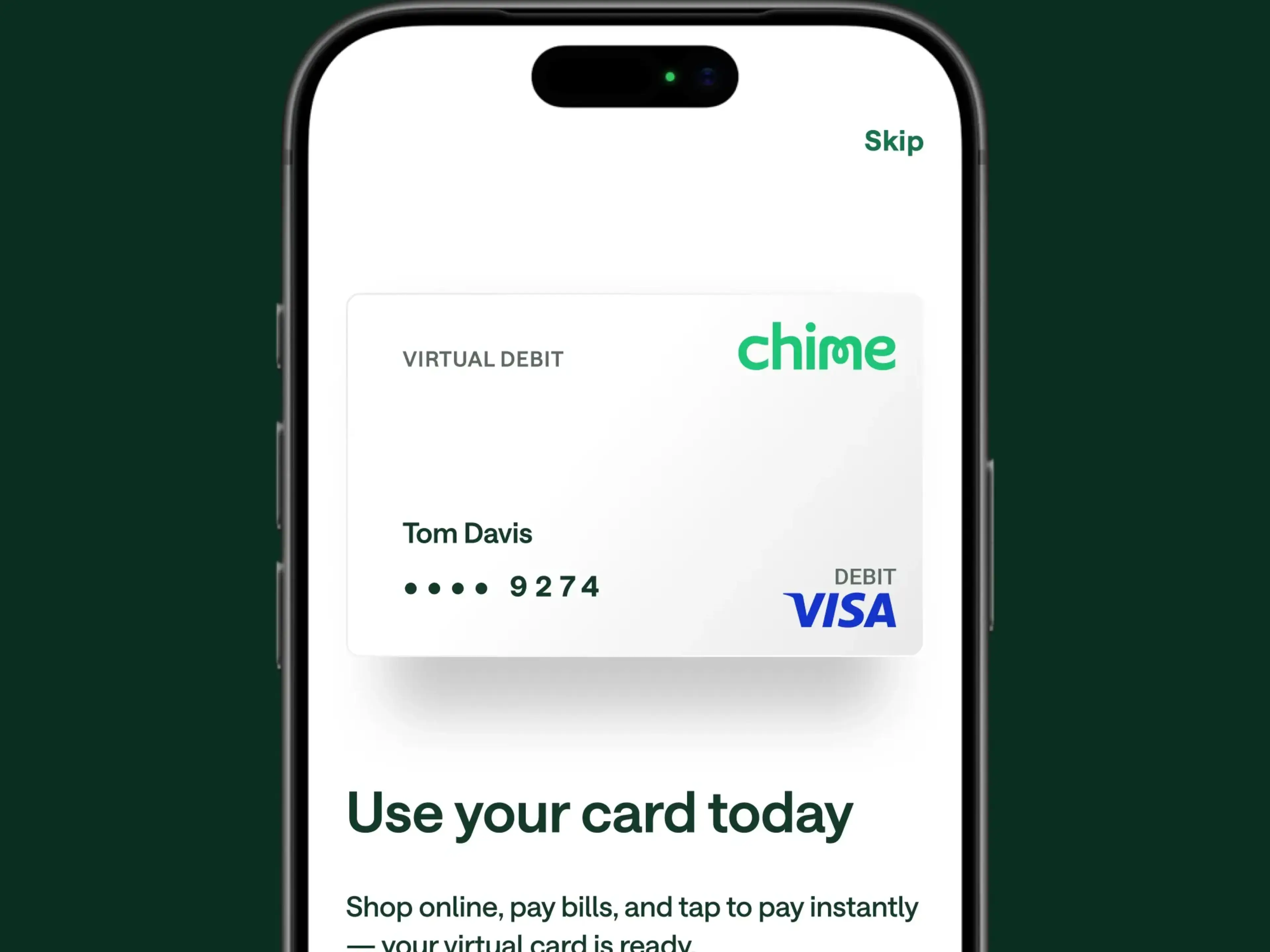
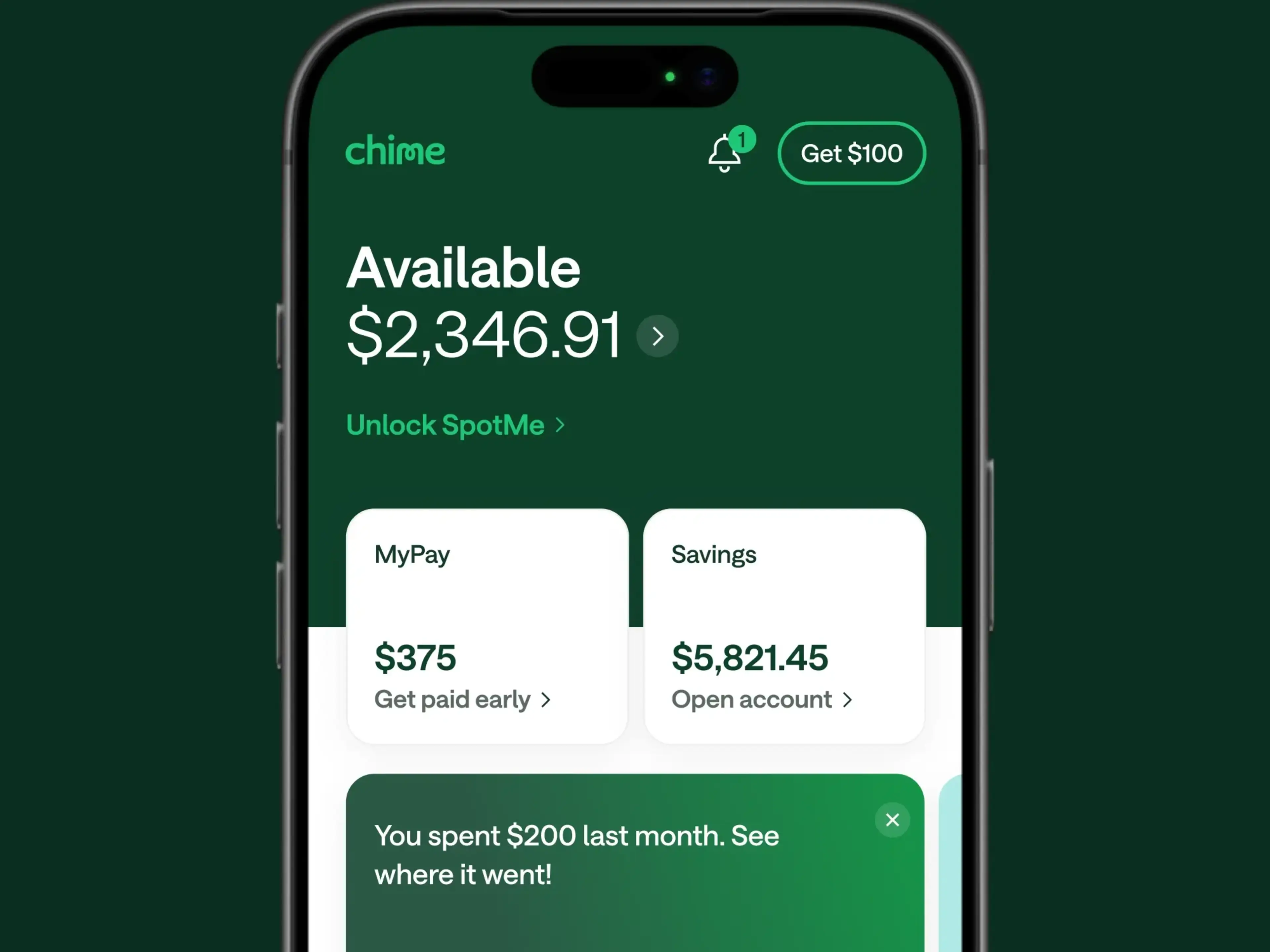
Apply online in minutes
Share your basic info and submit your application—no opening deposit required.
Hear from our members
“The customer service is pretty good, they usually get in touch in a timely manner. I lost my debit card, and they sent a new card within a few days.”
Miss D.

“I love this banking app! No fees for overdraft, I get paid 2 days earlier. If I could give it more than 5 stars, I would.”
Devyn B.

“I absolutely love all Chime offers me as a Chime+ member! I receive my check two days early, who wouldn’t appreciate that? My Pay? I can access my pay early, which is super helpful for emergency situations. No overdraft fees thanks to Spot Me and it’s all so easy and hassle free.”
Frank M.

“Awesome Spot Me that lets you overdraft without the worry of any hidden fees. My credit score went from a 610 to 755 in a year.”
Brett H.
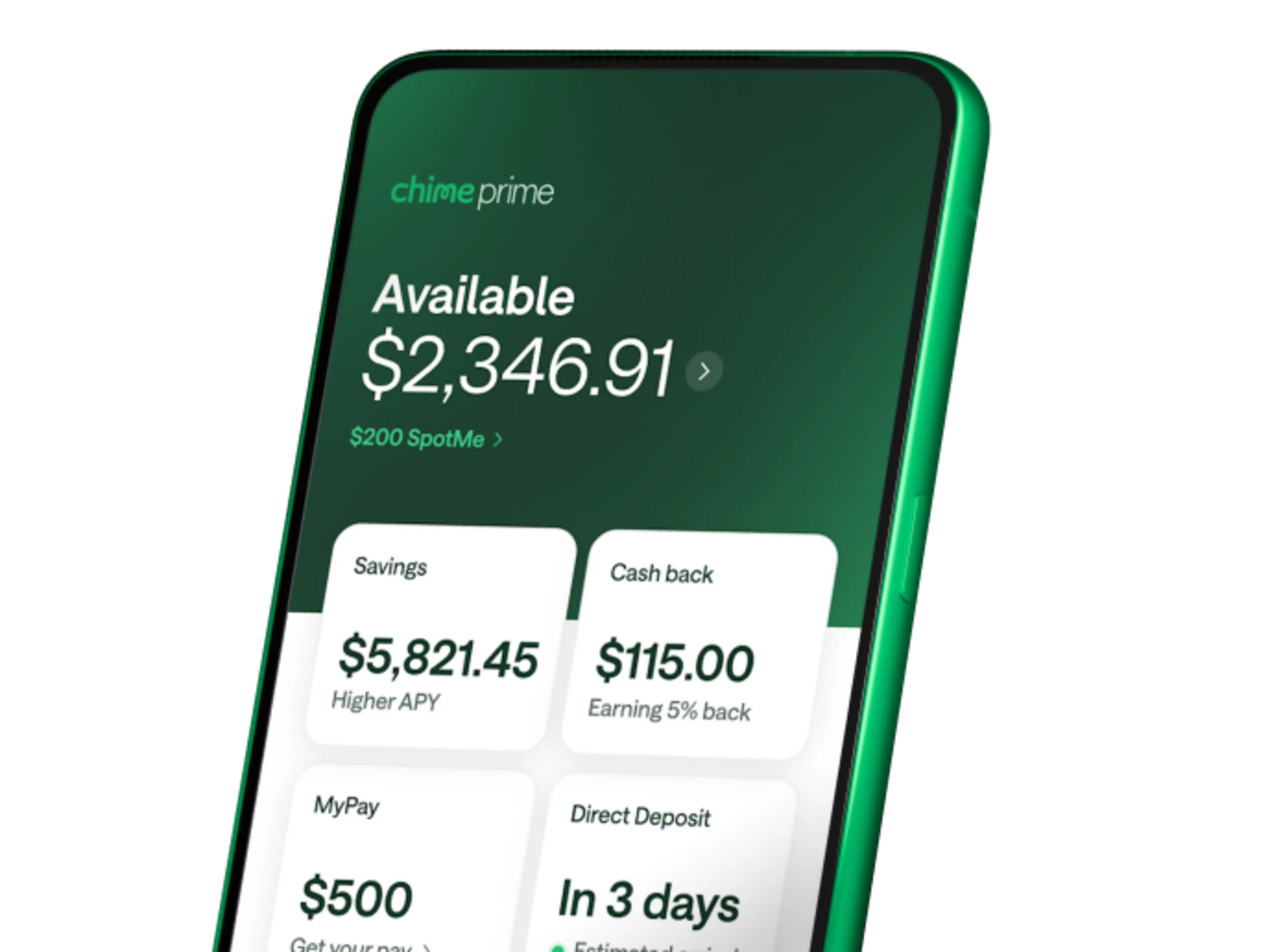
Chime Prime — The Most Rewarding Way to Bank.™ (see disclosure 20)
Unlock even more Chime benefits for free with qualifying direct deposits. (see disclosure 5)
FAQs
Does Chime charge monthly fees?
Chime has no monthly fees, no minimum balance requirements, and no overdraft fees. That's the Chime® approach. Chime can help you keep more of your money by avoiding many of the fees that traditional banks often charge. Here's a quick look at what you won't pay:
Fee | Amount |
|---|---|
Monthly service fee | $0 |
Minimum balance fee | $0 |
Overdraft fee | $0 |
Card replacement fee | $0 |
In-network ATM fee | $0 |
Account opening fee | $0 |
However, certain minimal fees may apply, like over-the-counter (OTC) cash withdrawals, out-of-network ATM withdrawals, and instant transfer of funds fees. You can find Chime’s fee schedule in the Bancorp Deposit Account Agreement and Stride Account Agreement. We want to keep everything out in the open so you know exactly what fees we may charge to your online checking account. Some fees that may apply include
Over-the-counter (OTC) cash withdrawals: $2.50 per withdrawal
Out of network ATM withdrawals: $2.50 per withdrawal
Instant transfer of funds fees: 1.75% of the total amount of funds to be transferred for each ITFO Service transaction
How do I open a Chime checking account?
Opening an account takes about two minutes and happens entirely online or in the Chime mobile app. There's no credit check, no minimum deposit, and no branch visit required. You’ll need to provide some personal information. After Chime reviews and confirms your information, you’re in!
Age: 18 years or older
Residency: U.S. resident with a valid SSN
ID : Government-issued photo ID
Device: Smartphone or computer
Initial deposit: None required
Once approved, your Chime Visa® Debit Card typically arrives within 7 to 10 business days.
You can connect your existing bank account to transfer funds or set up direct deposit. Read our blog for more information on how to open your online bank account through Chime, manage your money with our mobile app, and take advantage of our user-friendly features.
Is Chime a real bank?
Chime® is a financial technology company that offers banking services, not a bank. Banking services are provided by our partner banks: The Bancorp Bank, N.A. and Stride Bank, N.A., Members FDIC. Your deposits are held at these regulated, FDIC-insured institutions. This setup means you get modern mobile banking features backed by the safety and security of established banks.
Is my money safe with Chime?
Yes. Your deposits are held at FDIC-insured partner banks and protected up to $250,000 per depositor. (see disclosure 18) Chime also uses encryption, biometric login options, and real-time transaction alerts to help keep your account secure. If your card is ever lost or stolen, you can disable it in the app.
How does Chime's savings account work?
The Chime High-Yield Savings Account can help you grow your money faster with up to 4.00% APY when you have a Chime Prime membership. (see disclosure 10) There are no monthly fees, no minimum balance, and no cap on the interest you can earn.
Two built-in tools make saving easier: (see disclosure 21)
Round Ups: Every time you use your Chime debit card, your purchase rounds up to the nearest dollar and the spare change moves automatically to savings.
Automatic Savings: Set a percentage of each paycheck to transfer directly into savings when your direct deposit arrives.
Your savings are held at FDIC-insured partner banks, so your money stays protected while it grows.
How does Chime make money?
Chime earns revenue primarily from interchange fees – the small fee Visa® charges merchants when you use your Chime Visa® Debit Card. This means our business model is built around you actually using your account, not charging you fees. It's why we don't rely on overdraft fees, monthly fees, or minimum balance requirements.
What is SpotMe and does it charge fees?
SpotMe® lets you overdraw your account on debit card purchases and cash withdrawals without paying overdraft fees. (see disclosure 2) Limits start at $20 and can increase up to $200 based on your account history and activity.
To qualify, you'll need to receive at least $200 in qualifying direct deposits to your Chime Checking Account each month. There's no interest, no credit check, and no late fees. SpotMe can help you cover small shortfalls until your next paycheck arrives.
What is MyPay?
MyPay® gives you early access to money you've already earned before payday arrives. You can access up to $750 per pay period, (see disclosure 22) depending on your approved limit.
There's no mandatory fee to use MyPay. If you choose the standard option, your advance arrives within 24 hours at no cost. Need it faster? Instant transfers are available for $2 to $5. The advance is automatically repaid when your next direct deposit hits your account.
Can I get my paycheck early with Chime?
Yes. When your employer sends your direct deposit, Chime can make those funds available up to two days early. (see disclosure 3) There's no extra fee or special sign-up required. Direct deposit simply needs to be set up with your employer using your Chime account and routing numbers.
Early access timing depends on when your employer submits the deposit, so the exact timing can vary.
Can I send money to people who don't have Chime?
Yes. Chime's Pay Anyone (see disclosure 8) feature lets you send money fee-free to anyone regardless of their bank, even if they don't have a Chime account. Recipients get a link to claim the funds, which they can deposit into any U.S. bank account.
For transfers between Chime members, money moves instantly. Sending to non-members typically takes 1 to 3 business days once claimed. There's no fee to send money through Pay Anyone.
To use Pay Anyone in the Chime app to send money:
Log in to your Chime mobile app.
Select 'Pay' at the bottom of the home screen" or "Tap Pay" at the bottom of the home screen.
Search for your friend’s name or $ChimeSign, or enter the email or phone number of someone who isn’t on Chime.
Enter the amount to send to the recipient and the reason that you’re sending the money.
Confirm the amount and the recipient.
Choose Pay now to send the money.
Do I need other payment apps if I use Chime?
No! You can send money to anyone, whether they’re on Chime or not, all within the Chime app without paying a fee. With Chime, you don’t have to keep juggling different P2P apps.
Can I use my Chime card internationally?
Yes, your Chime Visa® Debit Card works anywhere Visa is accepted worldwide, and Chime doesn't charge foreign transaction fees. Just keep in mind that international ATM operators may charge their own fees for withdrawals.
Can Chime help me build credit?
Chime offers Chime Card™︎, a secured Visa® credit card with no credit check to apply, no annual fee, and no interest. It reports your payment activity to all three major credit bureaus: Equifax®, Experian,® and TransUnion.® When used responsibly, Chime Card can help you build credit over time. (see disclosure 23)
Where can I find fee-free ATMs near me?
Chime members have access to over 47,000 fee-free ATMs nationwide through the Allpoint®, Visa® Plus Alliance, and FCTI® networks. You'll find them at retailers like Target, CVS, Walgreens, and inside 7-Eleven and Speedway locations.
Just open your Chime mobile app, tap 'Move', and select 'Find an ATM' to find a fee-free ATM near you, or use our online ATM locator. If you use an out-of-network ATM, the operator may charge a fee.
How do I add money to my Chime Account?
There are several ways to add funds to your Chime Checking Account:
Mobile check deposit: Snap a photo of your check in the Chime app–just don’t forget to endorse the back
Cash deposit: Deposit cash fee-free at 7,900+ Walgreens locations, or add cash at participating retailers like Walmart, CVS, and 7-Eleven for a small fee
Bank transfer: Link an external bank account or credit union and transfer funds via an ACH transfer
Debit transfer: Initiate an instant debit transfer by linking your debit card from another bank.
Pay Anyone: Receive money from other Chime members or anyone with a U.S. bank account
Payment apps: Add your Chime debit card to your payment app to transfer money into your Chime account
Cash deposits at retail locations may have fees set by the retailer, typically ranging from $2.50 to $4.95.
How do I set up direct deposit at Chime?
There’s a couple ways to set up direct deposit and get the most out of Chime.
The best way to get started is to use the Chime app. Tap ‘Move’, select ‘Set up direct deposit’ and follow the steps. There are three ways you can set up direct deposit:
Use your Chime routing and account numbers
Find your employer in the app
Send your employer a precompleted form that you can get from the Chime app
What can I do with the Chime mobile app?
The Chime mobile app puts your full banking experience in your pocket. Use the Chime app to check your account balances, review transactions, deposit checks, (see disclosure 24) send money to friends, (see disclosure 8) transfer funds, and find nearby ATMs for easy cash withdrawals.
Key features include:
Instant transaction notifications so you always know when money moves
The ability to lock or unlock your card instantly if it's lost or misplaced
Built-in budgeting tools that track your spending by category
ATM locator to find fee-free cash access nearby
Touch ID and Face ID for secure, quick access
Find out why more than 1,000,000 users gave the Chime app a five-star review on the Google Play® and Apple App Store® when you open a Chime account.